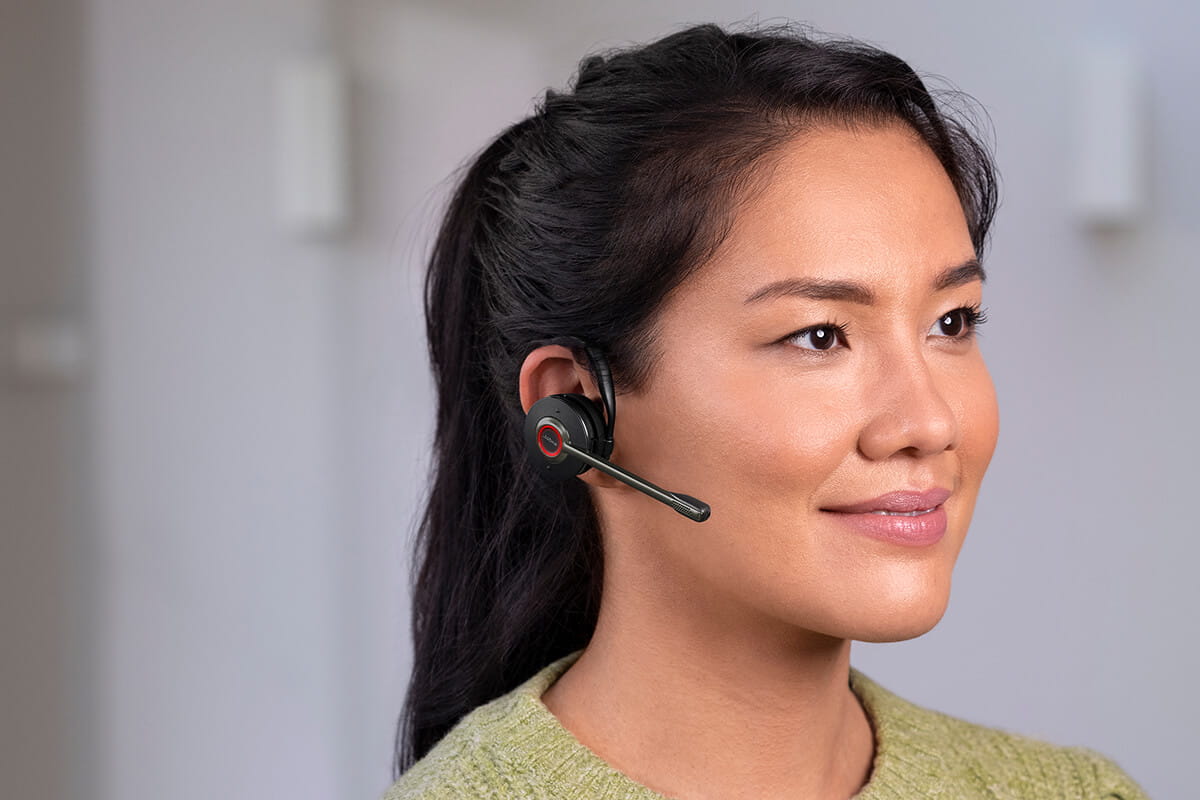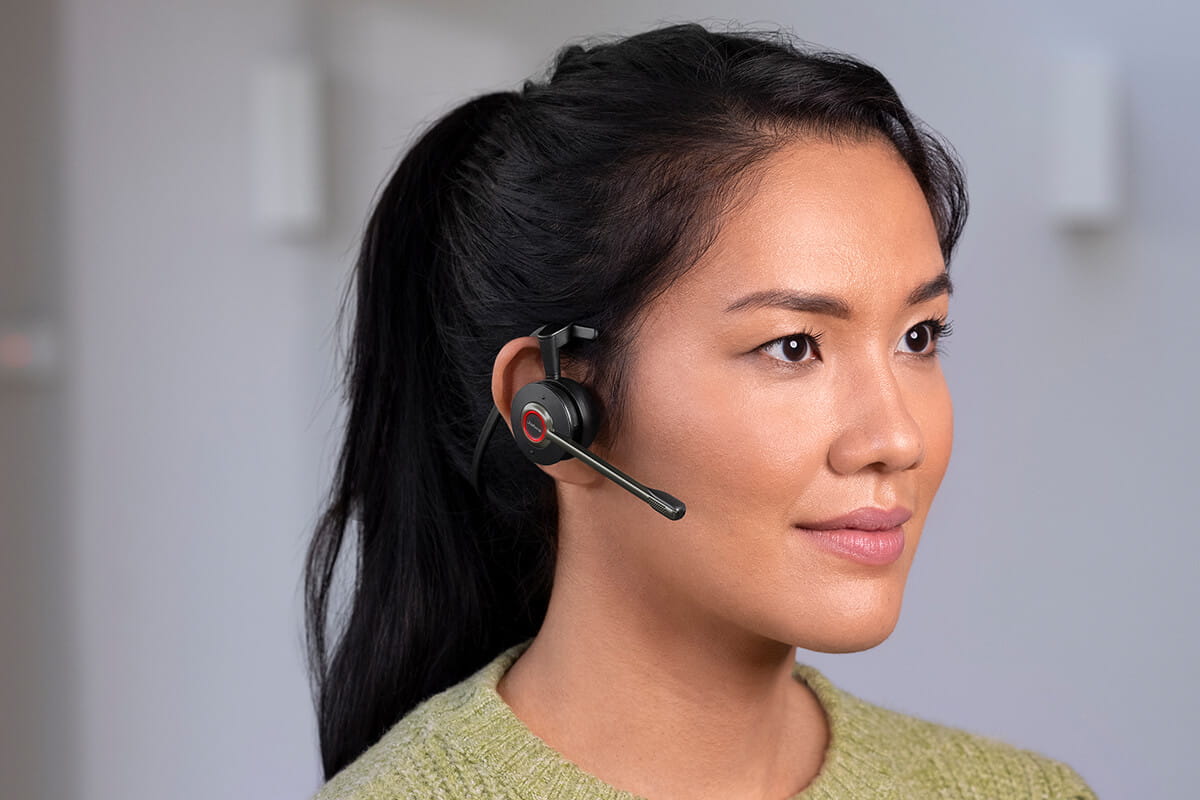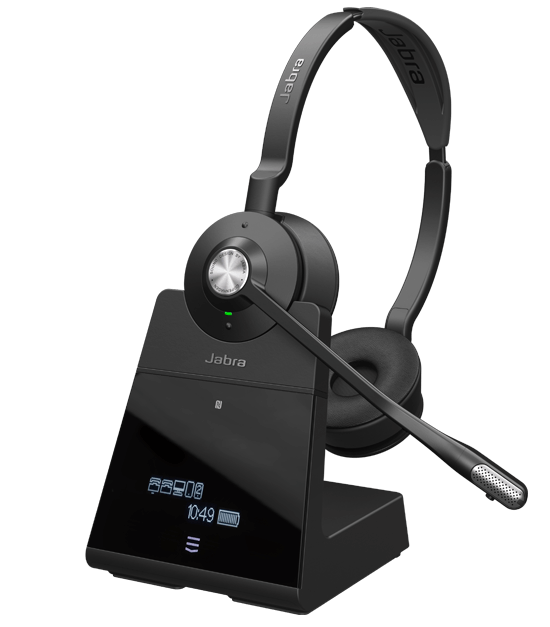
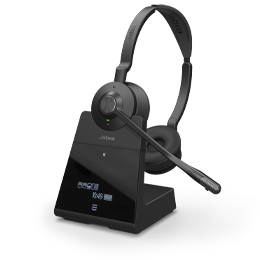
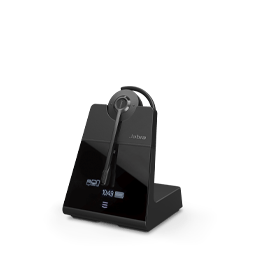
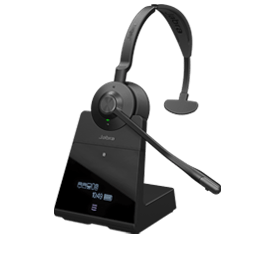
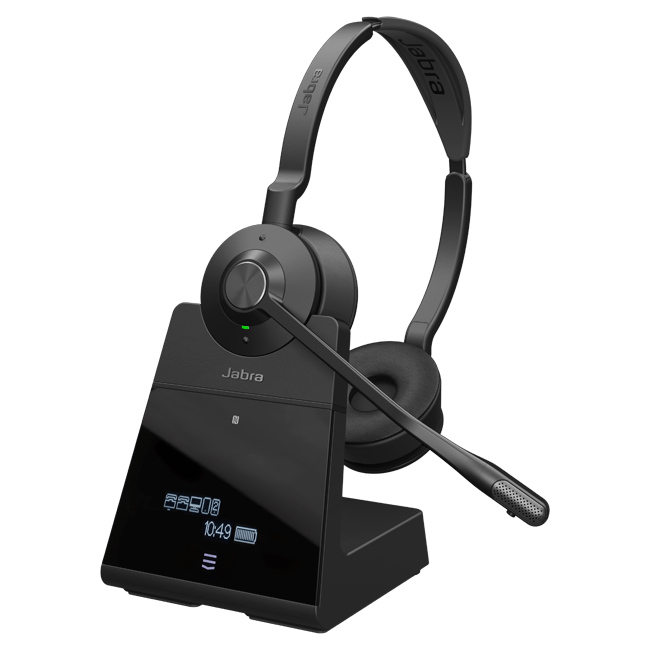

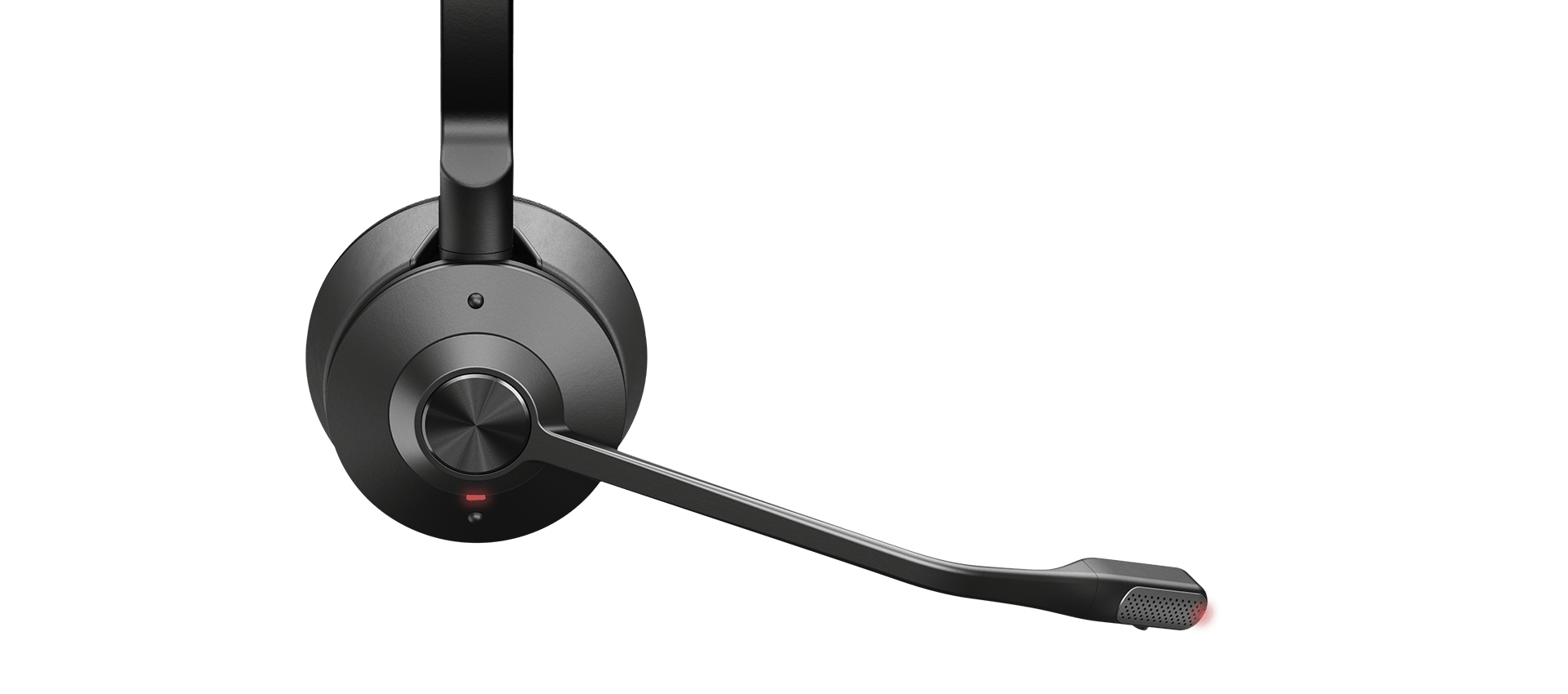
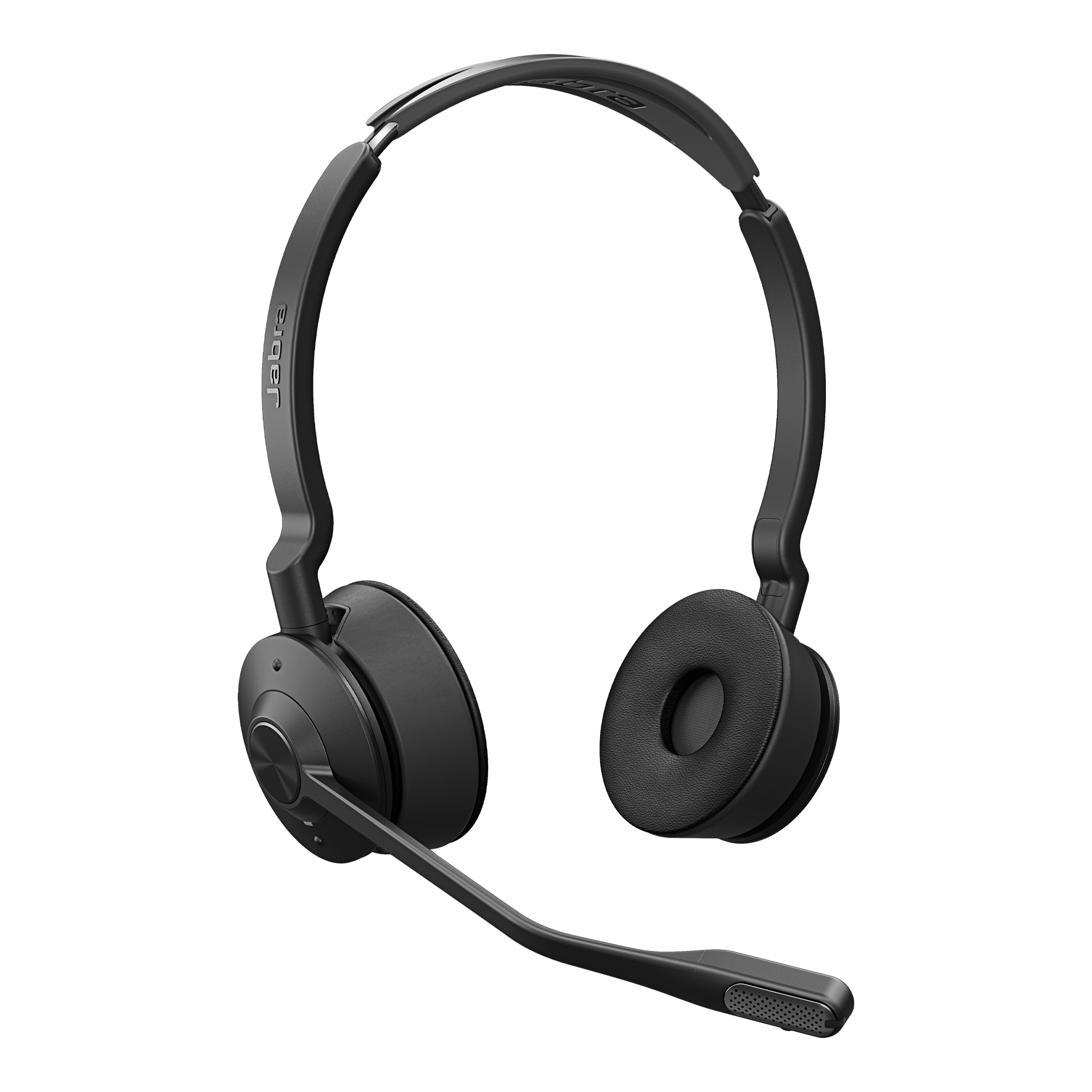
Jabra Engage 75 SE

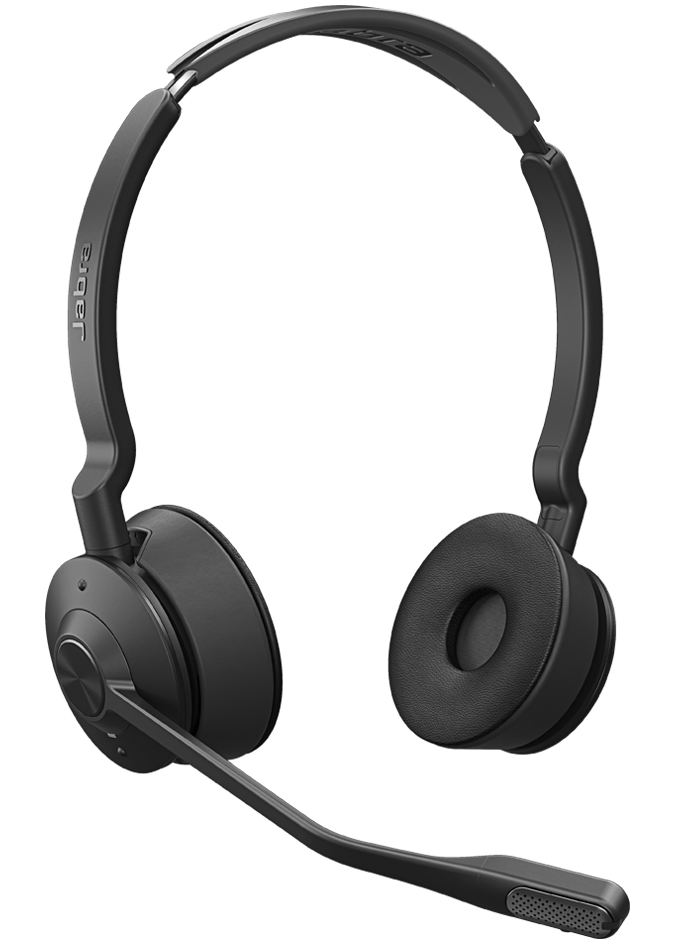
Engineered to be the world’s most powerful professional wireless headsets.
Buy now 
Better customer connections.

Industry-leading wireless performance.

Provides superior wireless connectivity to a range of 150 metres, enabling 3x more users in the same office space – with no loss in connection quality. Work away from the desk and still maintain a connection that won’t let you, or your customers, down.

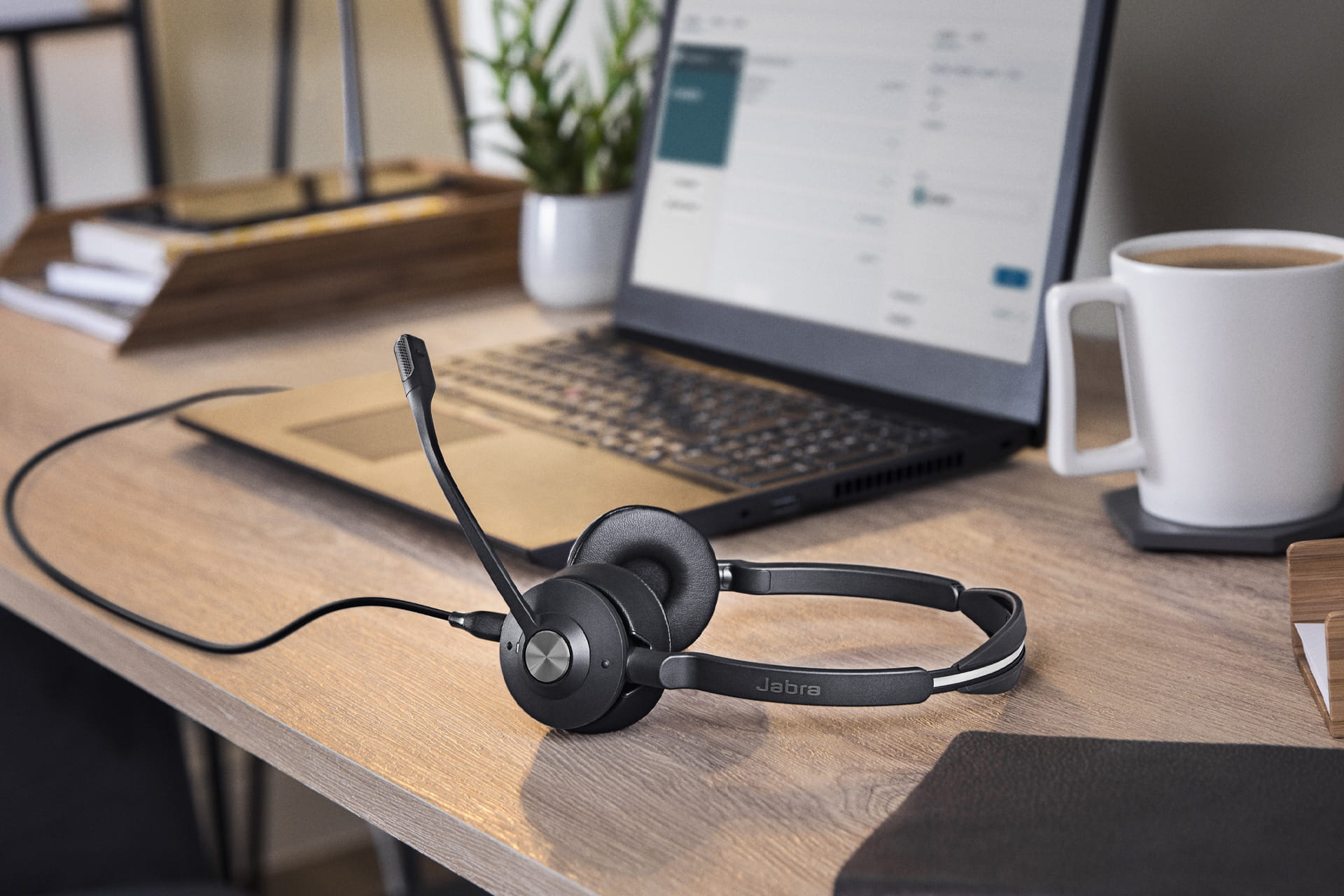
Use as a corded headset

Enjoy the best of both worlds, with the option to work wirelessly or corded. Use a regular USB-C cable or choose a recommended Jabra USB cable accessory to work corded.*
* When used as a corded device, the headset does not support headset call controls or busylight functionality.
Enhance customer experience.

Crystal-clear calls.

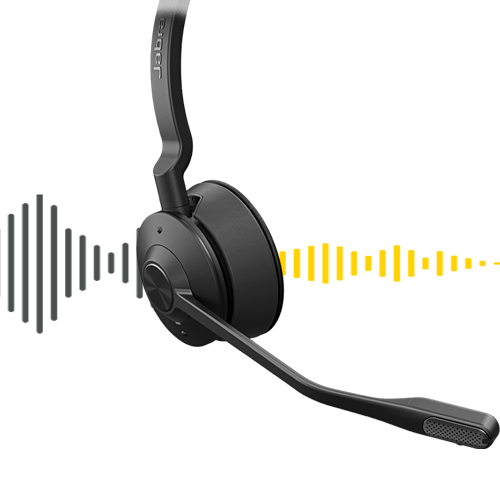
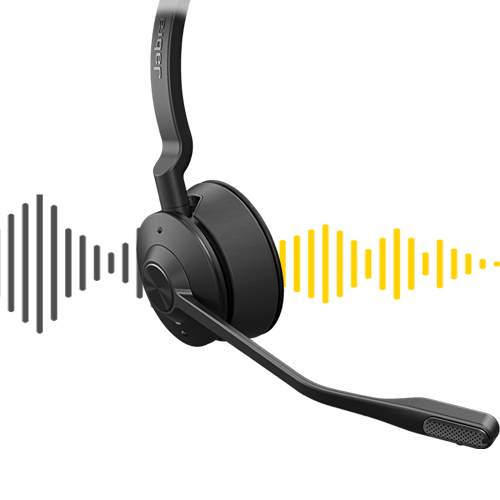
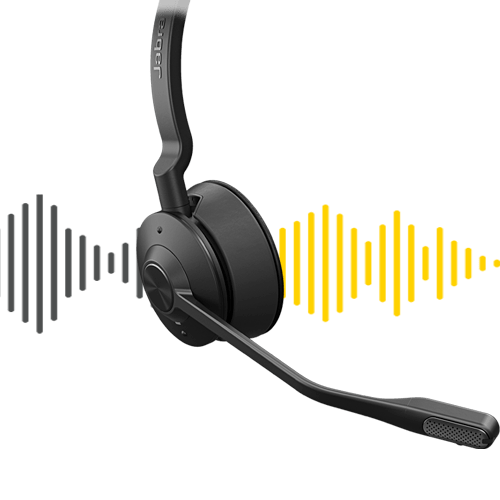
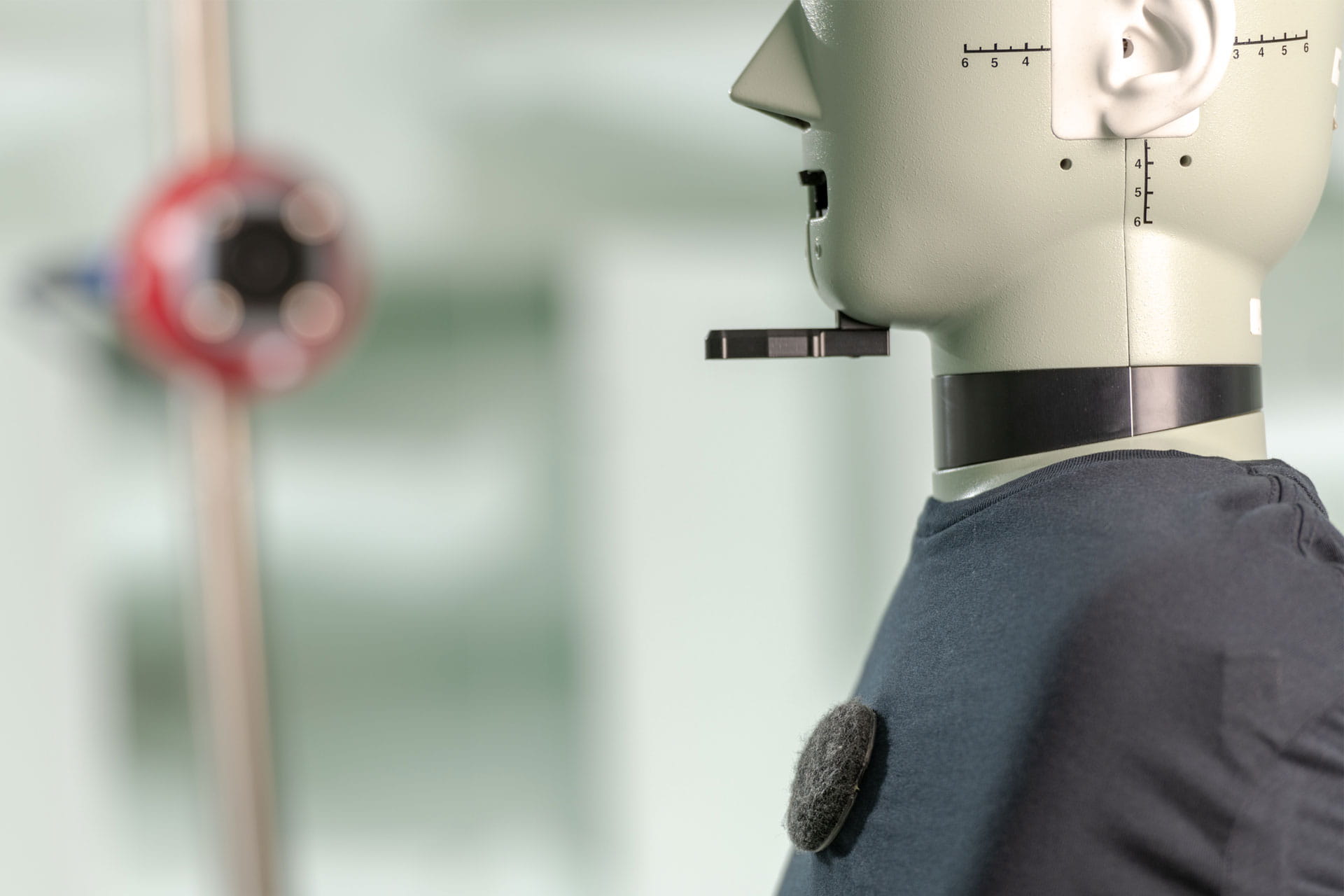
Advanced noise-cancelling microphone and enhanced speakers deliver crystal-clear calls even in noisy offices.
Try the features
Sound demo is for illustration only. Actual experience may vary.

Constant sound levels throughout the day.

Keep the sound level at a comfortable and consistent level throughout the day. Simply set the volume on your headset to your preferred level, and every call will be initiated at the desired sound level for all-day comfort

Takes security in wireless calls to the next level.

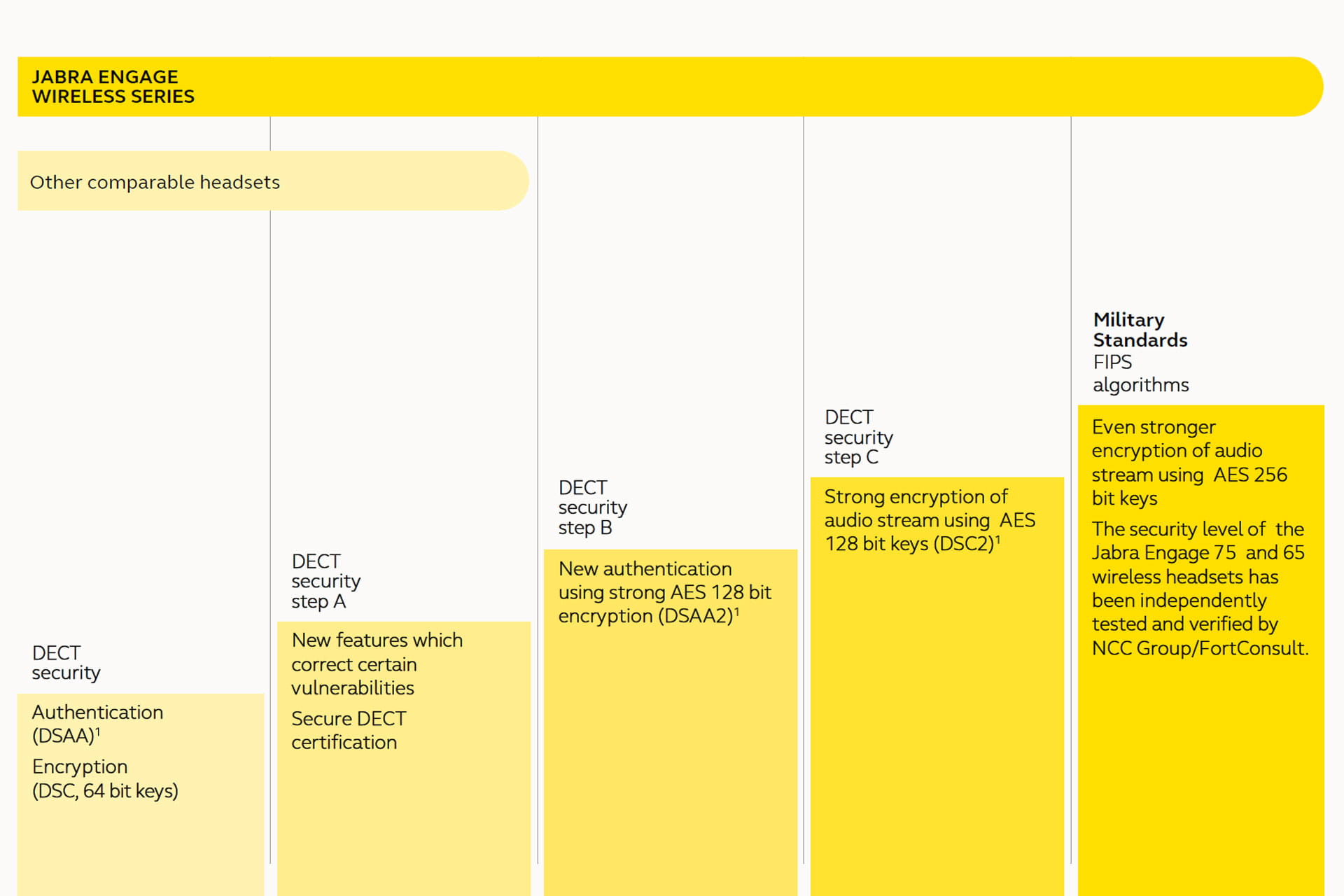
Patented pairing. 256-bit AES encryption. 128-bit authentication. DECT Security Level C.

Authentication between headset and base is established with 128-bit level technology compared to the category standard 64-bit.

The wireless connection is secured using 256-bit AES encryption – giving a line of defence that goes beyond that of DECT Security Level C.

Increase productivity.

Fewer interruptions.

The busylight acts as a do not disturb sign for colleagues.

All day battery life.

Up to 13 hours' talk time - and when you do need to charge, the fast charge feature powers the headset to 40% in just 30 mins.
1
3
Charge time

40% after 30 min

Charge time

100% after 90 min

Talk-time

Up to 13 hours

Increase availability for calls.

Connect to up to five devices simultaneously.

You can connect to a deskphone, softphone, analogue phone and 2 Bluetooth devices.

Modern base, small footprint.

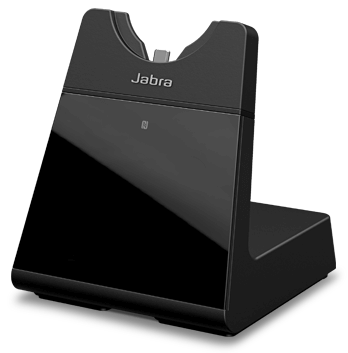
Intuitive touch-screen base for ease of use, showing connected devices, battery life and call controls.
Simple to set up
On-screen set up instructions will help you connect the headset to your computer, mobile device or desk phone.
Effortless docking, every time
The USB-C charger in the base makes it easier to dock the headset correctly in one simple action and ensure it is charging.
Easy hot-desking
Pair your headset to a different Engage 75 or 65 Mono/Stereo base when using a different desk.

Seamless call experience.

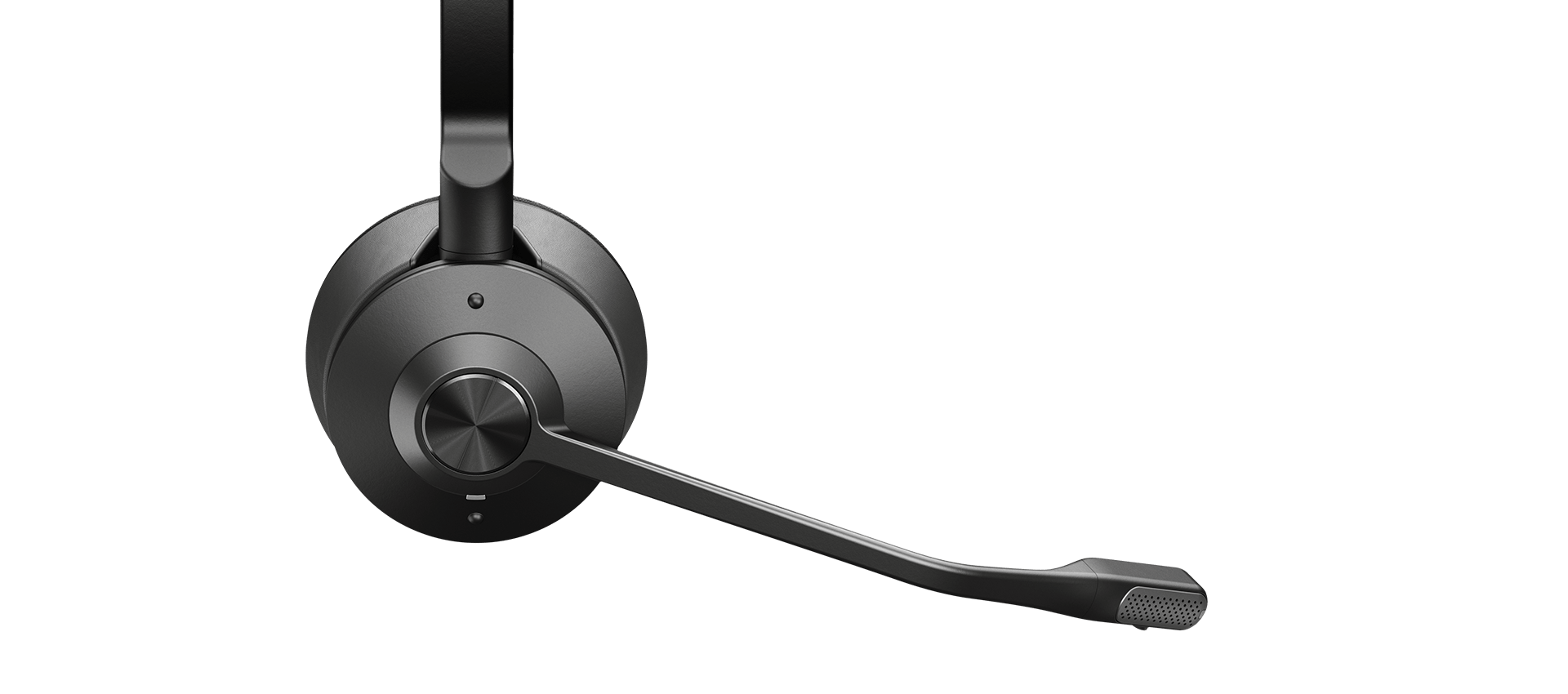
Premium usability and build.

Easily answer and end calls, mute and adjust volume using the intuitive controls on the headset.
Jabra Software

Rich call analytics

The Jabra Engage wireless headsets leverage Jabra software* to enable IT managers to drive customer satisfaction with data driven decisions.
* Jabra Xpress and Jabra SDK
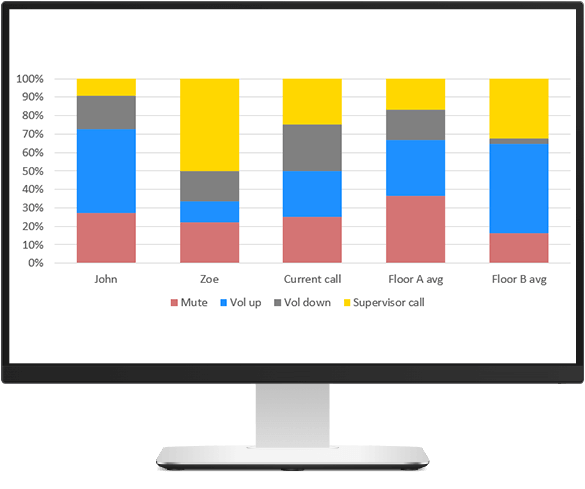
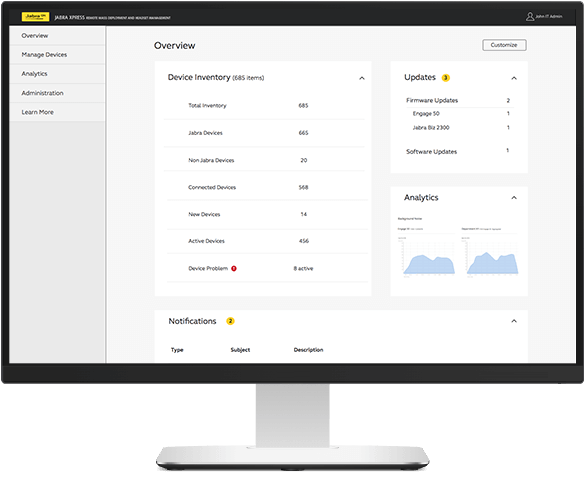
Use Jabra SDK for:

  • Background noise levels
  • Audio exposure
  • Speech analytics
  • Busylight customisation
  • Headset interaction logging

Use Jabra Xpress for:

  • Background noise levels
  • Audio exposure

Hearing Protection

The Jabra Engage Wireless features high levels of hearing protection which is key for heavy users. This includes PeakStop™, which eliminates potentially harmful sudden sound spikes; Intelligent Acoustic Shock protection, which removes potentially harmful sounds; and IntelliTone™ 2.0, which maintains average sound levels below predefined thresholds through the day. For more information on these and more innovations to safeguard intensive headset use, download our Hearing Protection white paper.
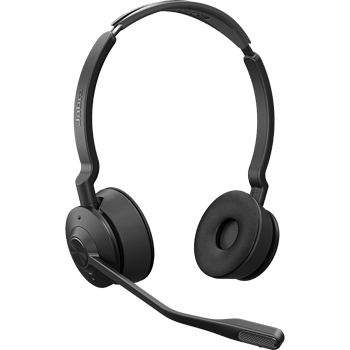

Engineered to deliver more power for your conversations.

40 engineers spent more than 115,000 hours in research and development to create the world's most powerful professional wireless headset, registering 4 unique patents to Jabra in the process.
Jabra Plus

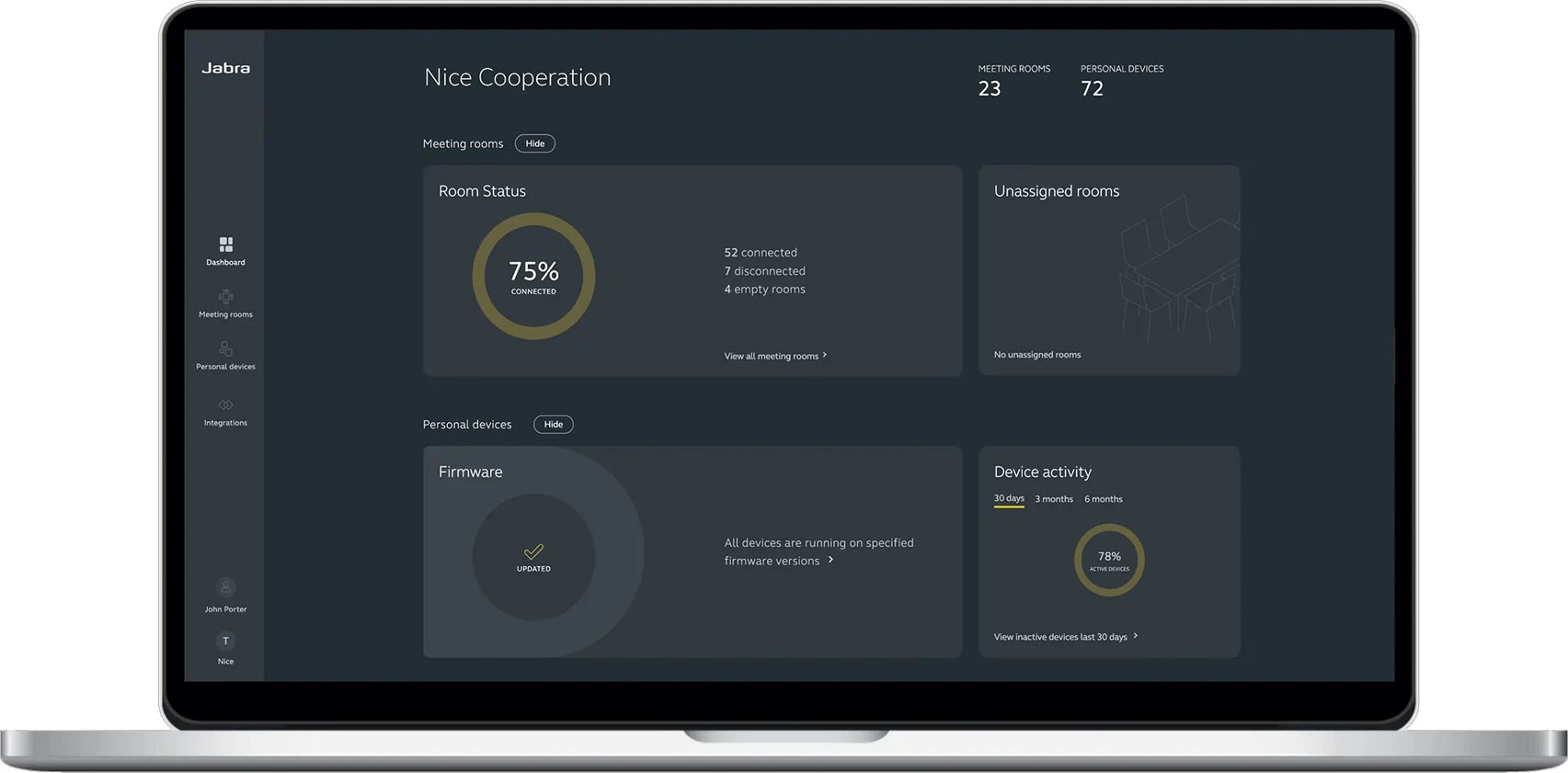
Make device management simple

View, manage, control and update all your devices in one place, with Jabra Plus. Our comprehensive device management platform makes it easy for you to ensure your teams can get down to business with minimal device downtime or disruption, wherever they are.

Jabra Services

Tailored services for a seamless workday

Make hybrid working a success with Jabra’s complete range of services

Frequently asked questions

The second edition has an updated USB-C charging port in line with EU regulation.

Yes. Hot-desking, where multiple users share one base, is easy because Jabra Engage 75 SE mono and stereo can use the same base unit.

Yes. It works with both systems.

Yes. Besides, Jabra Engage 75 SE mono and stereo are the first headsets in the category to meet Skype for Business Open Office requirements, a Microsoft standard for customers requiring the best headsets for voice transmission.

Prerequisites

  • Firmware version 2.0.5

If you have installed firmware version 2.0.5 or later (Jabra Direct version 4.x or later is required to install the firmware update), you can use your Jabra Engage 65/75 SE wireless headset as a wired USB audio device.

To use your headset as a wired USB audio device, use one of the following options:

  • Option 1
    1. Insert the USB cable into a USB port on the computer.

    2. Press and hold the volume up (+), volume down (-), or Mute button.
    3. Insert the USB cable into the headset.
    4. The headset LED will flash green. When it stops flashing, release the button. You can now select the Jabra Engage 65/75 SE as an audio device on the computer.

  • Option 2
    1. Insert the USB cable into the headset.
    2. Put the headset on.
    3. Press and hold the volume up (+), volume down (-), or Mute button.
    4. Insert the USB cable into a USB port on the computer.
    5. When you hear the power-on tone in the headset, release the button. You can now select the Jabra Engage 65/75 SE as an audio device on the computer.

The headset will return to DECT mode after 5 seconds if the USB wired mode is not established.

To change your headset back to a wireless connection, disconnect the USB cable from the headset. The headset will automatically reconnect to the base when it is within range.

Note
When your headset is connected as a wired USB audio device, call controls and the busylight feature on the headset are not supported.

Offers up to 13 hours of talk-time, depending on usage and a fast charge option delivering 40% battery in just 30 minutes.

DECT standard security protects against wireless intrusion. Jabra Engage 75 SE has features going beyond DECT secure Level C, which provides the highest protection.

Jabra Engage 75 SE provides simultaneously connection to up to five devices. It can connect to a deskphone, softphone, analogue phone and two Bluetooth devices.

Jabra Engage 75 SE delivers superior wireless connectivity to a range up to 150m/490ft, enabling 3x more users in the same office space – with no loss in connection quality.

Technical specifications

  • Speaker frequency range
    40Hz-16kHz
  • Microphone frequency range
    100 Hz to 7.3 KHz
  • Speaker bandwidth - Music mode
    40 Hz to 16k Hz
  • Certifications
    CE, CB, FCC, IC, NOM, NTC, EAC, PSB, ICASA, TELEC, SIRIM, ACMA, NZ Telepermit, UL, Bluetooth®
  • Headset form factor
    Head band, Neck band included (Mono)
  • Intuitive audio control
    Answer/end call - Reject call - Volume control
  • Voice / Mute
    Yes
  • Busy Light
    Integrated red light on the microphone tip and the headset, activated when on a call or manually by the user when busy, to act as a “do not disturb” signal
  • Talk time
    Up to 13 hours
  • Charging time
    30 min for 40% charge


    90 min for 100% charge
  • Connectivity
    Desk phone, USB desk phone, softphone, 2x mobile (Bluetooth®)
  • Connection (mini jack, USB, etc)
    2 x USB-C, RJ-9 for handset, RJ-9 for desk phone audio, RJ-45 for AUX
  • DECT device
    Yes
  • NFC
    Yes
  • Bluetooth® device
    Yes, in base
  • Bluetooth® version
    5.0
  • Supported Bluetooth® modes
    SCO, eSCO, Sniff mode
  • Supported Bluetooth® profiles
    Headset, Hands-free and PBAP
  • Paired devices (up to)
    2 Bluetooth® devices
  • Wireless range
    Up to 150 m / 490 ft
  • Headset bandwidth
    Narrowband and wideband.
    Optimized for music (when not in call)
  • Box content
    Headset incl. padding, base, power supply, USB cable, desk phone cable, documentation, Quick start guide
  • Main unit dimensions (W x D x H)
    Base: 93 x 90 x 106mm
    Headset: 141 x 32 x 169 mm (Duo) 147 x 32 x 169(Mono)
  • Headset weight
    82g(Duo) 56g(Mono)
  • Security
    DECT Security Step C & using FIPS approved algorithms for key generation, payload encryption and authentication
  • Warranty
    2 year limited warranty
  • Jabra Direct
    Yes
  • Operating Temperature:
    -10° to + 55° C

Accessories

  • Jabra Engage Mono Headband

    Jabra Engage Mono Headband

  • Jabra Engage Ear Cushions – 1 pair for Stereo headset

    Jabra Engage Ear Cushions – 1 pair for Stereo headset

  • Jabra Engage Ear Cushions – 10 pieces for Mono headset

    Jabra Engage Ear Cushions – 10 pieces for Mono headset

  • Jabra Engage Ear Cushions – 2 pieces for Mono

    Jabra Engage Ear Cushions – 2 pieces for Mono

  • Jabra Engage Ear Cushions – 5 pairs for Stereo headset

    Jabra Engage Ear Cushions – 5 pairs for Stereo headset

  • Jabra Engage Mono Neckband

    Jabra Engage Mono Neckband

  • Jabra Engage Power Supply

    Jabra Engage Power Supply

  •  Standard RJ9 to RJ9 Flat Cord with Modular Plug (857 mm)

    Standard RJ9 to RJ9 Flat Cord with Modular Plug (857 mm)

  • Jabra Link 400c USB-C, DECT, MS, EMEA/APAC

    Jabra Link 400c USB-C, DECT, MS, EMEA/APAC

  • Jabra Link 400a USB-A, DECT, UC, EMEA/APAC

    Jabra Link 400a USB-A, DECT, UC, EMEA/APAC

  • Jabra Link 400a USB-A, DECT, MS, EMEA/APAC

    Jabra Link 400a USB-A, DECT, MS, EMEA/APAC

  • Jabra Link 400c USB-C, DECT, UC, EMEA/APAC

    Jabra Link 400c USB-C, DECT, UC, EMEA/APAC

  • Jabra Engage Convertible EarGels and Earhook Pack

    Jabra Engage Convertible EarGels and Earhook Pack

  • Jabra Engage Headband for Convertible headset

    Jabra Engage Headband for Convertible headset

  • Jabra Engage Headband Pad - Black, 5 pieces

    Jabra Engage Headband Pad - Black, 5 pieces

  • Jabra USB Cable for Evolve2 and Engage SE (USB-A to USB-C) - Black

    Jabra USB Cable for Evolve2 and Engage SE (USB-A to USB-C) - Black

  • Jabra USB Cable for Evolve2 and Engage SE (USB-C to USB-C) - Black

    Jabra USB Cable for Evolve2 and Engage SE (USB-C to USB-C) - Black

  • Jabra Engage Neckband for Convertible headset

    Jabra Engage Neckband for Convertible headset

  • Jabra Engage SE Desk Stand (Stereo/Mono), USB-A

    Jabra Engage SE Desk Stand (Stereo/Mono), USB-A

  • Jabra Engage SE Desk Stand (Convertible), USB-A

    Jabra Engage SE Desk Stand (Convertible), USB-A

  • Jabra Engage SE Replacement Headset - Mono

    Jabra Engage SE Replacement Headset - Mono

  • Jabra Engage SE Replacement Headset - Stereo

    Jabra Engage SE Replacement Headset - Stereo

  • Jabra Engage SE Replacement Headset - Convertible

    Jabra Engage SE Replacement Headset - Convertible

  • Jabra Engage SE Desk Stand (Stereo/Mono), USB-C

    Jabra Engage SE Desk Stand (Stereo/Mono), USB-C

  • Jabra Engage SE Desk Stand (Convertible), USB-C

    Jabra Engage SE Desk Stand (Convertible), USB-C

Contact Sales

Get the best solution for your organization and specific use case. Our experts can advise on products, compatibility and UC deployments.

Try Jabra for free

We offer free trials for companies of 500+ employees, who are replacing their current devices or have a new project. T&Cs apply.

Need technical support?

For product support and warranty-related questions, visit our support pages where you can find user manuals, FAQs, videos, contact information and more.

Get help now

Product support

Support content including user manuals, FAQs, video tutorials, and more.

Find support

Payment Methods

  • system.PaymentMethodLogo
  • system.PaymentMethodLogo
  • system.PaymentMethodLogo
  • system.PaymentMethodLogo
  • system.PaymentMethodLogo
  • system.PaymentMethodLogo
  • system.PaymentMethodLogo
  • system.PaymentMethodLogo
  • dinersclub logo
  • system.PaymentMethodLogo