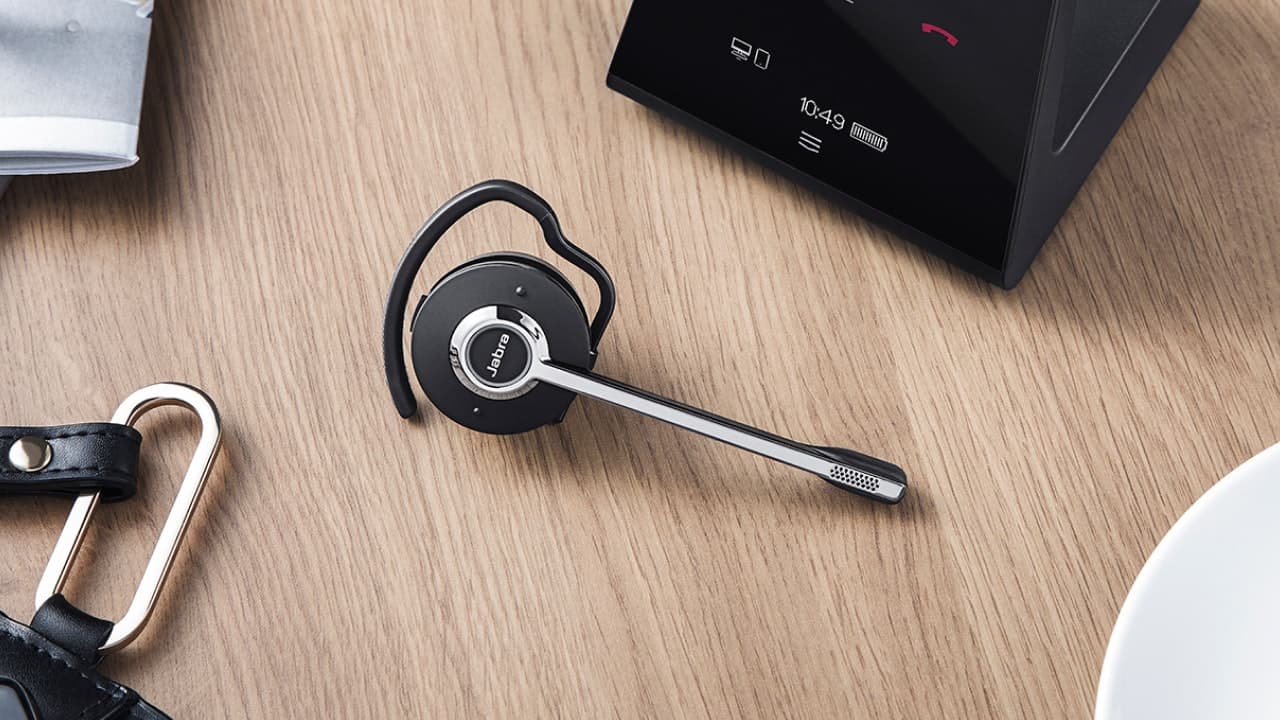
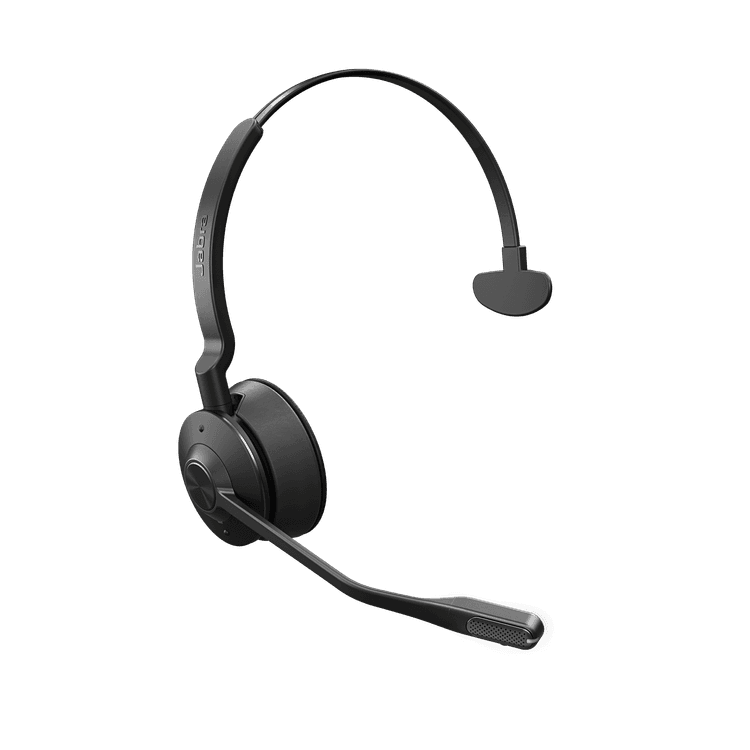
Upgrade your Engage headset with portable DECT wireless connectivity
Connectivity
Optimized for
Sold out

*Firmware upgrade required. Engage 65 and 75 headsets are compatible with all Link 400 variants. The full Microsoft Teams certified experience is only available when the Link 400 MS is used with the Engage 55 MS headset.
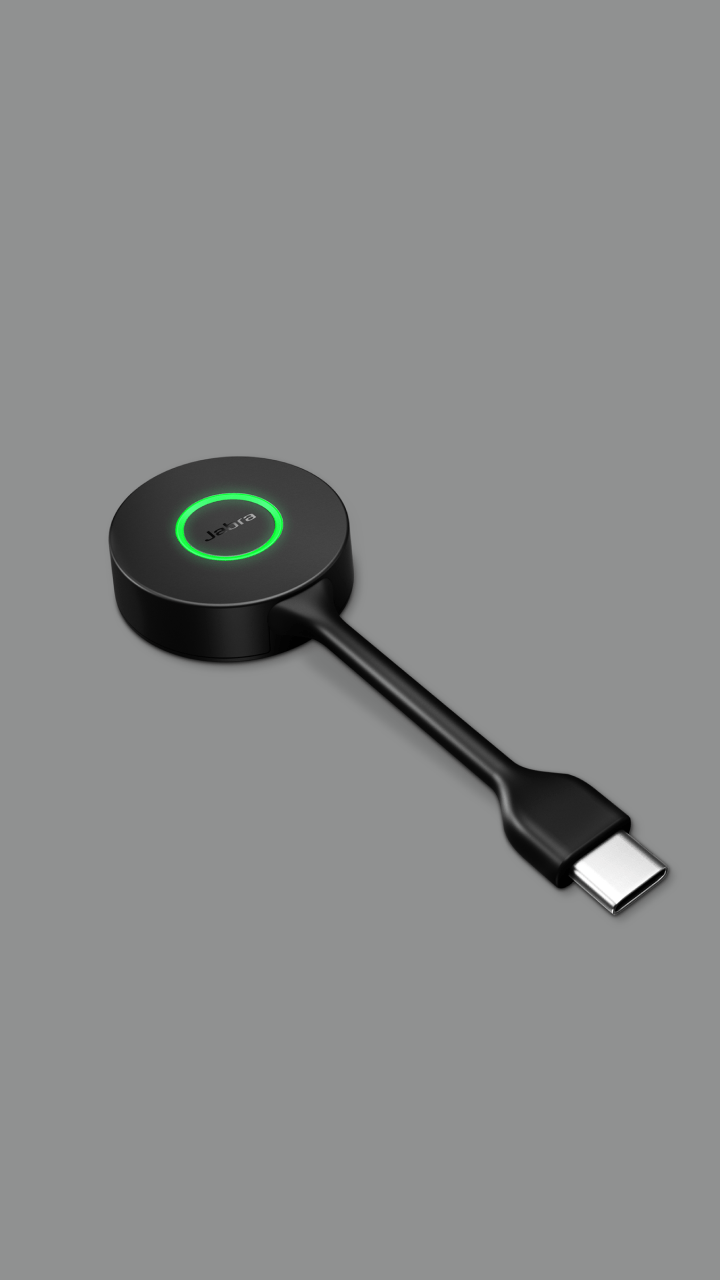

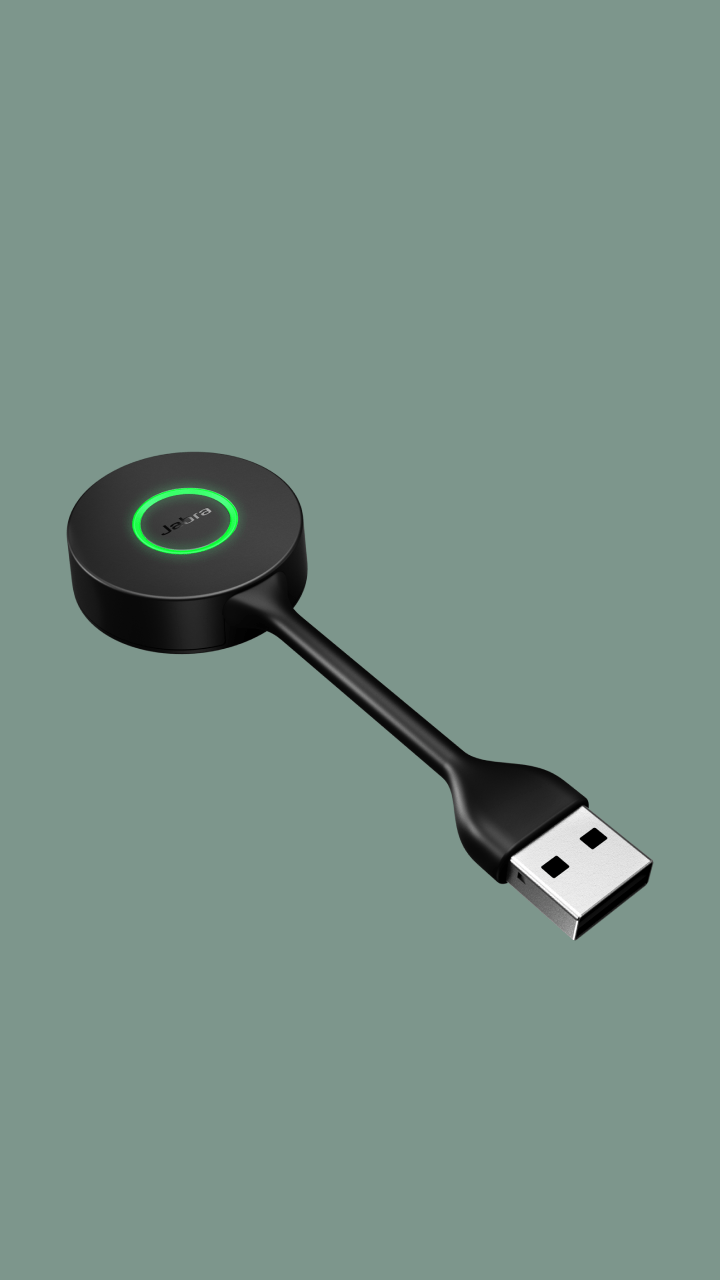
Yes, the Link 400 adapter delivers the same high level of DECT security to ensure your data is protected.
No, the Link 400 only enables DECT connectivity to a single PC or Mac.
Yes. The Link 400 is available in two variants – UC-certified and Microsoft Teams-certified – for an enhanced experience on your preferred platform.
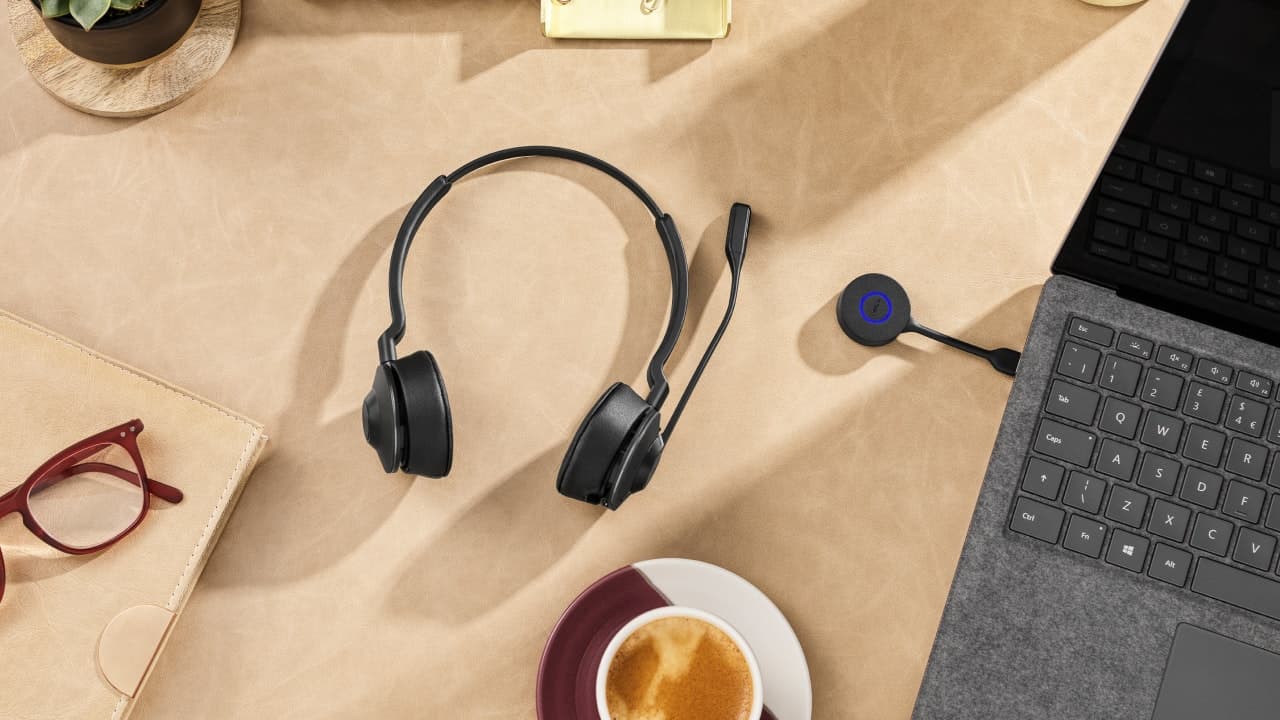
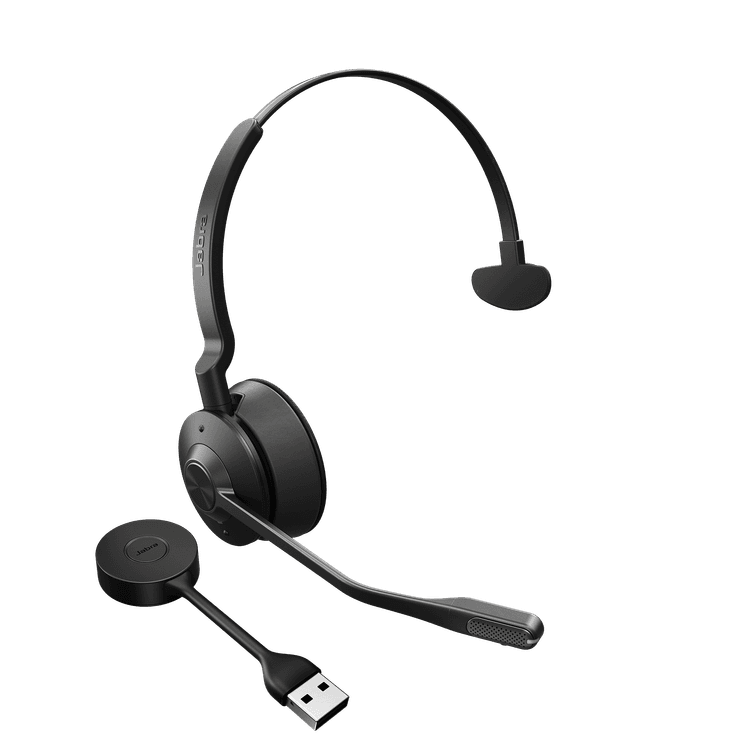
The Link 400 adapter comes pre-paired with the Engage 55 headset. It can also be purchased separately to upgrade your existing Jabra 65 or 75 headset to base-free mobility (firmware upgrade needed). To pair your headset, follow these simple steps:
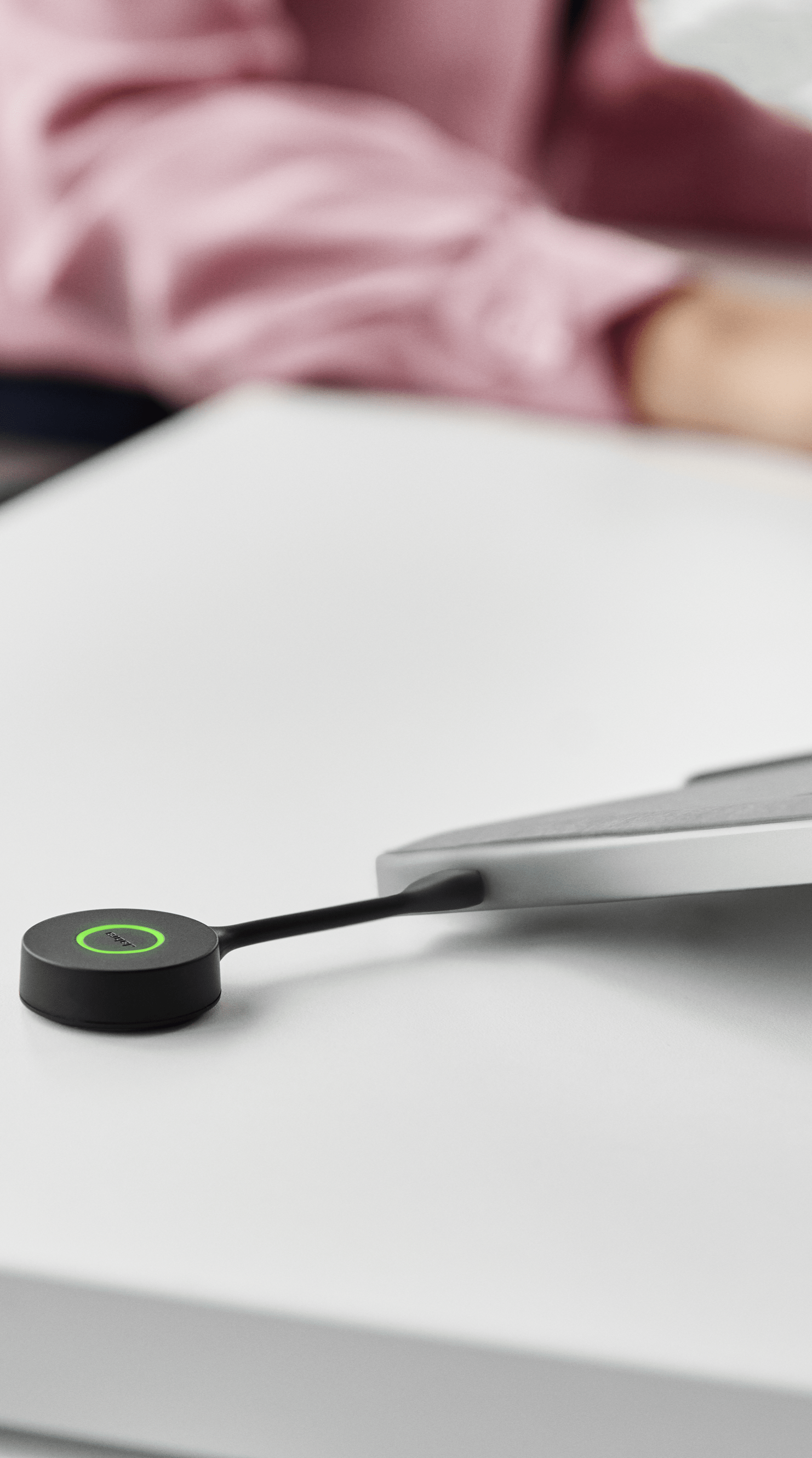
Unlike traditional USB adapters, the Link 400 has a unique, bendable design to make it extra durable, so the risk of damage is reduced if you leave it plugged into your laptop when moving around.
The warranty period for EMEA and APAC is two years and one year for North America.
Yes, it is compatible with Jabra DECT headsets Engage 65/75 with a firmware upgrade, to upgrade them to base-free mobility.
The Link 400 delivers a wireless range up to 150m based on “Line of sight” (LIS) which is the distance the headset can be from the adapter and still deliver clear in conversations. Range can be impacted by dense building structures such as how many walls there are between your headset and the adapter. Also, if a large number of wireless headsets are used within a limited area, such as an open office, users may experience less-than-optimal audio quality due to density issues.