Upgrade your Engage headset with portable DECT wireless connectivity

Connectivity
Optimized for

Sold out

Why you'll love Jabra Link 400

INDUSTRY-LEADING WIRELESS RANGE

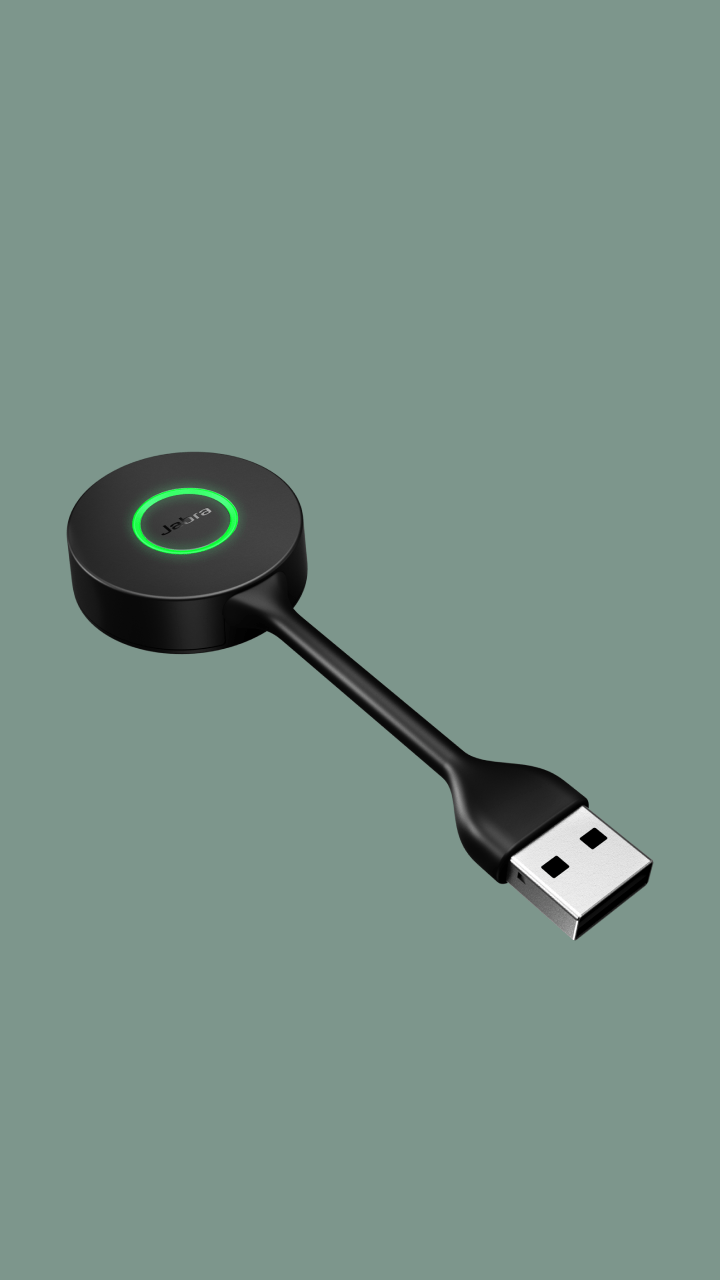
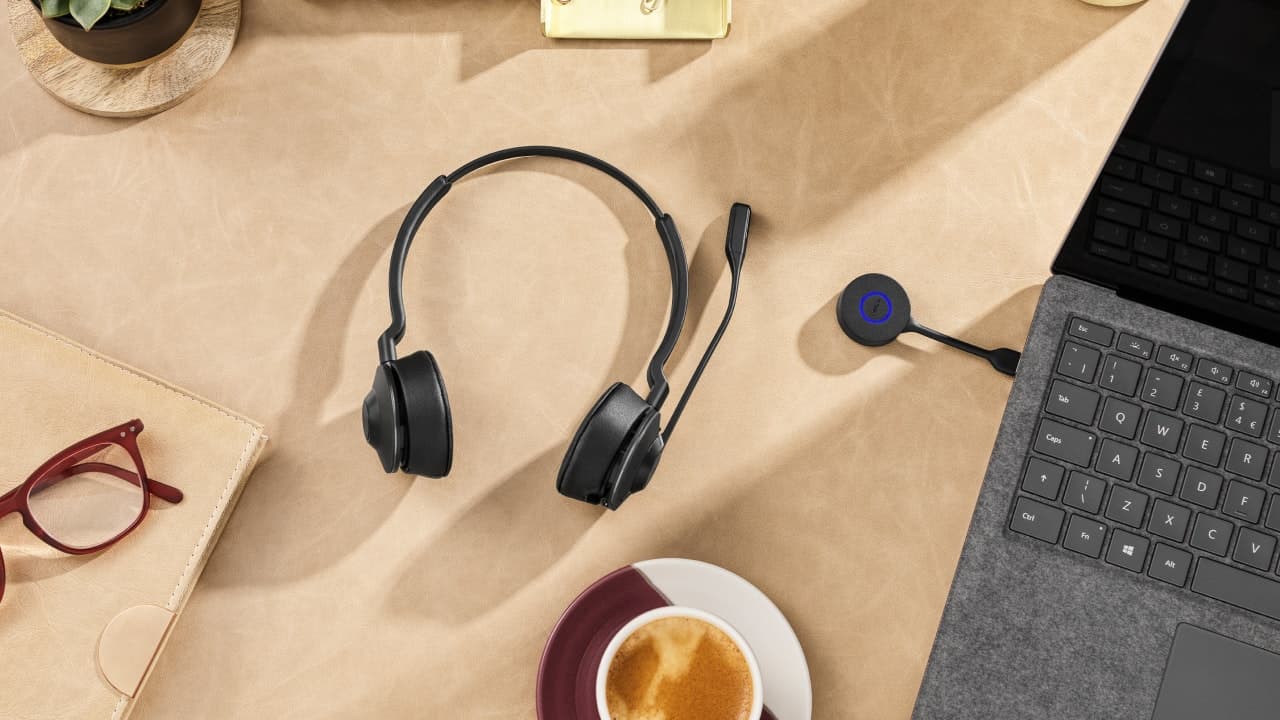
This compact, flexible USB DECT adapter keeps you connected up to 150m away from your laptop and also enables you to easily move about with your laptop during calls. It’s time to go free range.

WHY DECT?

DECT is designed specifically for wireless telephony communications, making it an ideal choice for call-intensive workers who need additional mobility. The Link 400 delivers a wireless range that’s typically up to 15 times that of a Class 2 Bluetooth device. Go long.

PORTABILITY

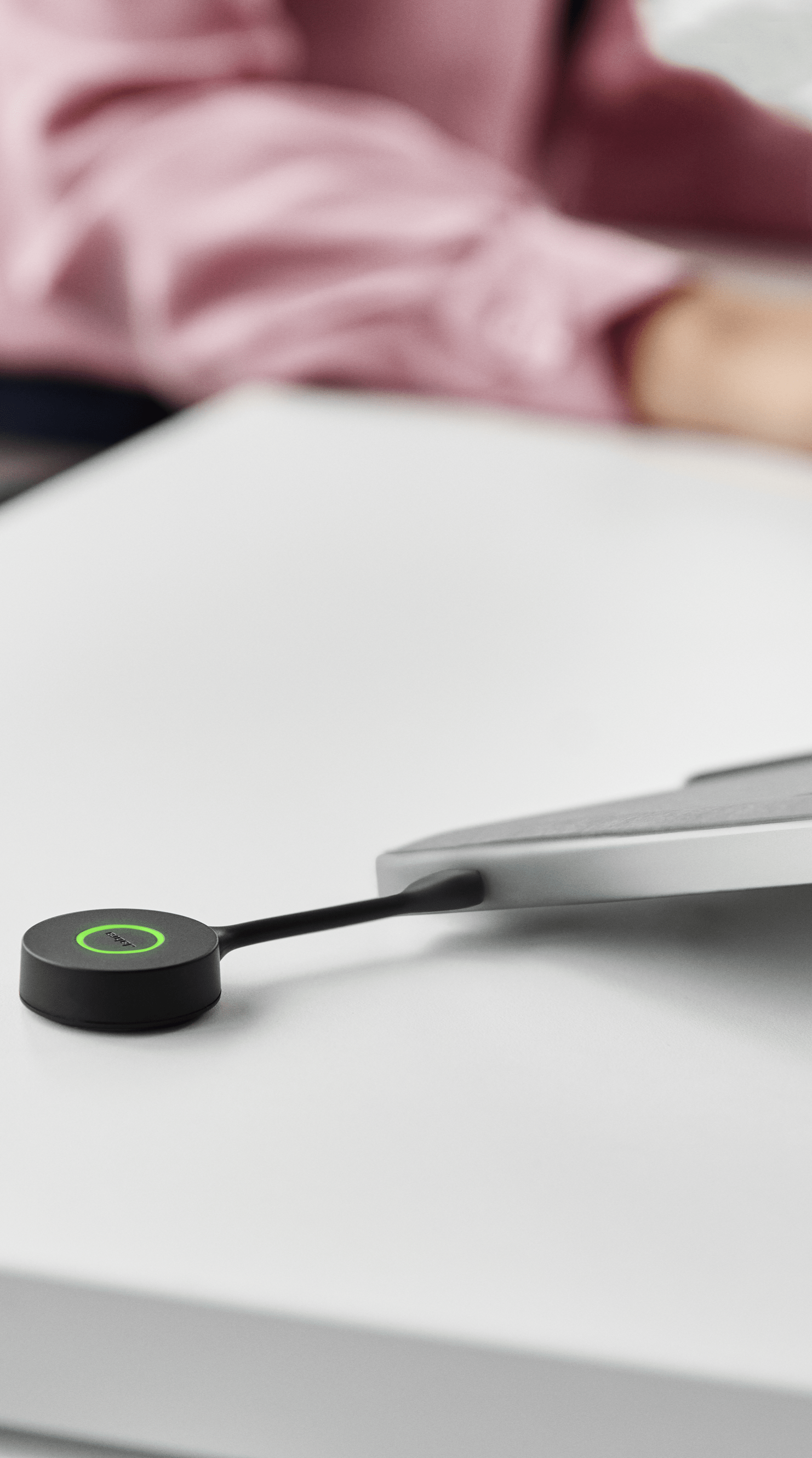
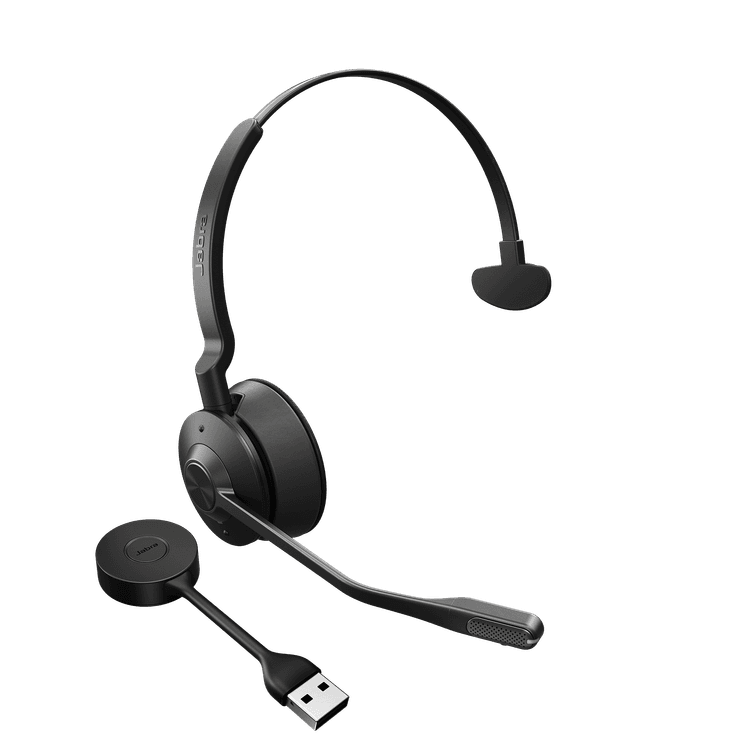
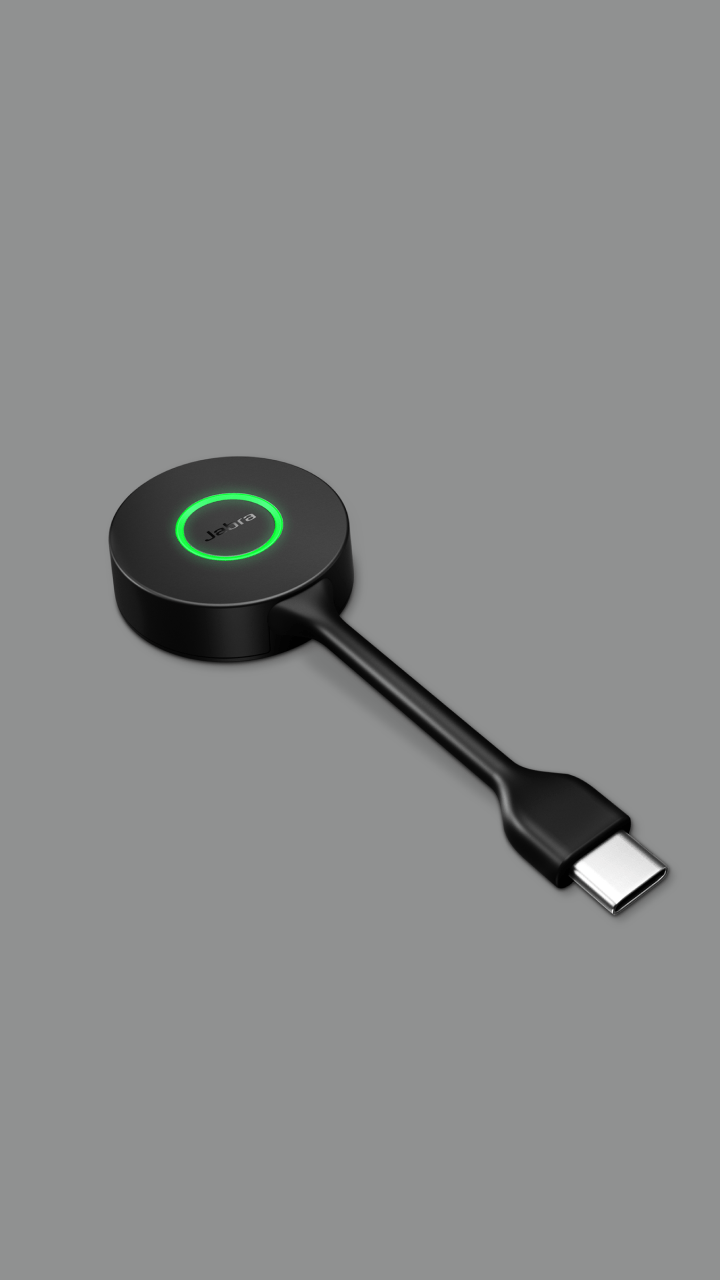
Unlike traditional USB adapters, the Link 400 has a unique, bendable design that delivers extra durability – reducing the risk of damage if you happen to leave it plugged into your laptop when you move around. Find your 'get up and go'.

EASE OF USE

The Link 400 features a large button for easy one-touch pairing with your Engage headset. The bright colour-coded LED helps you to manage calls effectively, turning blue when connected, green when on a call and red when muted. The Microsoft Teams variant LED shows purple when connected to Teams, and pulses purple for Microsoft Teams notifications. Add a bit of colour to your day.

SECURITY

The Link 400 is DECT Security certified. But your data security is our priority, so it also goes beyond DECT Security step C level, with additional military-grade FIPS 256-bit encryption algorithms. It's like Fort Knox. But smaller.

COMPATIBILITY

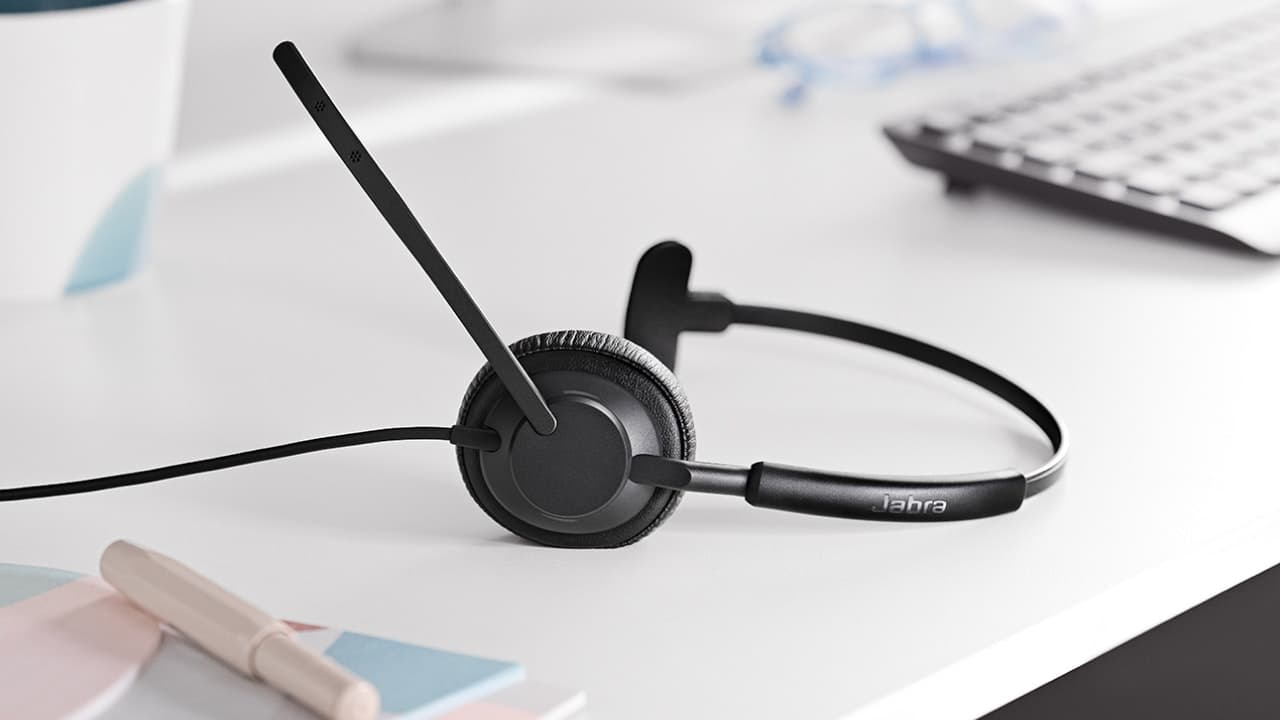
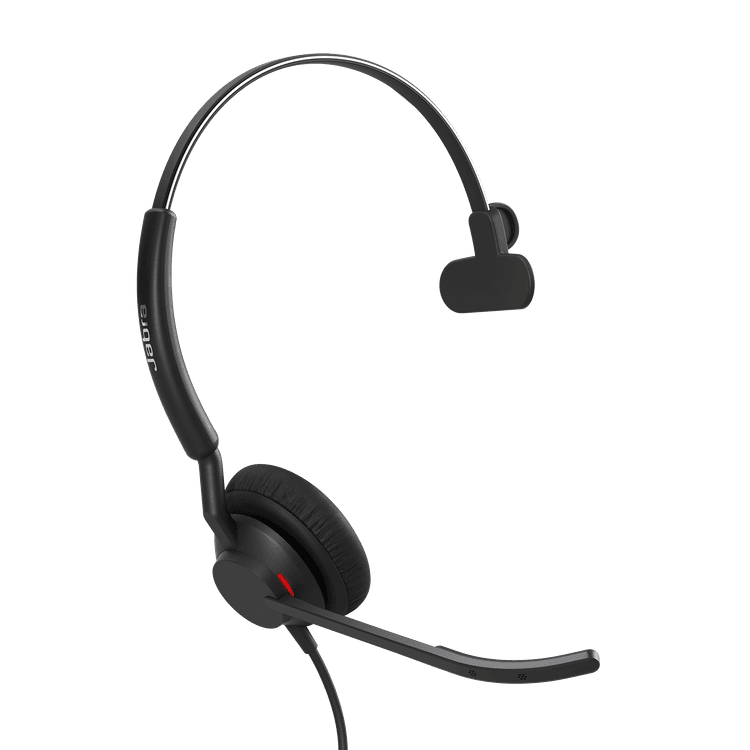
The Link 400 is included with the Engage 55 and can also be purchased separately to upgrade Engage 65 and 75 headsets to base-free mobility.* Give your headset a serious mobility boost.

WORKS WITH EVERYTHING

The Link 400 works with all leading Unified Communications (UC) and contact centre platforms, comes in either UC or Microsoft Teams variants and has a choice of USB-A and USB-C connections, to deliver a seamless hybrid working experience. However you work, it works.

BETTER CONNECTION

When you’re in an area with more wireless users, superior DECT density means your connection won't be affected. From packed offices, to busy apartment buildings.

EASY UPDATES

Firmware updates through Jabra Xpress and Jabra Direct allow you to easily manage your device, ensuring you experience optimal performance levels, now and in the future. Always bang up to date.

*Firmware upgrade required. Engage 65 and 75 headsets are compatible with all Link 400 variants. The full Microsoft Teams certified experience is only available when the Link 400 MS is used with the Engage 55 MS headset.

Frequently asked questions

Yes, the Link 400 adapter delivers the same high level of DECT security to ensure your data is protected.

No, the Link 400 only enables DECT connectivity to a single PC or Mac.

Yes. The Link 400 is available in two variants – UC-certified and Microsoft Teams-certified – for an enhanced experience on your preferred platform.

The Link 400 adapter comes pre-paired with the Engage 55 headset. It can also be purchased separately to upgrade your existing Jabra 65 or 75 headset to base-free mobility (firmware upgrade needed). To pair your headset, follow these simple steps:

  • Ensure the headset is turned off. To turn off the headset, press and hold the Call (Multi-Function) button for 4 seconds.
  • Press and hold the Call (Multi-Function) button on the headset for 3 seconds until the LED flashes blue and you hear a tone. The headset is now ready to pair.
  • Plug in the adapter. Press and hold the adapter button for 1 second to complete pairing with the headset.
  • The headset is paired when the LED on the adapter changes from flashing to solid blue.

Unlike traditional USB adapters, the Link 400 has a unique, bendable design to make it extra durable, so the risk of damage is reduced if you leave it plugged into your laptop when moving around.

The warranty period for EMEA and APAC is two years and one year for North America.

Yes, it is compatible with Jabra DECT headsets Engage 65/75 with a firmware upgrade, to upgrade them to base-free mobility.

  • No light – adapter is not connected to a DECT device
  • Blue - adapter is connected to a DECT device
  • Green – call in progress on the computer
  • Red – call is muted on the computer
  • Purple – adapter is connected to Microsoft Teams on the computer

The Link 400 delivers a wireless range up to 150m based on “Line of sight” (LIS) which is the distance the headset can be from the adapter and still deliver clear in conversations. Range can be impacted by dense building structures such as how many walls there are between your headset and the adapter. Also, if a large number of wireless headsets are used within a limited area, such as an open office, users may experience less-than-optimal audio quality due to density issues.


Product support

Support content including user manuals, FAQs, video tutorials, and more.

Find support

Payment Methods

  • system.PaymentMethodLogo
  • system.PaymentMethodLogo
  • system.PaymentMethodLogo
  • system.PaymentMethodLogo
  • system.PaymentMethodLogo
  • system.PaymentMethodLogo
  • system.PaymentMethodLogo
  • system.PaymentMethodLogo
  • dinersclub logo
  • system.PaymentMethodLogo