Dynamic Composition
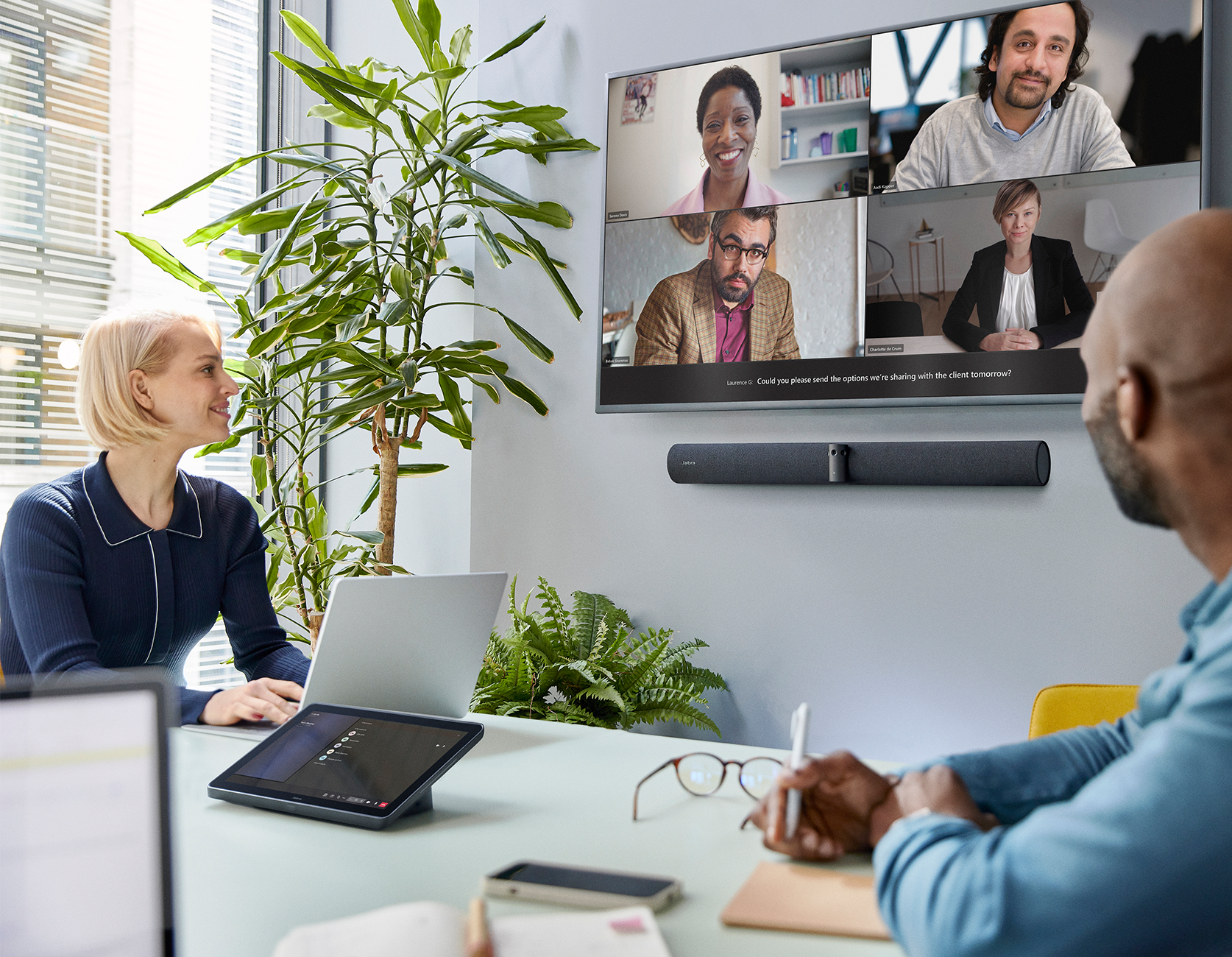
Offers a choice of meeting room participant views, including the most recent in-room speakers or close ups of recent speakers with a panoramic view of the room.
Intelligent Speaker
Thanks to their premium audio quality, our video conferencing cameras were the first front of room devices to work with Microsoft’s Intelligent Speaker functionality for Teams Rooms. This enables cutting edge new Teams capabilities like live transcription and recap features*, allowing you to focus on the meeting rather than trying to scribble down meeting minutes.
*Requires separate Microsoft Copilot licenseVirtual Director
Adjusts the camera view of the room in real-time to focus on the active speakers, helping everyone track the natural flow of the conversation.
Intelligent Zoom
Uses powerful AI to dynamically adjust and frame in-room meeting participants for optimal collaboration.
Intelligent Meeting Space
Define virtual meeting space boundaries to only include the people inside the meeting space; ideal for glass-walled and open plan spaces.

Dual-Stream Whiteboard
Share your whiteboard content with our built-in content camera, which streams both the content and in-room participants simultaneously.

 Powered by trust. Proven by innovation.
Built for Microsoft. Engineered for what’s next.
A proven alliance turning joint innovation into devices optimized for intelligent workflows, deeper platform integration, and reliable performance at scale.
Built for Microsoft Teams. Ready for Microsoft 365 Copilot.
Consistent Teams experiences. Anywhere you work.
Three reasons to choose Jabra devices certified for Microsoft
Devices certified for Microsoft Teams which are optimized and ready to unlock Microsoft 365 Copilot value faster.
Easy to deploy and scale across hybrid environments and room types.
Simple to manage, backed by enterprise grade support and reliable performance at scale in Microsoft environments.
Inclusive solutions
for different spaces

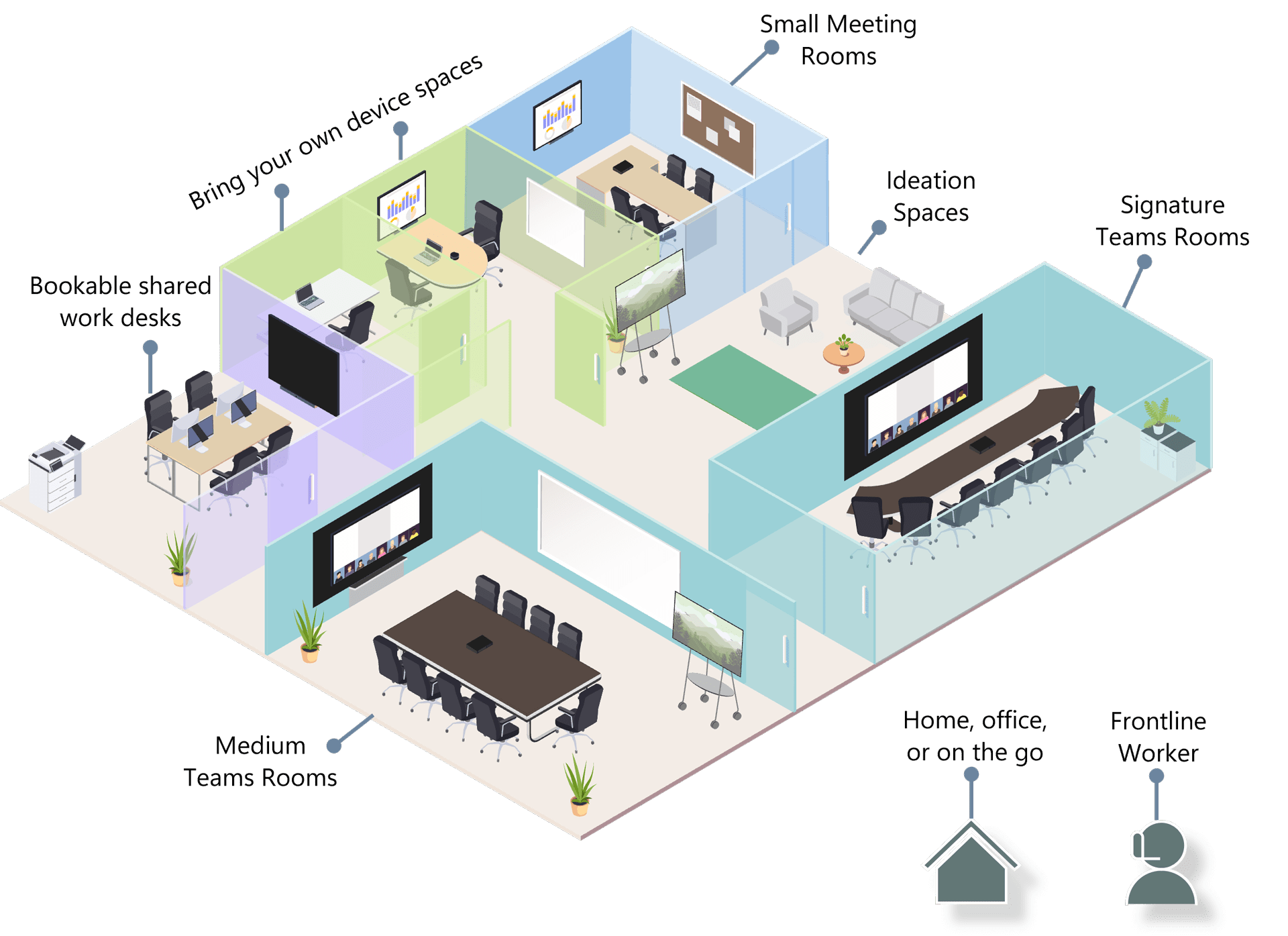
Meeting Room Solutions
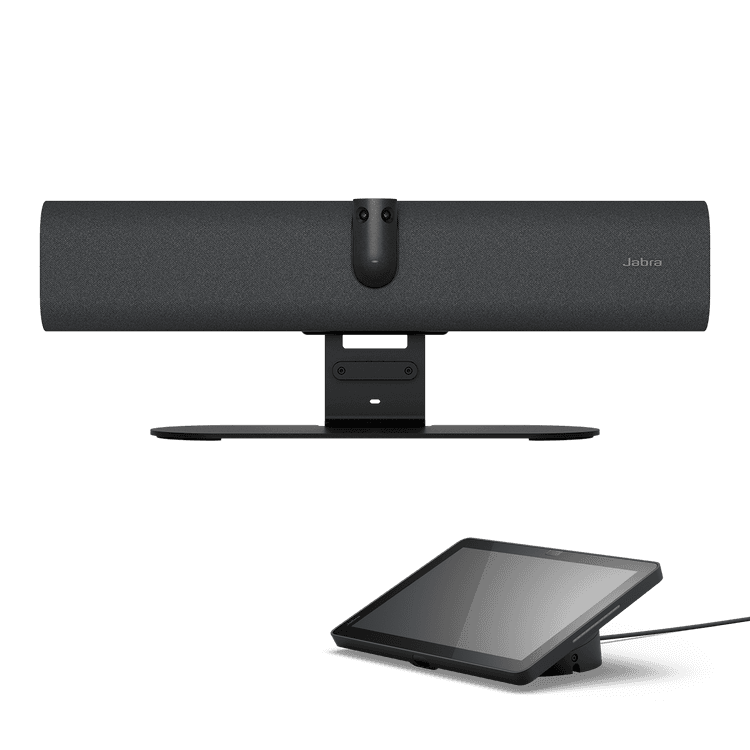
Jabra PanaCast 40 VBS
The only small room Android™ bar that captures the entire room

Jabra PanaCast 50 VBS
Android™-based all-in-one room system for inclusive meetings at your fingertips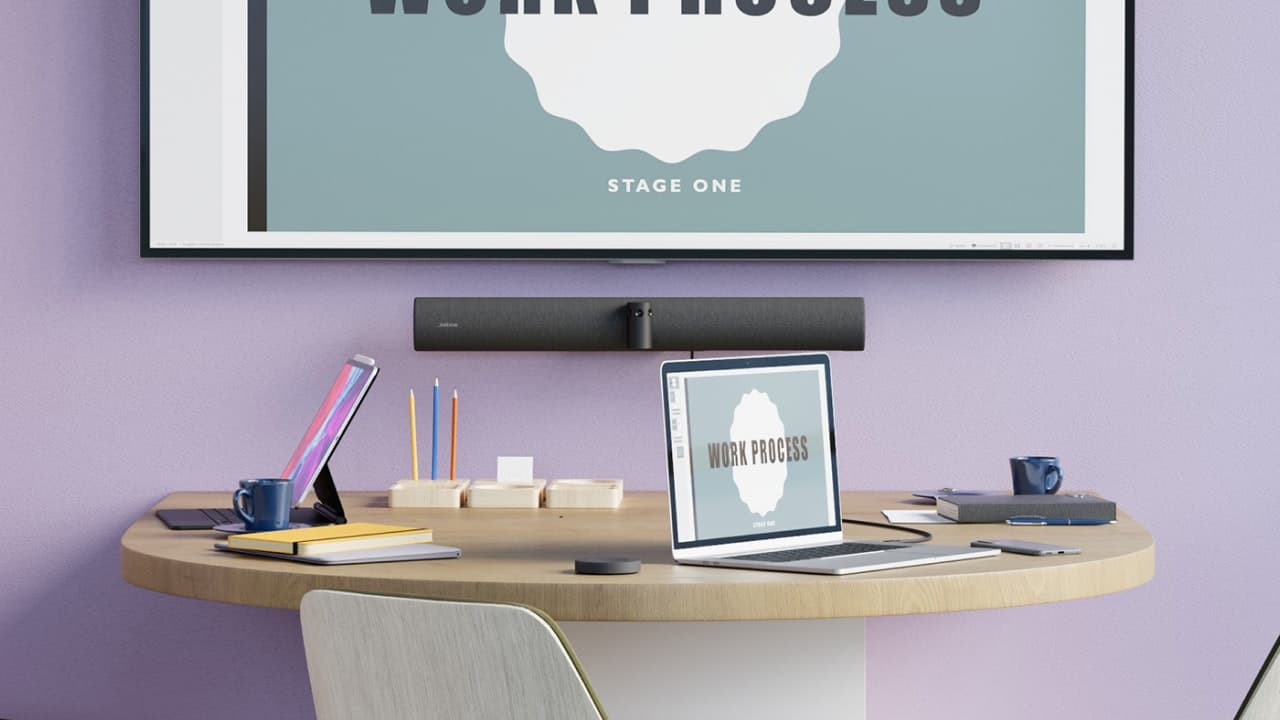
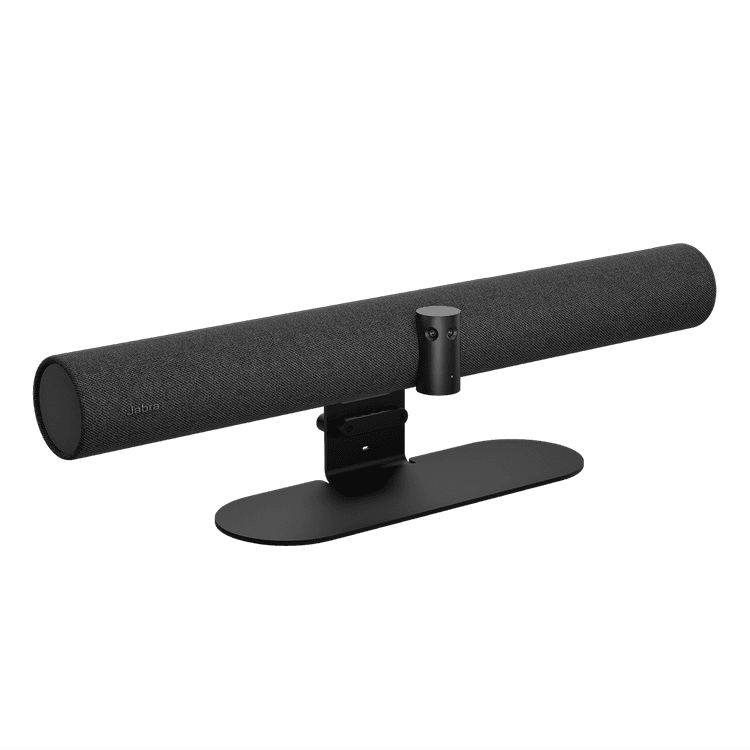
Jabra PanaCast 50
The intelligent video bar that gives everyone an equal meeting experience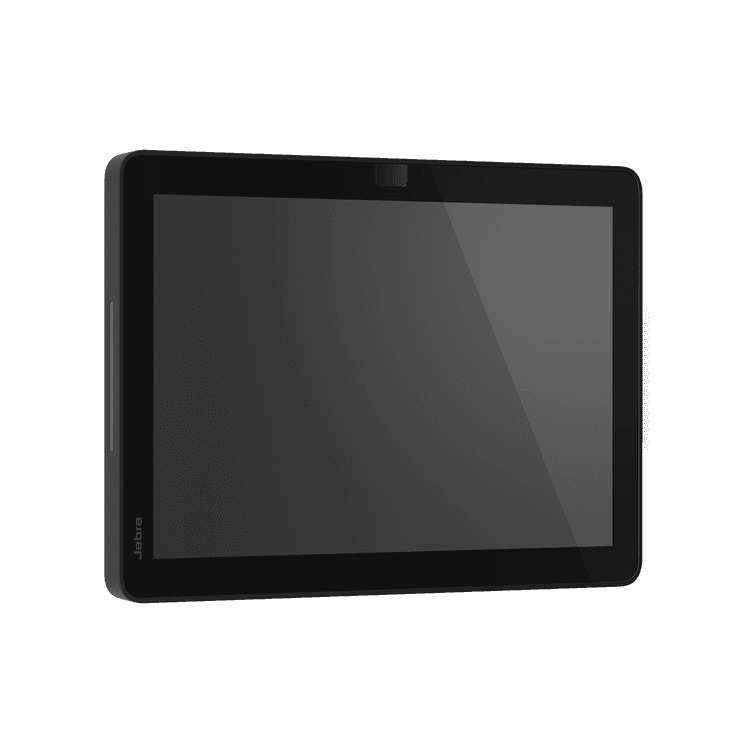
Jabra Scheduler
Room scheduling made easyPersonal Devices
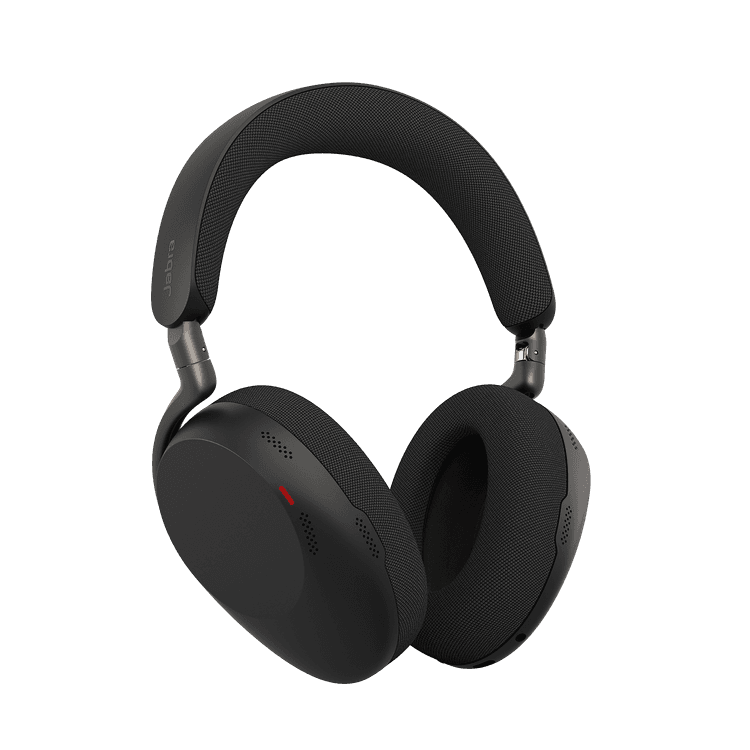
Jabra Evolve3 85
AI-enhanced voice clarity and our best noise cancellation for deep focus anywhere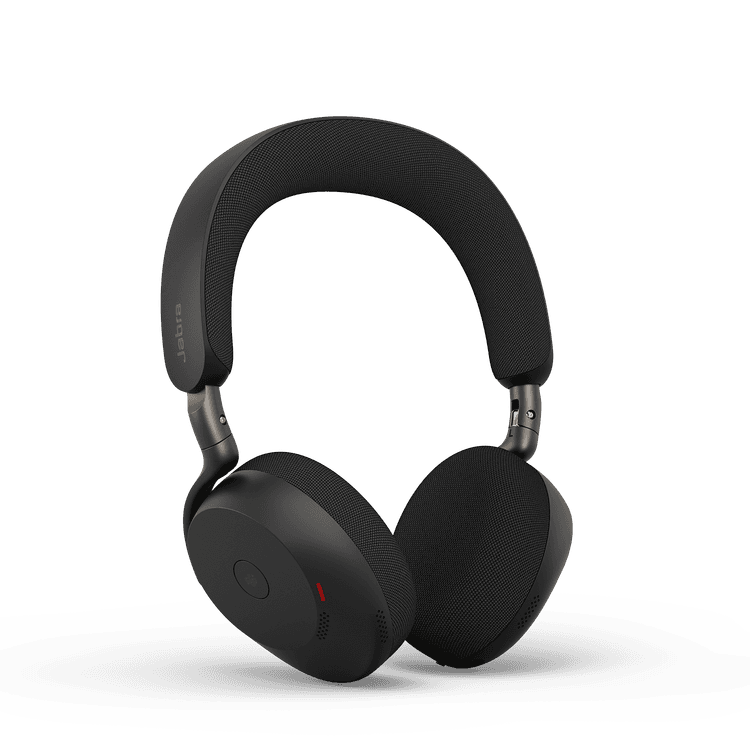
Jabra Evolve3 75
AI-enhanced voice clarity in an ultralight, on-ear fit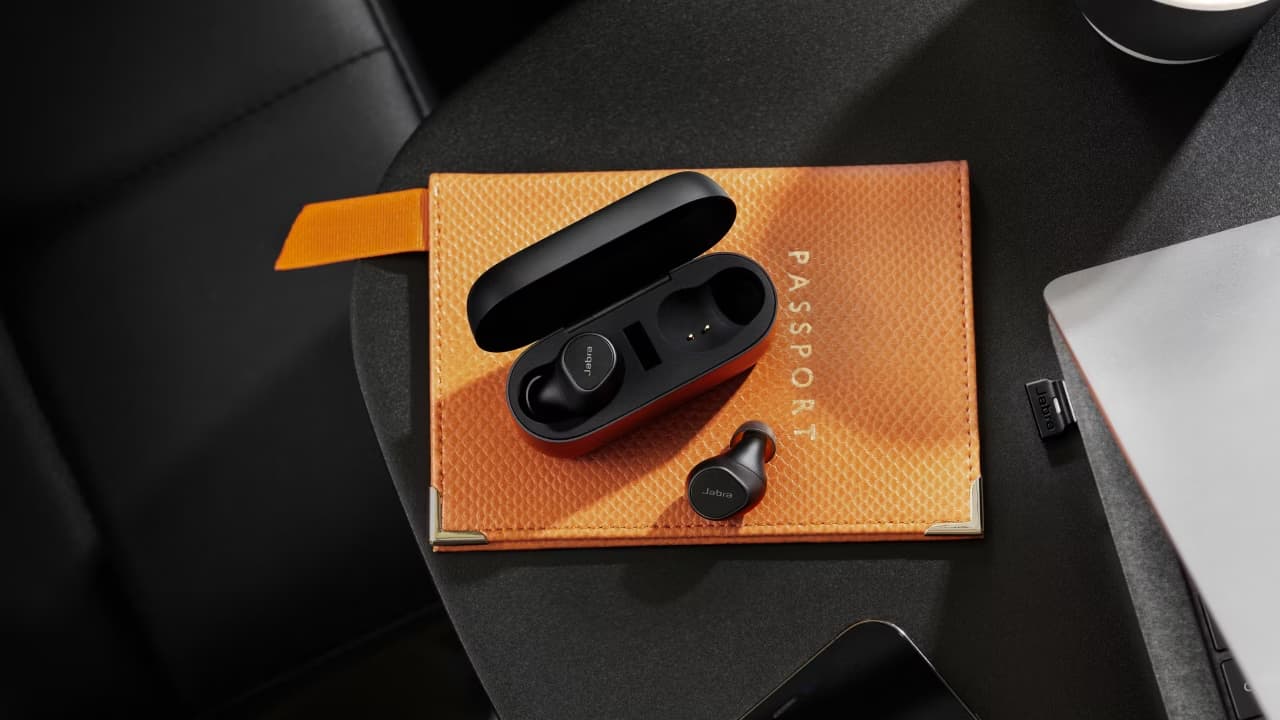
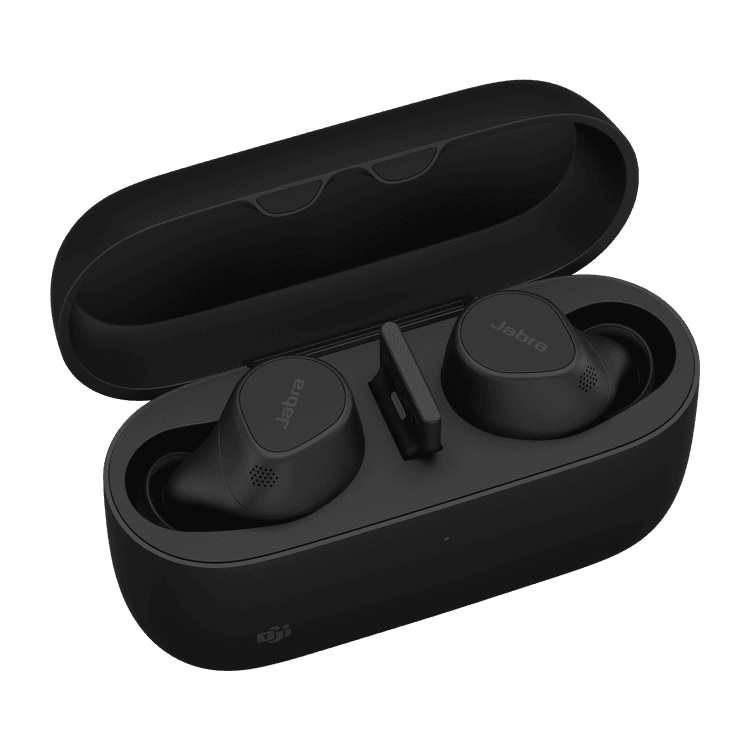
Jabra Evolve2 Buds
Professional, pocketable calls. True wireless earbuds engineered for hybrid working.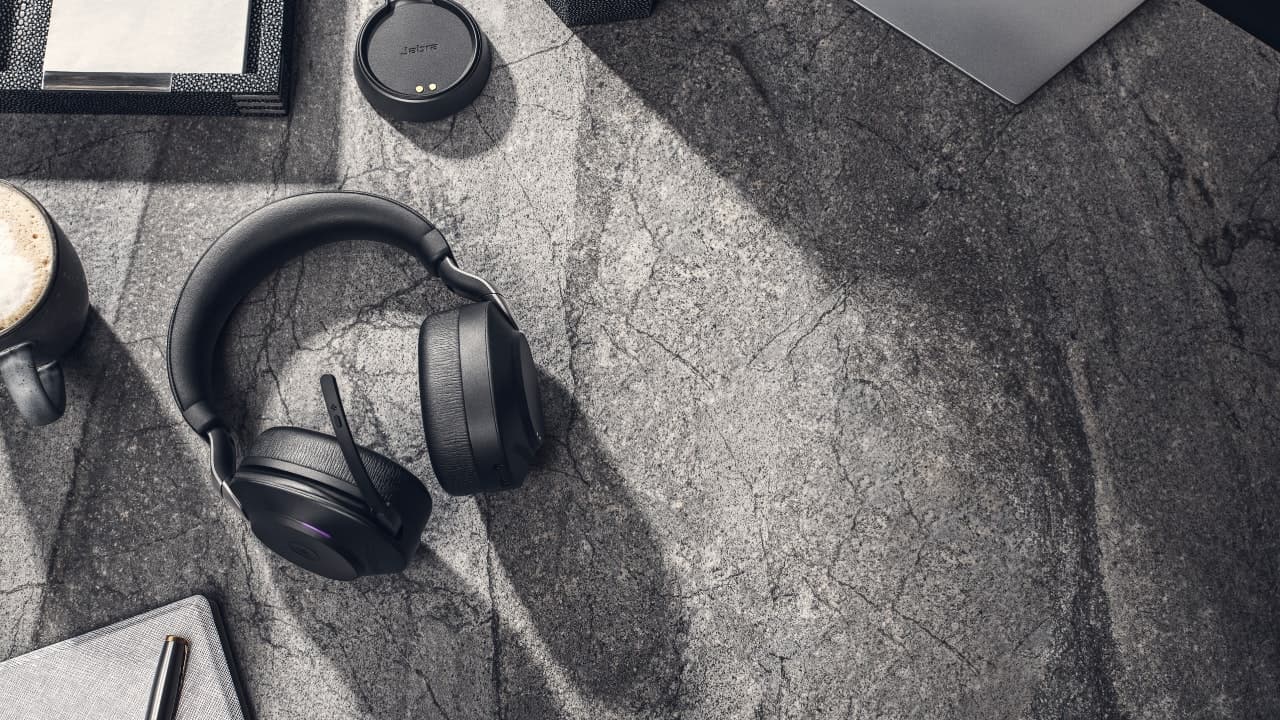
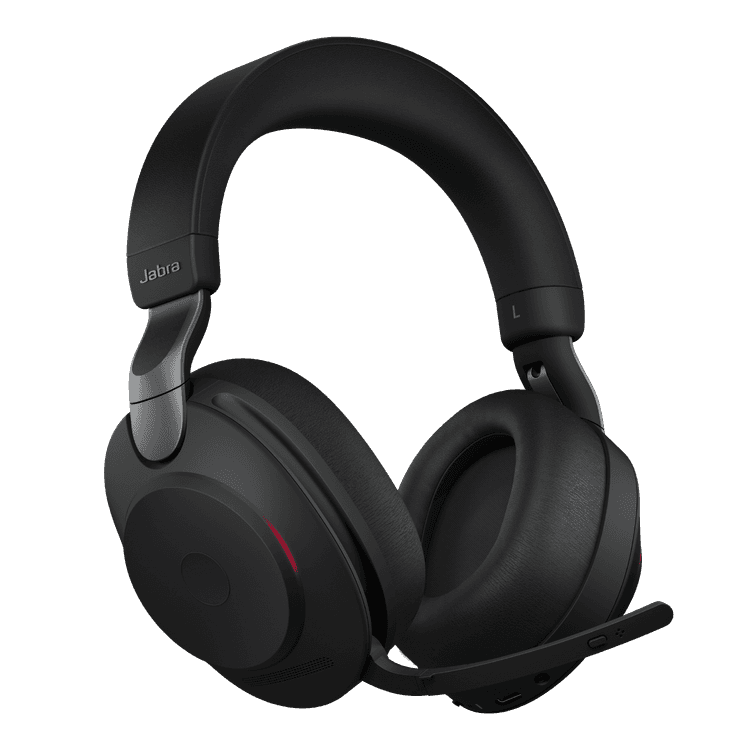
Jabra Evolve2 85
Engineered to keep you focused. The best headset for concentration and collaboration.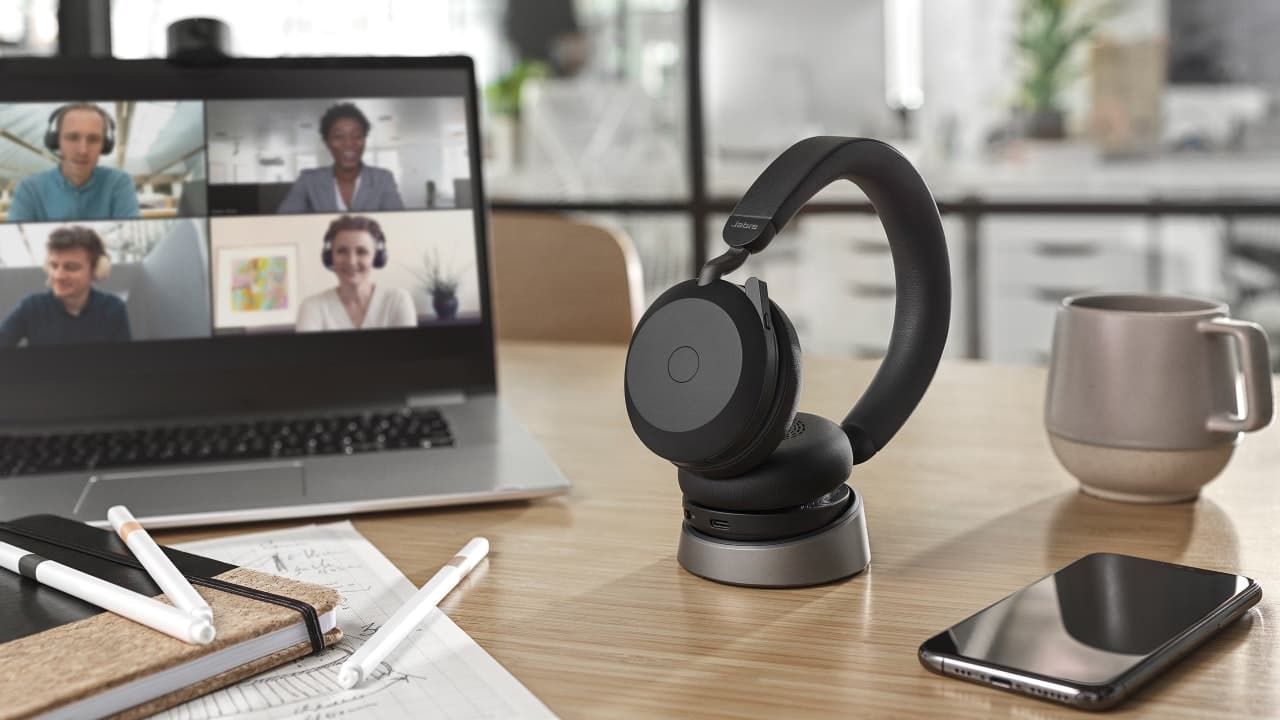
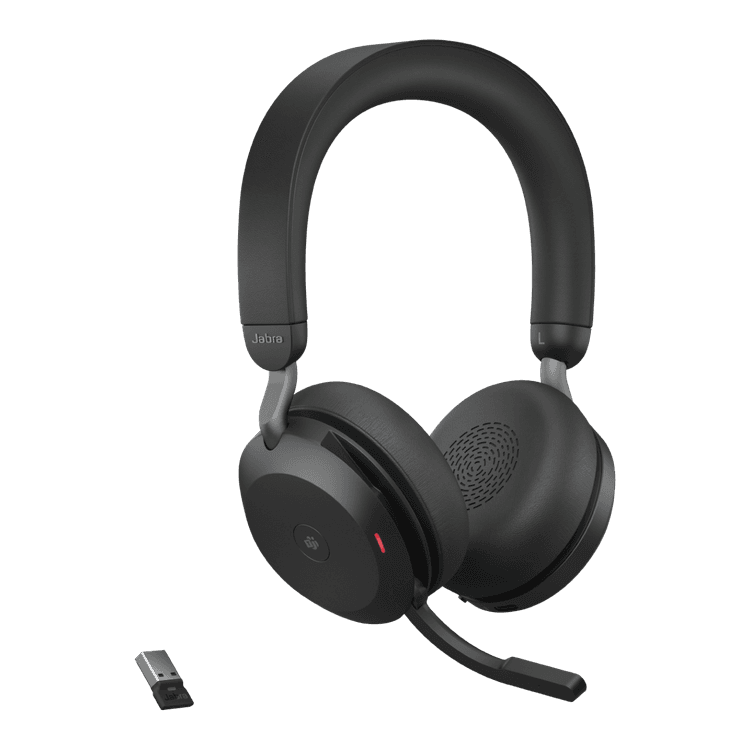
Jabra Evolve2 75
The new standard for hybrid working. World-class audio engineering for industry-leading call quality.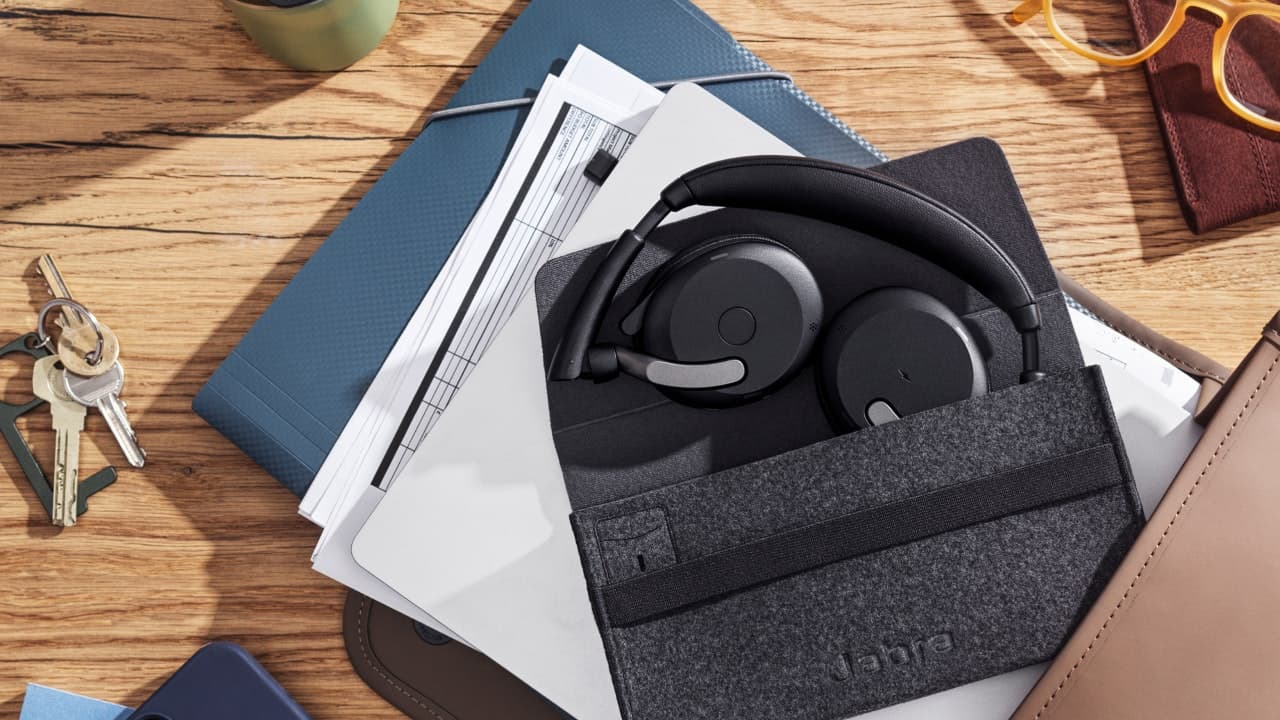

Jabra Evolve2 65 Flex
The most portable professional headset with best-in-class Active Noise-Cancellation performance.*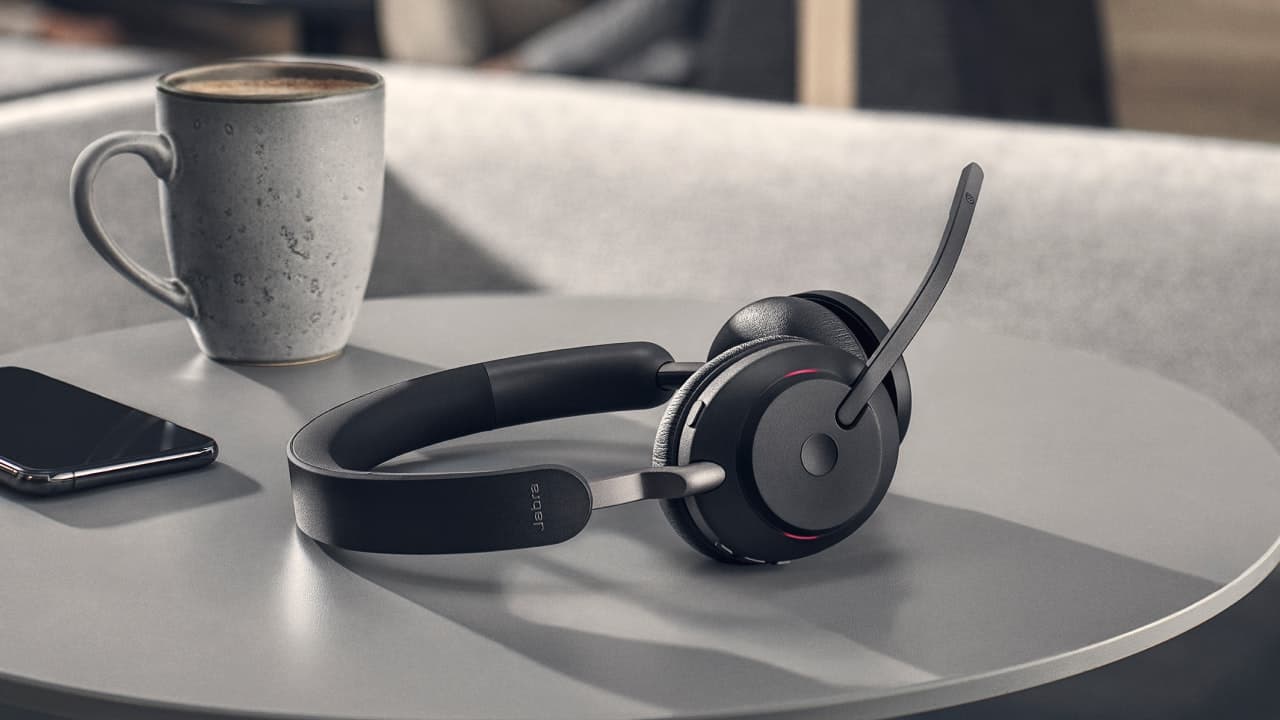
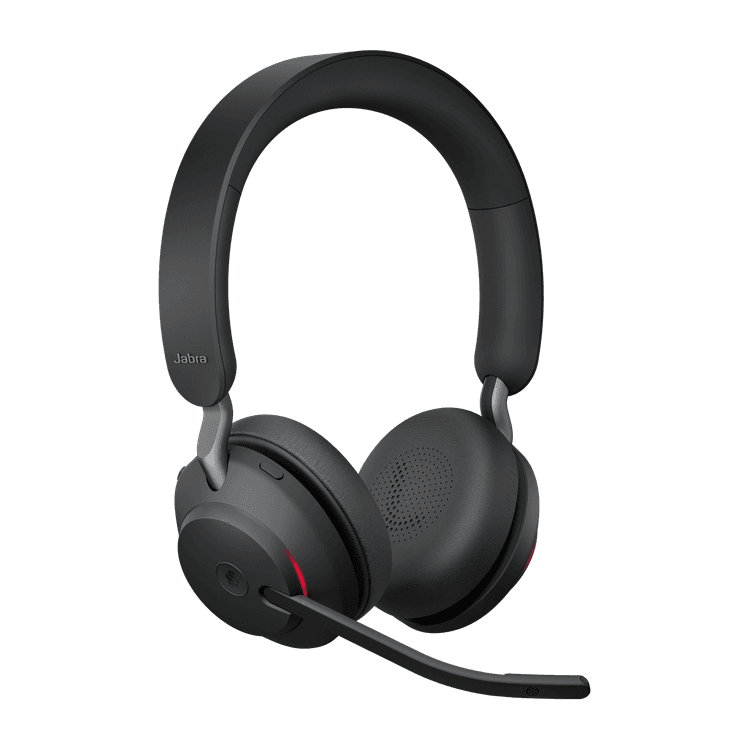
Jabra Evolve2 65
Engineered to keep you agile. Work anywhere with superior wireless audio performance.
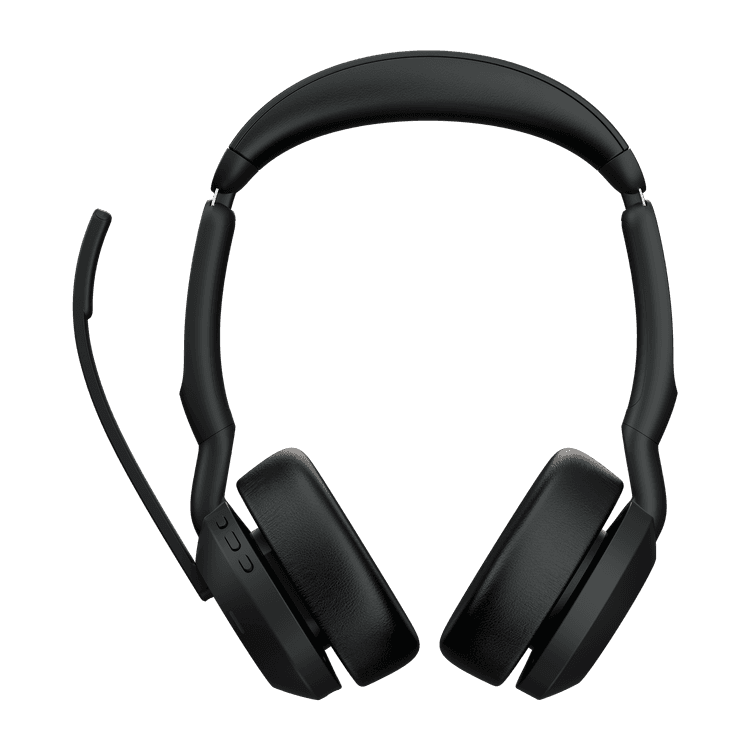
Jabra Evolve2 55
The professional headset to handle whatever your hybrid work day brings.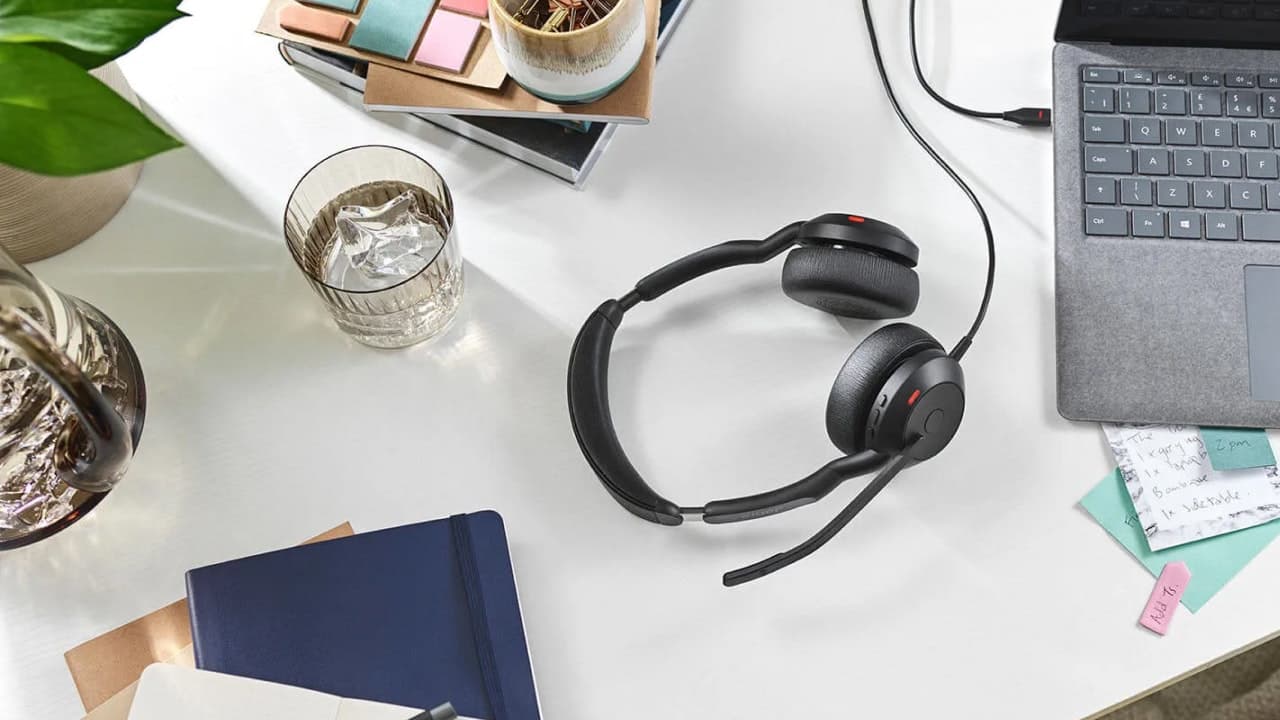
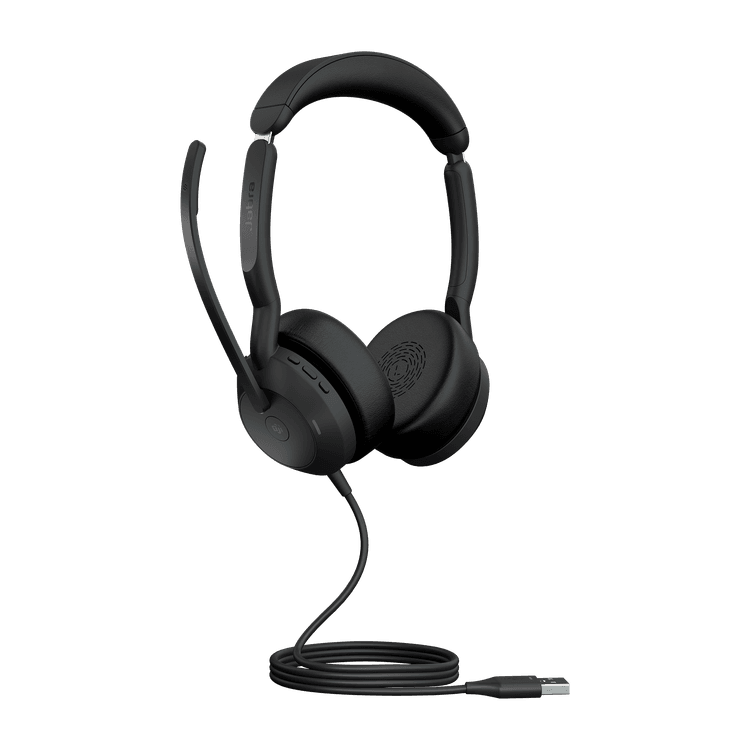
Jabra Evolve2 50
The next-generation professional headset to unleash hybrid productivity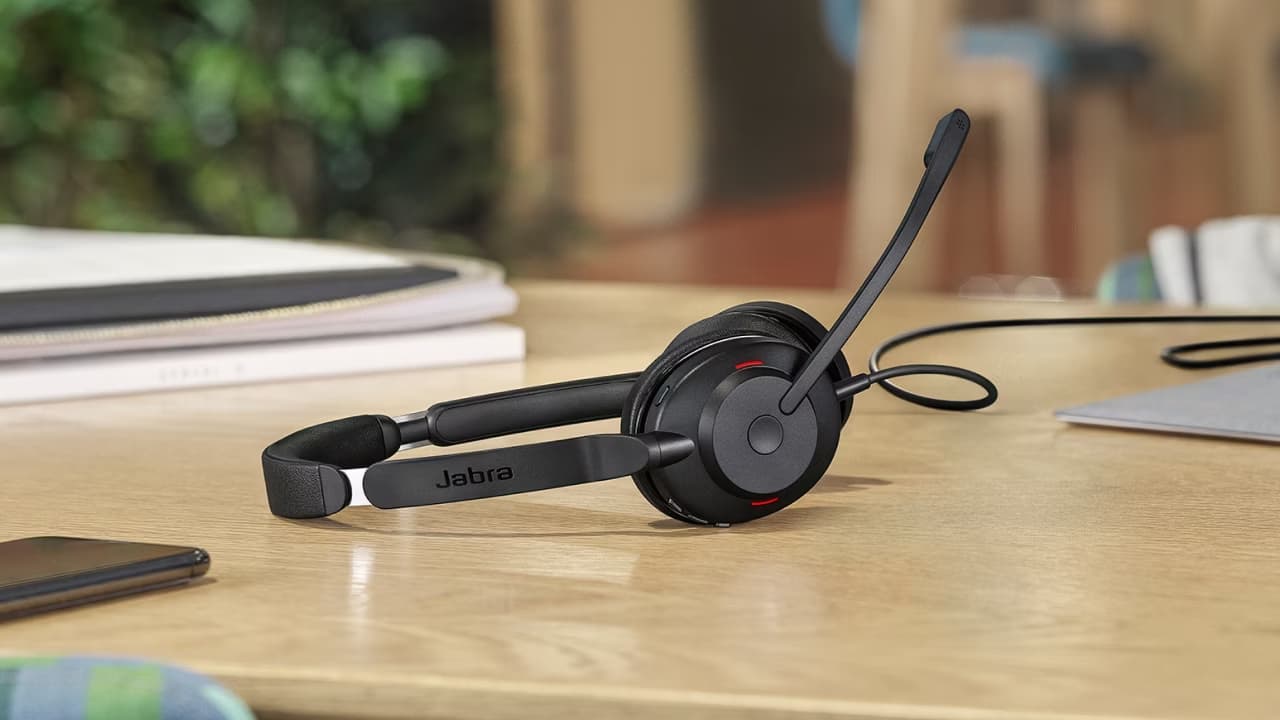
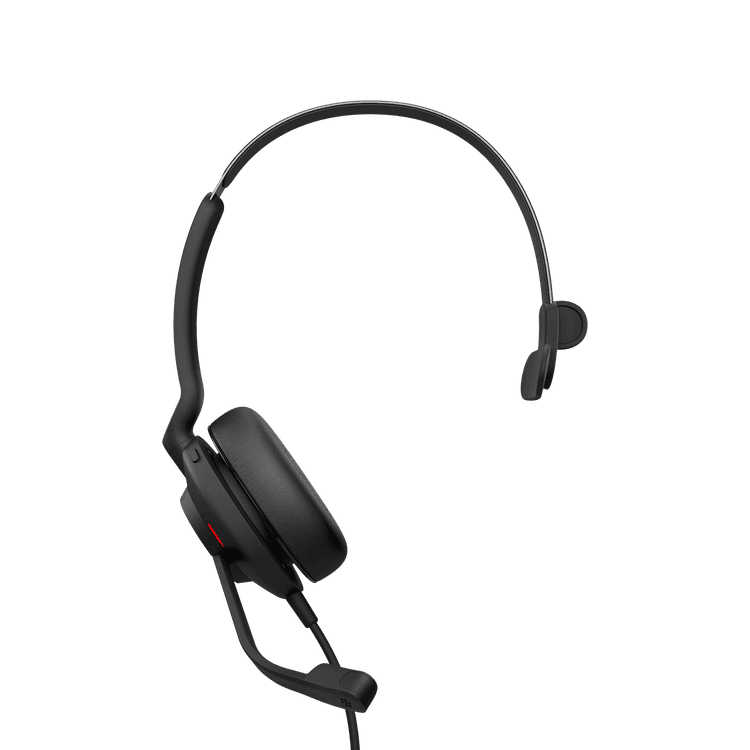
Jabra Evolve2 30 SE
Engineered to keep you productive. Lightweight, portable, reliable, comfortable.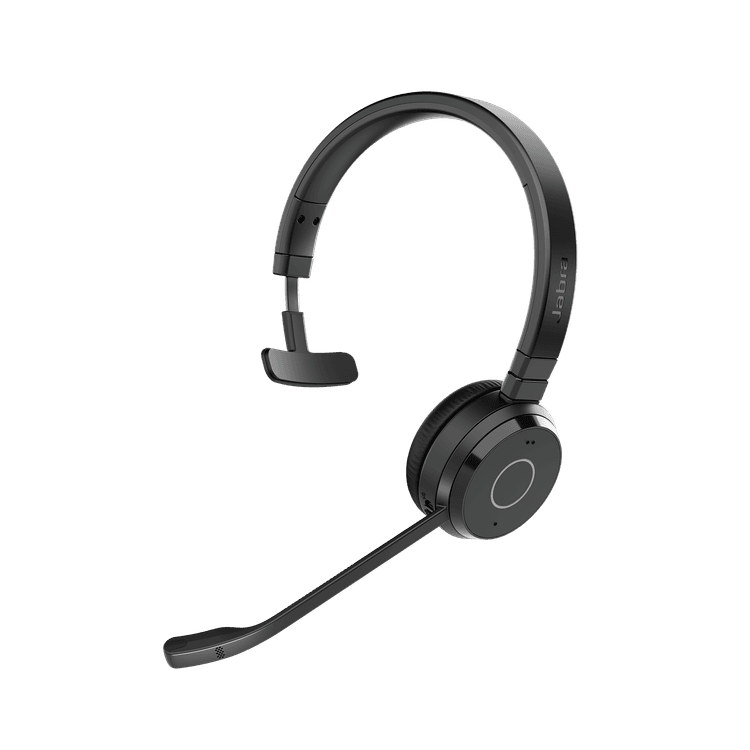
Jabra Evolve 65 TE
Professional wireless headset with dual connectivity and amazing sound for calls and music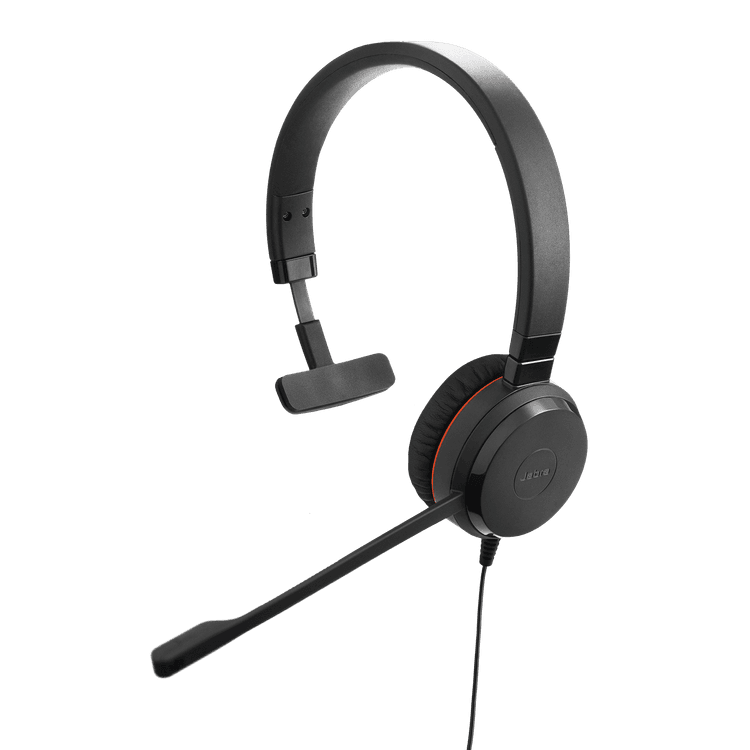
Jabra Evolve 30 II
Professional headset with flexible connectivity and great sound for calls and music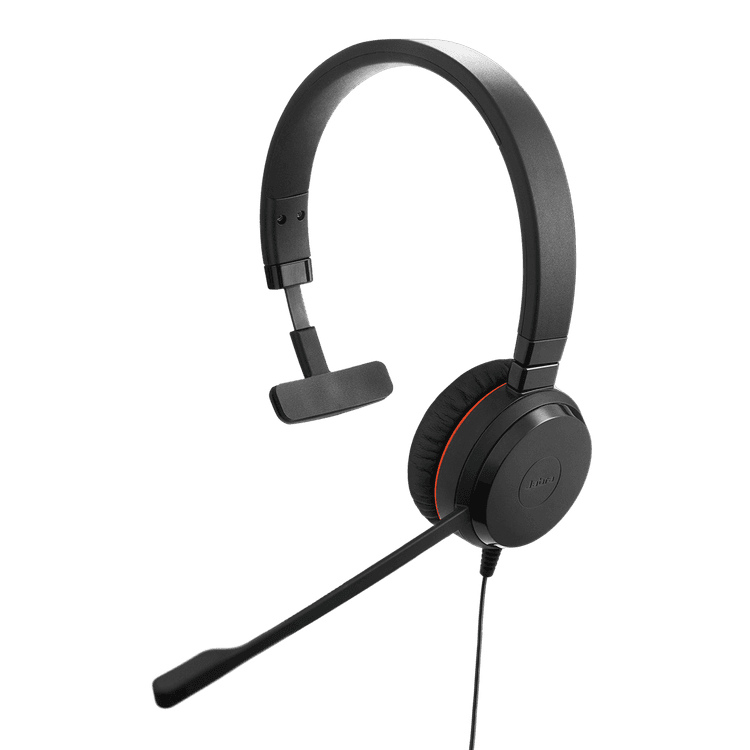
Jabra Evolve 20 Stereo / Mono
Professional headset with easy call management and great sound for calls and music
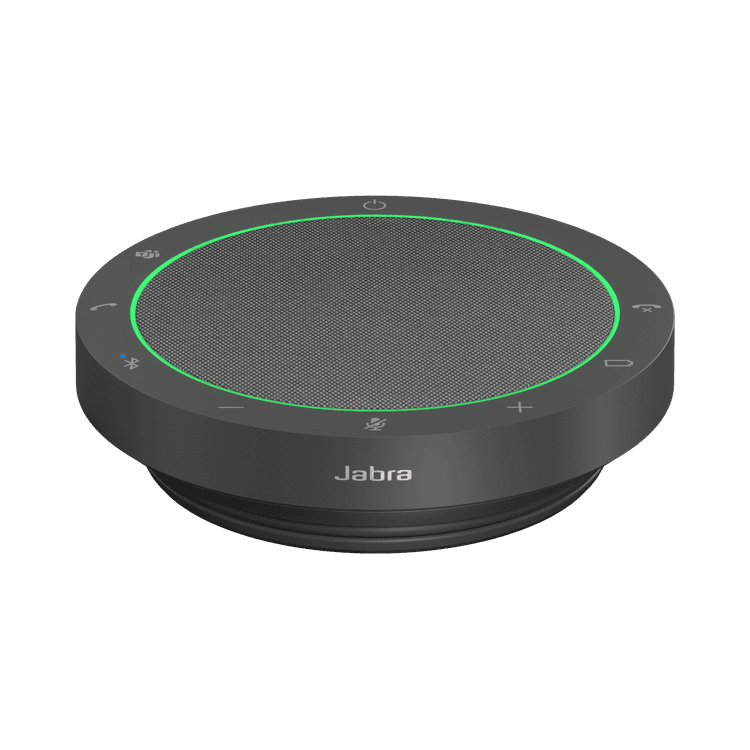
Jabra Speak2 55
Next-generation flexible speakerphone with outstanding professional audio.
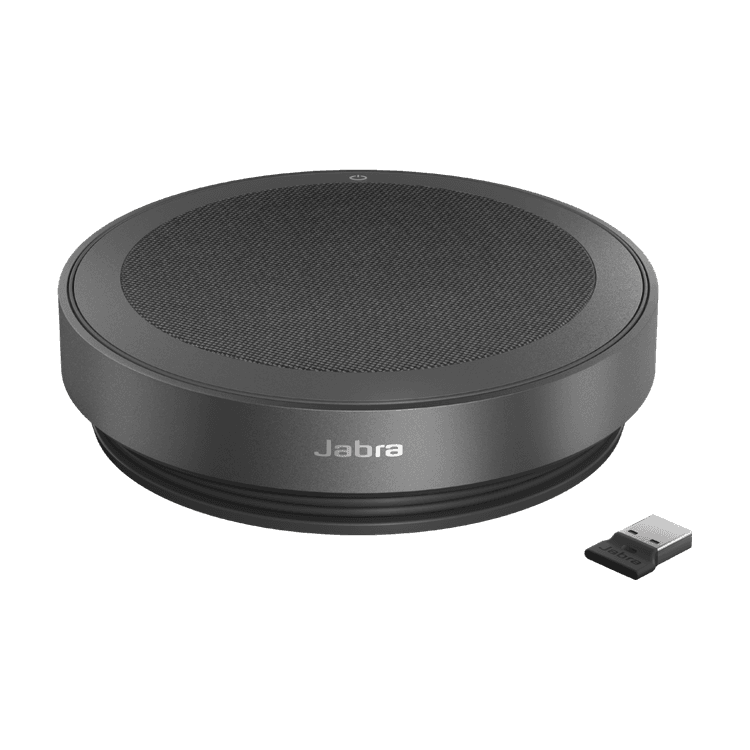
Jabra Speak2 75
The best professional speakerphone for hybrid working.
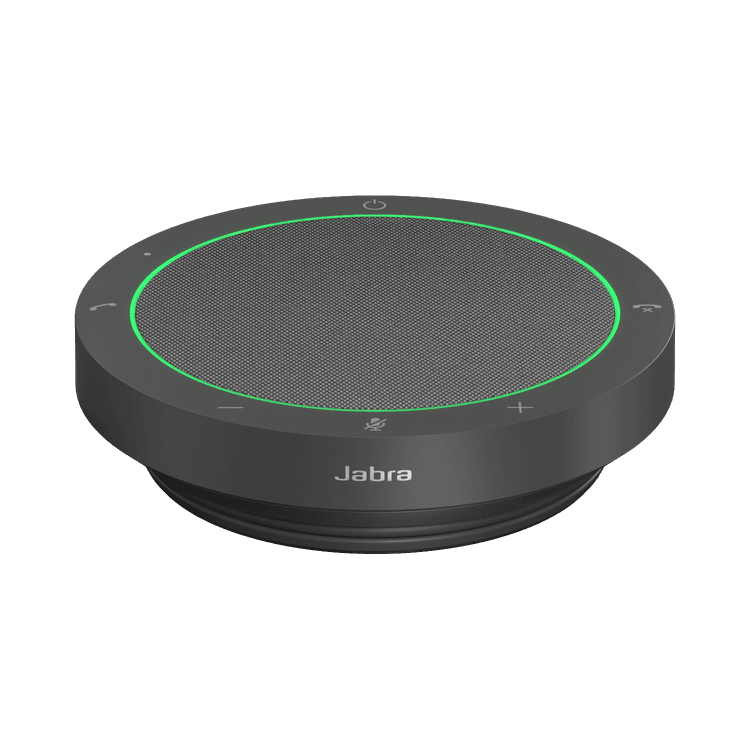
Jabra Speak2 40
Next-generation professional audio in a portable speakerphone.
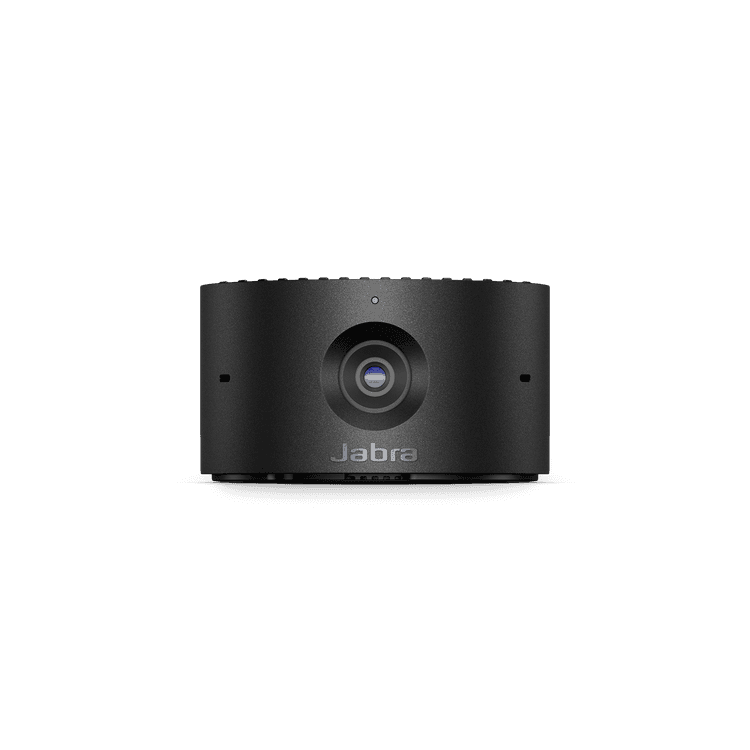
Jabra PanaCast 20
Engineered for intelligent AI-enabled personal video conferencingContact Center
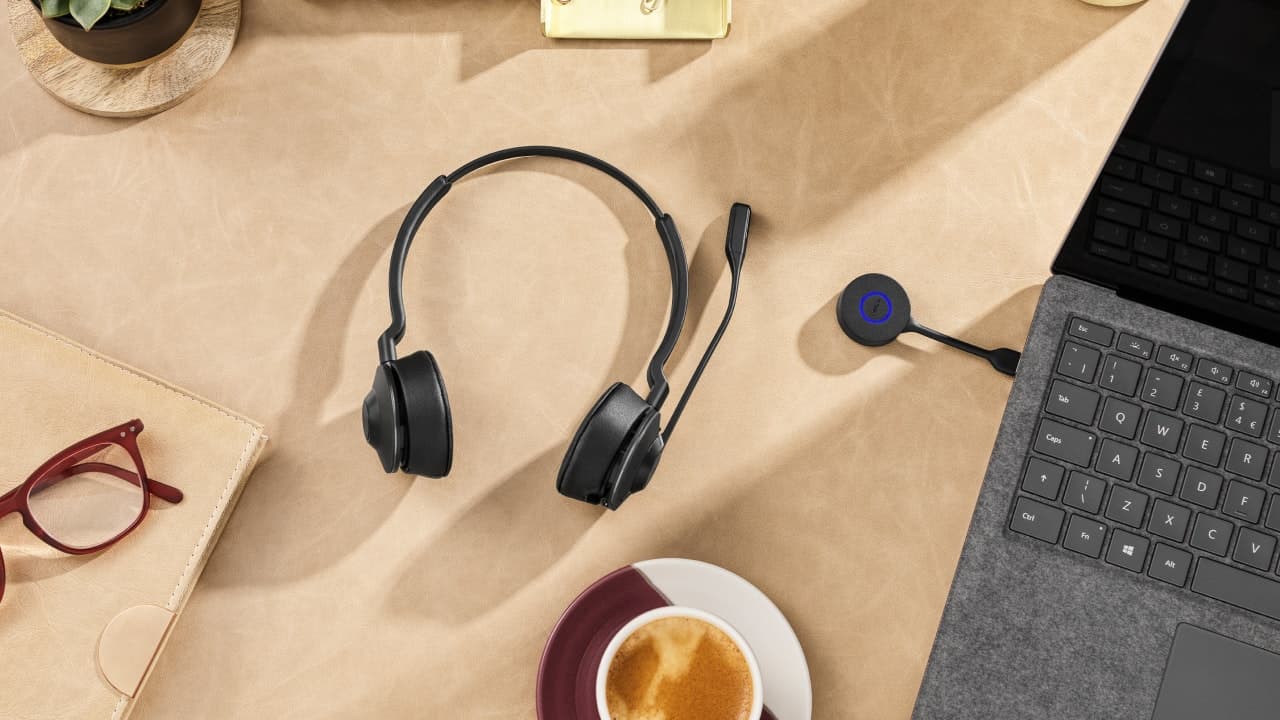
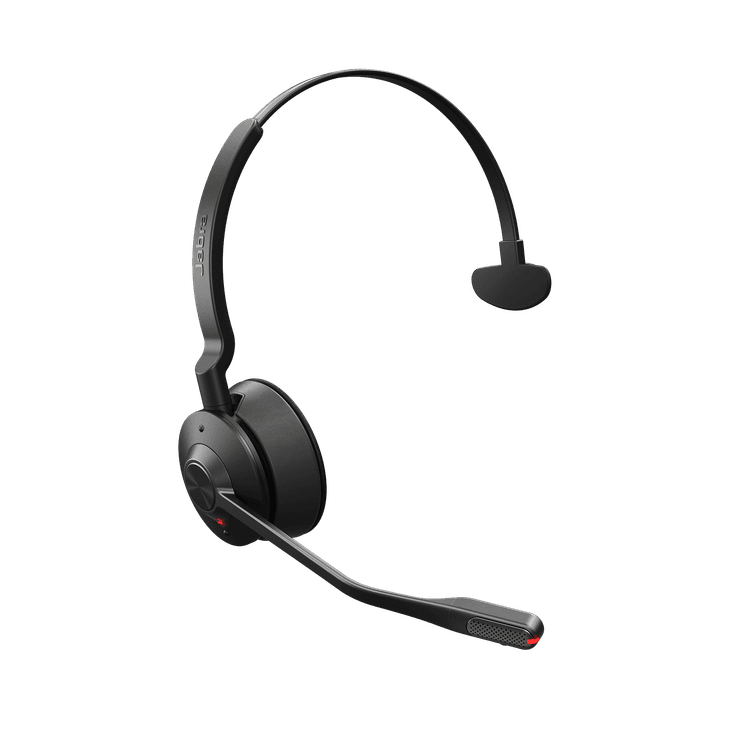
Jabra Engage 55 SE
Portable. Productive. Professional. Engineered to make every call count.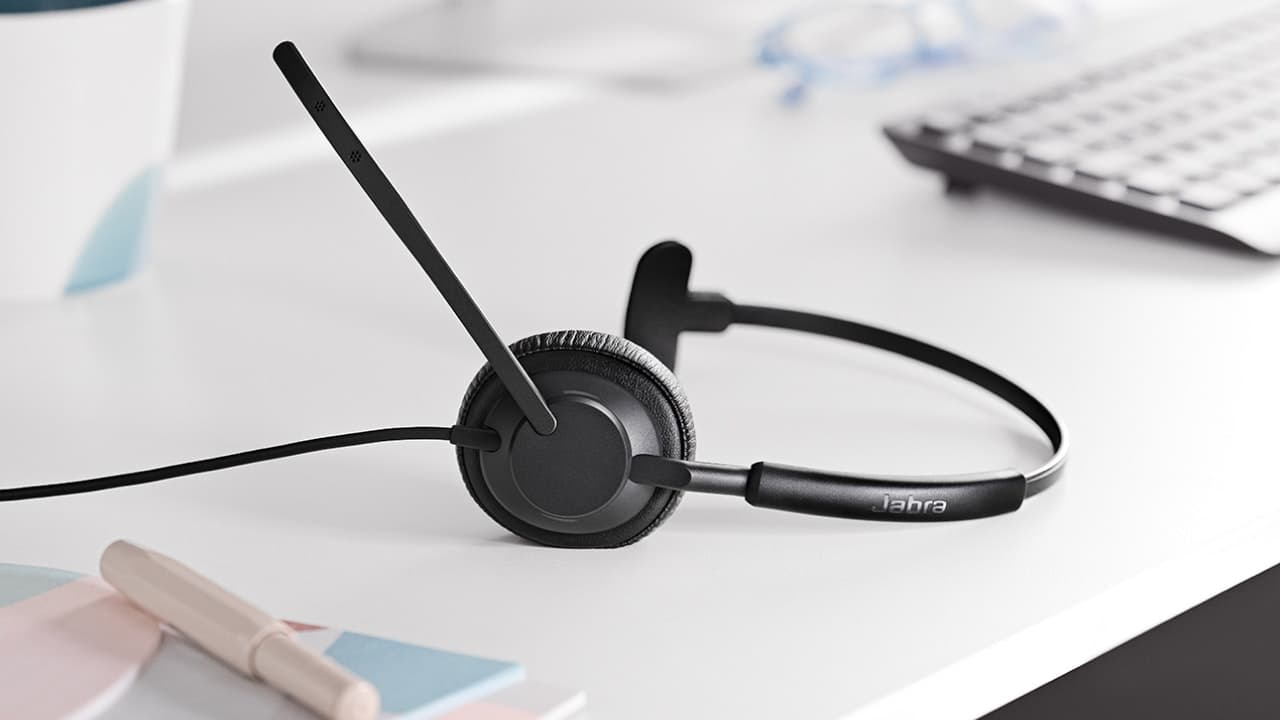
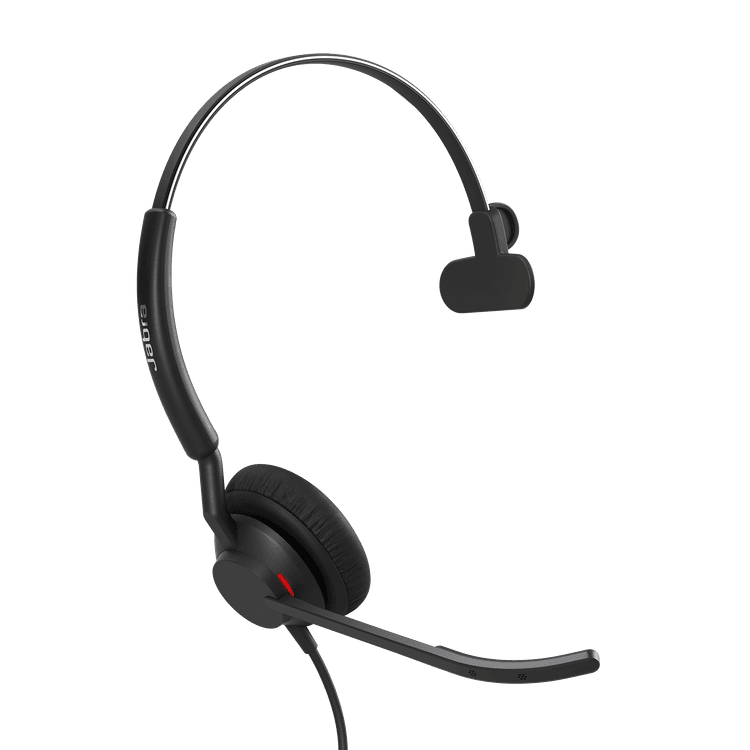
Jabra Engage 50 II
The best headset for clear customer calls*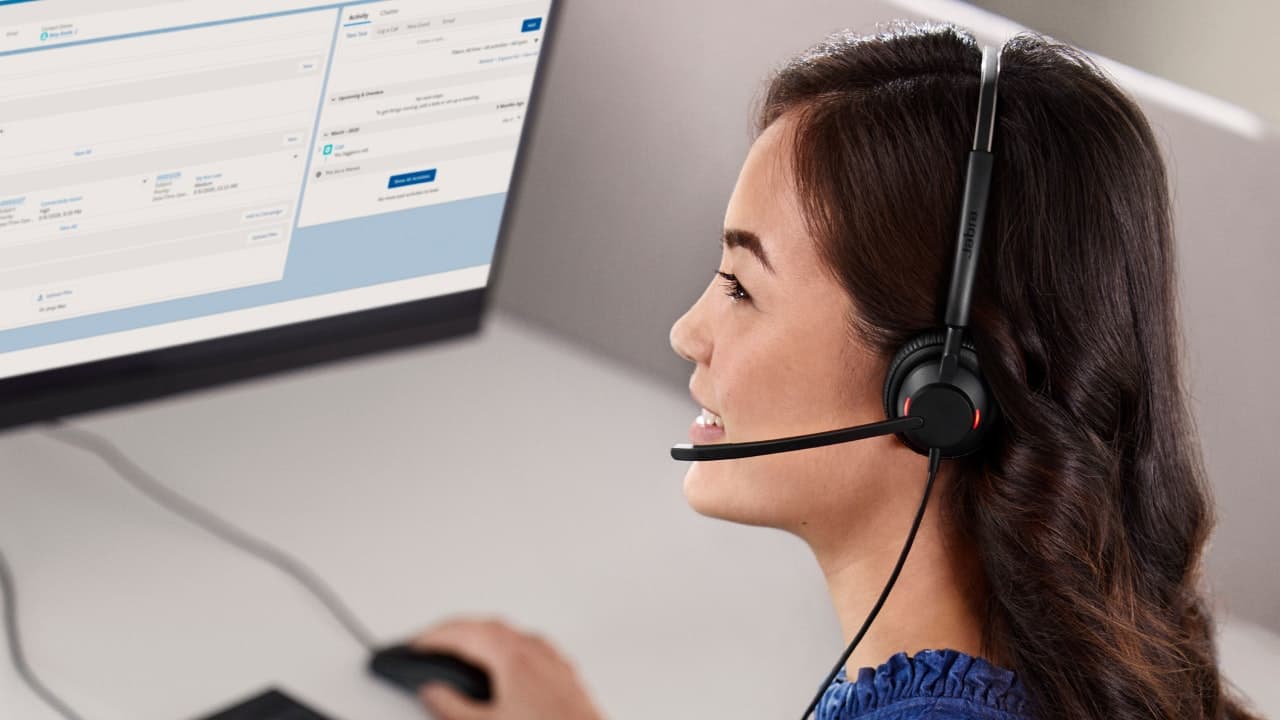
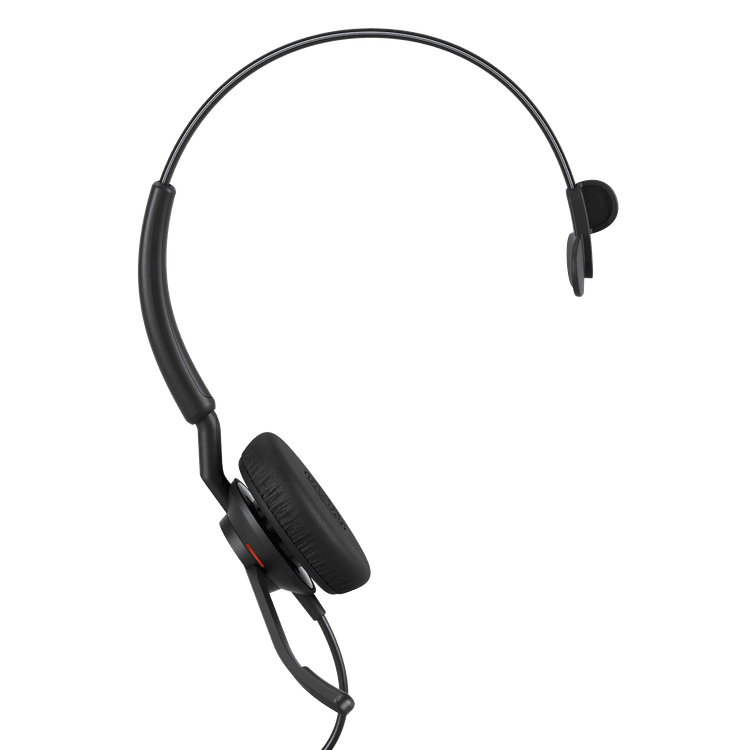
Jabra Engage 40
New levels of customer satisfactionFrontline workers

Jabra Perform 45 SE
From checkout to stockroom, Jabra Perform 45 SE empowers every associate to deliver seamless service with clear, instant communication.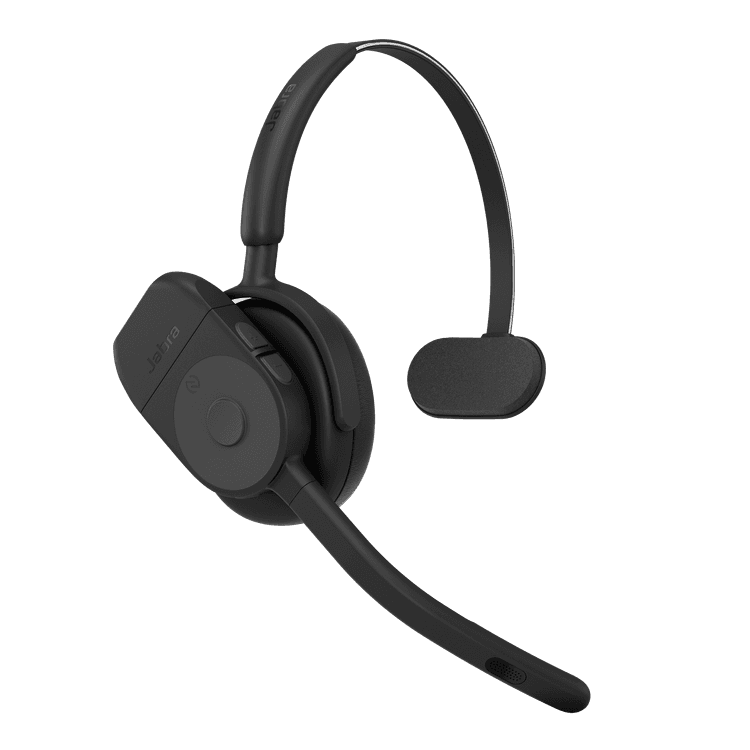
Jabra Perform 75
Hands-free, Bluetooth headset built for retail shiftwork.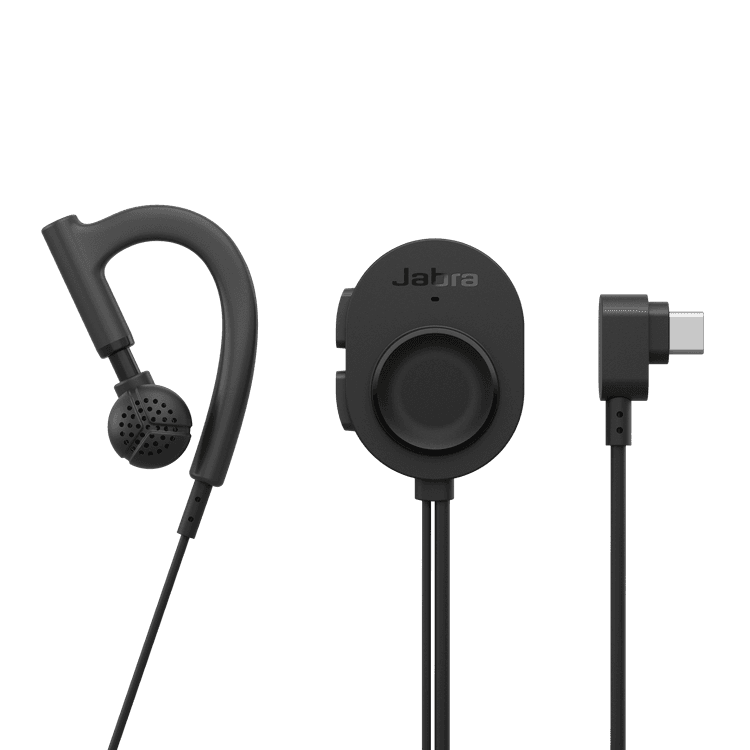
Jabra Perform 10 - USB-C, Black, Android only
Wired USB-C push-to-talk headset for retail teamsMake device management simple
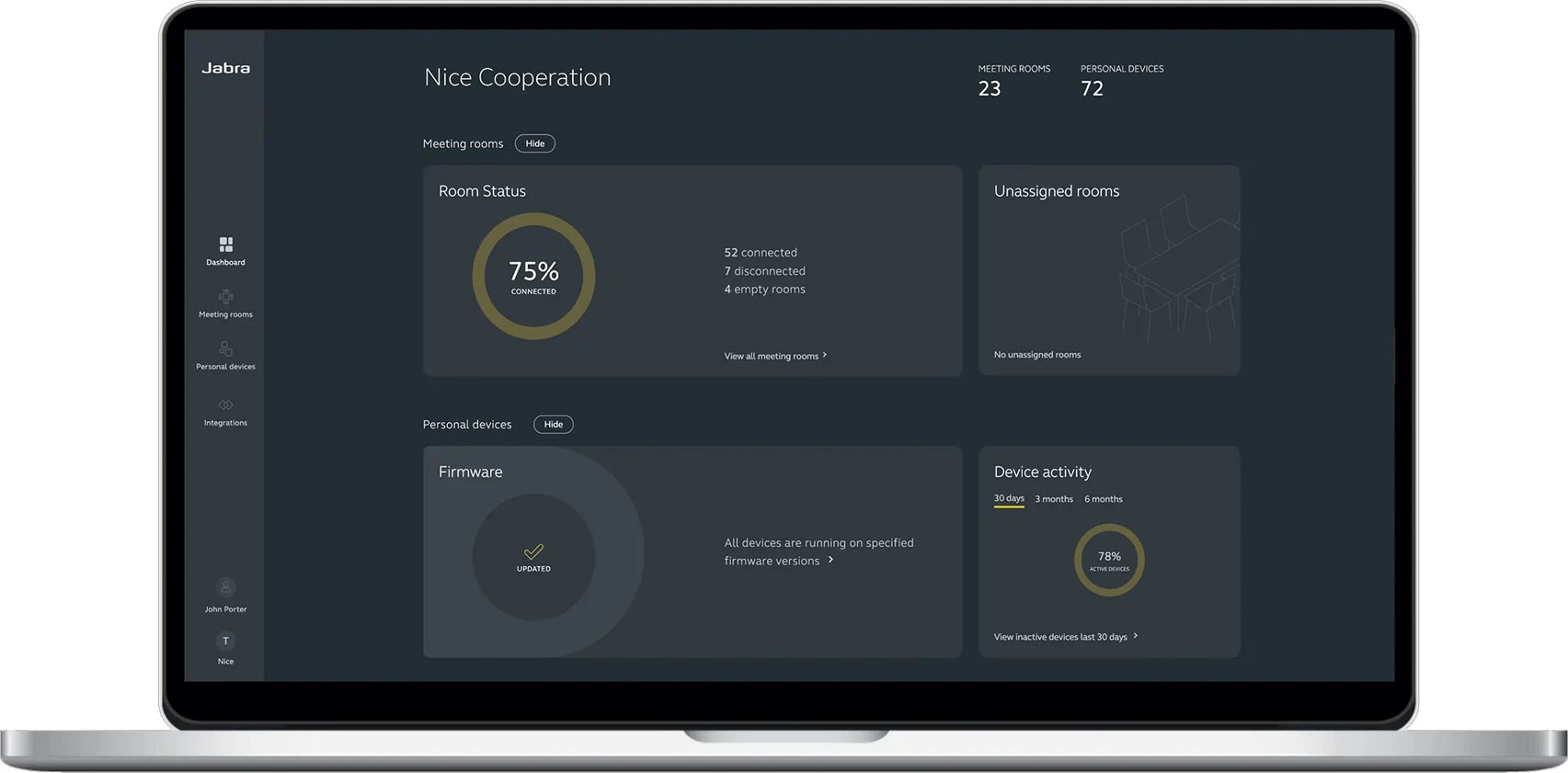
View, manage, control and update all your devices in one place, with Jabra Plus. Our comprehensive device management platform makes it easy for you to ensure your teams can get down to business with minimal device downtime or disruption, wherever they are.
Contact Sales
Get the best solution for your organization and specific use case. Our experts can advise on products, compatibility and UC deployments.
Try Jabra for free
We offer free trials for companies of 500+ employees, who are replacing their current devices or have a new project. T&Cs apply.
Need technical support?
For product support and warranty-related questions, visit our support pages where you can find user manuals, FAQs, videos, contact information and more.