
Jabra Engage+
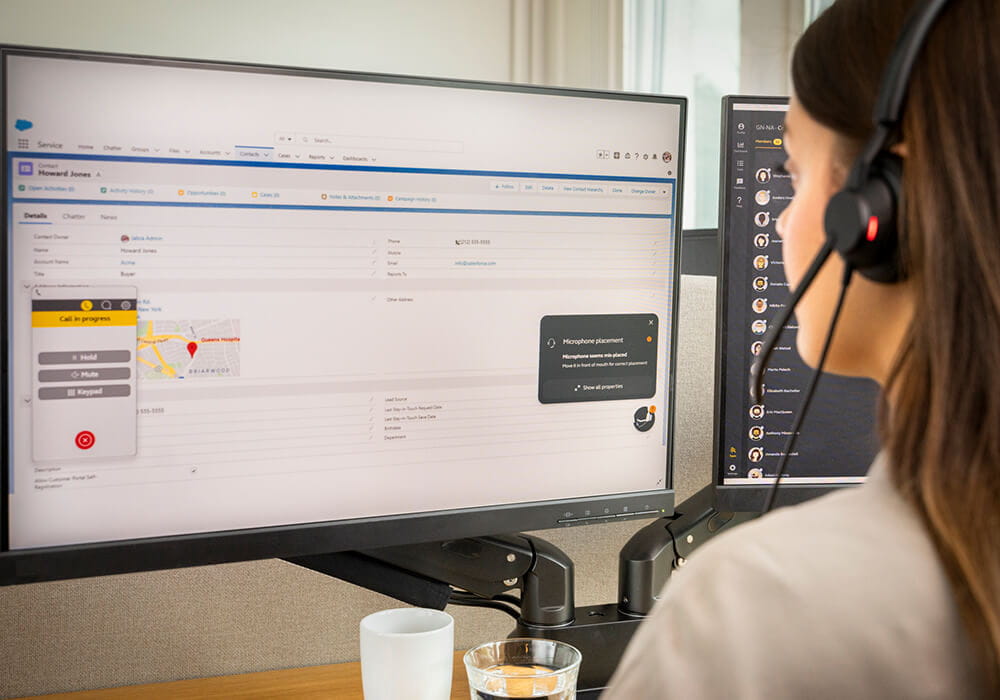
Engage+ is our innovative new live feedback widget for Engage 50 II and 40. It offers real-time notifications, so agents can really focus on customers and take action to improve the call experience throughout the call.
Live feedback, better customer experience
Awkward silences, unintelligible audio, interruptions, background noise… Besides the conversation itself, there are lots of things that can affect customer experience. Engage+ is our innovative new live feedback widget. It offers real time notifications, so agents can really focus on customers and take action to improve the call experience throughout the call. Included with Jabra Engage 50 II and 40 headsets, it’s a gamechanger for your agents and customers.
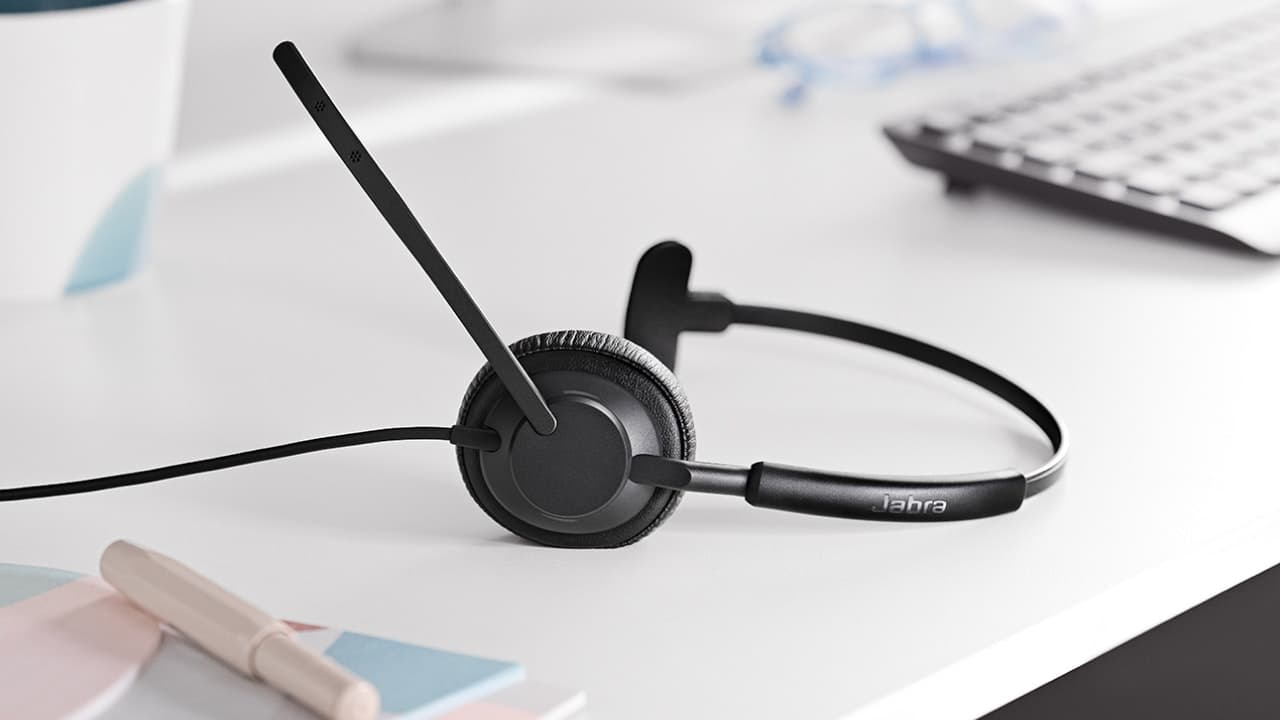
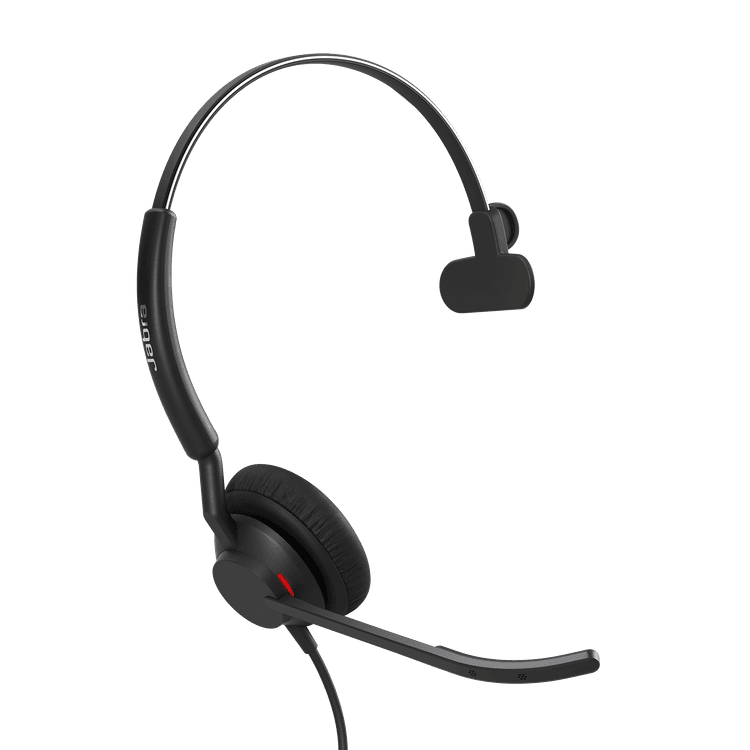
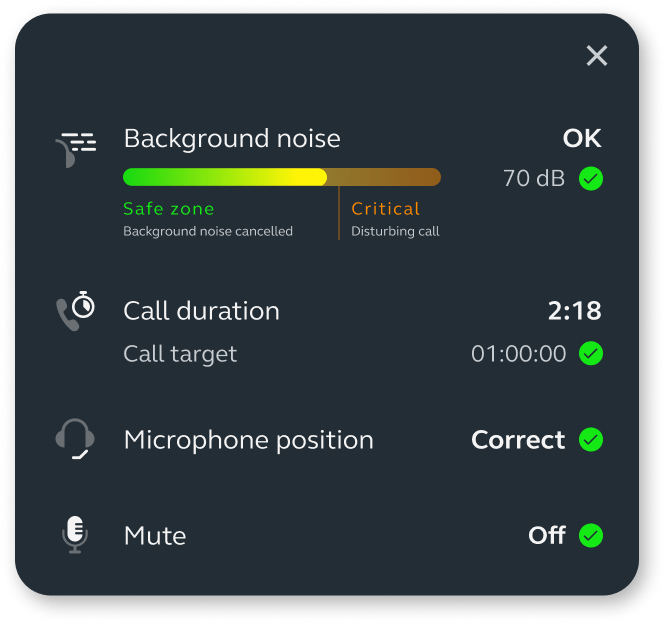
Jabra Engage 50 II
The best headset for clear customer calls*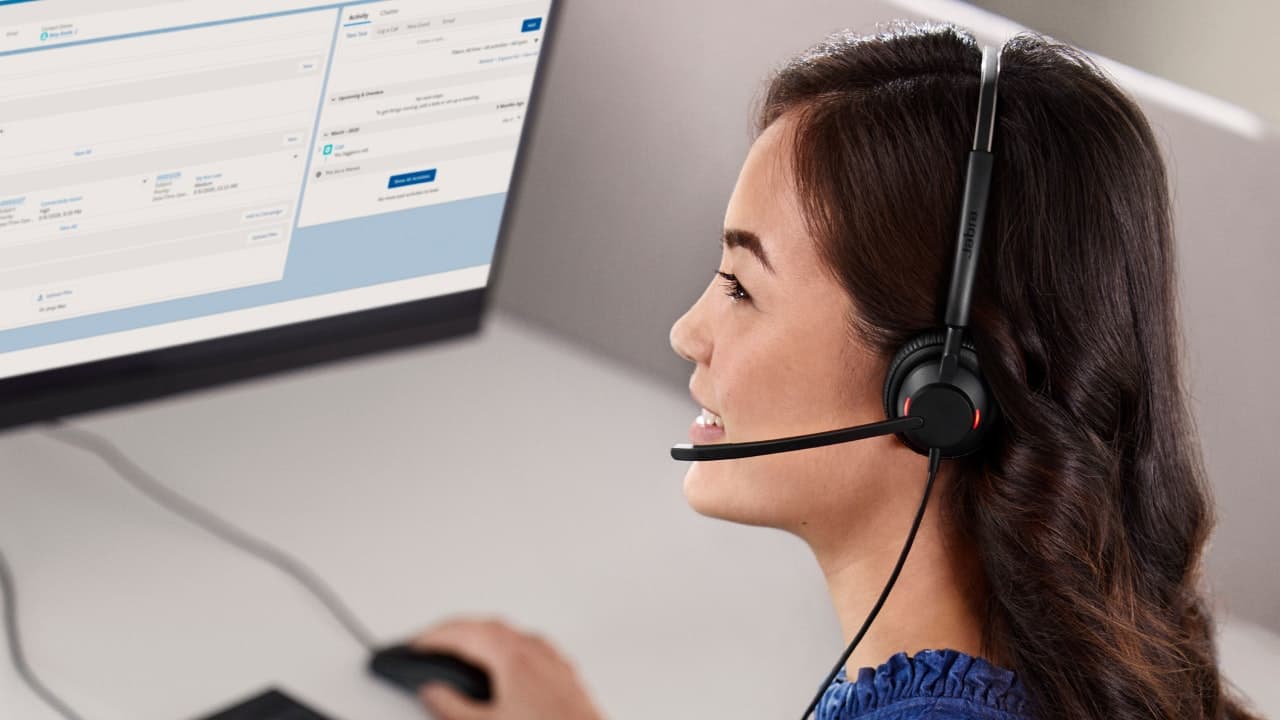
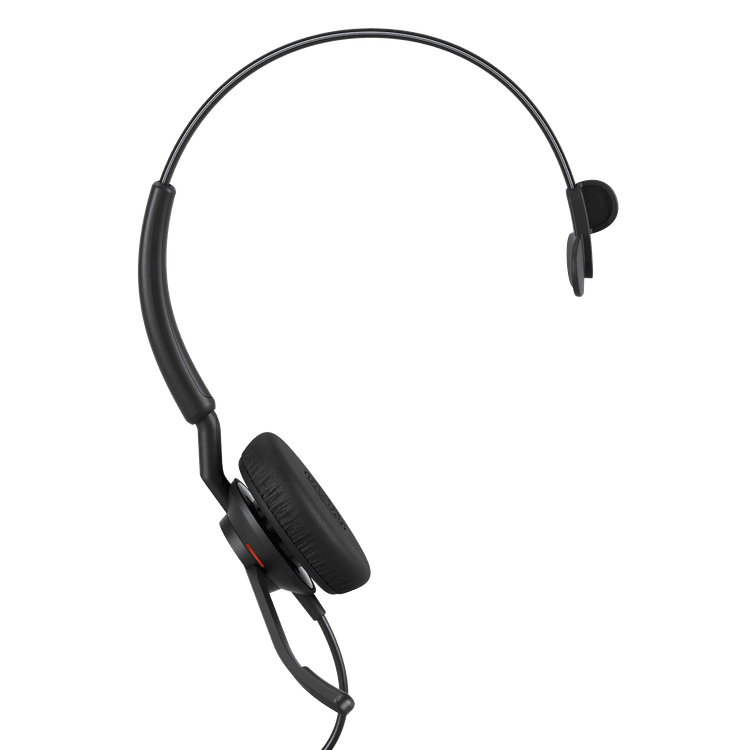
Jabra Engage 40
New levels of customer satisfactionPlay your own game
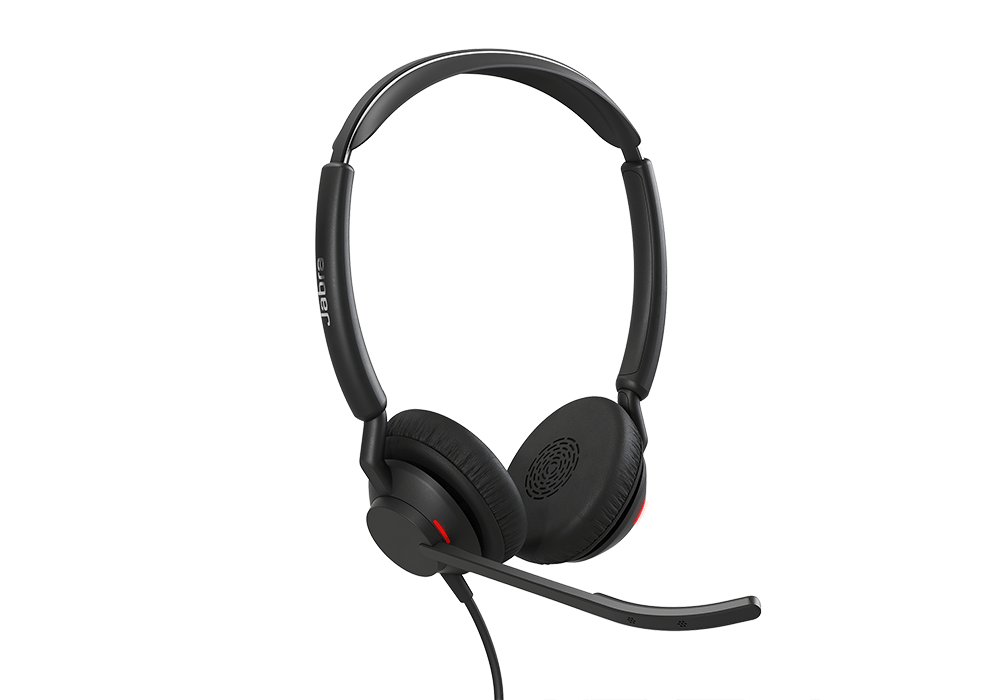
We don’t need to tell you that when you work in a contact centre, call time matters. So the call duration feature in Engage+ keeps track of how long agents have been on each call and notifies them when they exceed their targets for Average Handling Time.
But time’s relative – five minutes could be a super short call or a really long one, depending on what you’re talking about. So your agents can define their own AHT target in settings.
Pick your moment
If you want happy customers, don’t interrupt them. Easy, right? OK, so it’s not quite as simple as that. Interruptions can aid conversation flow, but they can also leave a customer less than impressed.
Engage+ monitors how often agents interrupt the customer and lets them know instantly when it gets a bit much, so they can take action straight away and make sure they’re not being that person.
While a few interruptions can be fine, an excessive number of interruptions can have a negative impact.
There are many types of interruptions in human conversations. Some interruptions can be helpful, for instance, affirmations that you are following and understanding the other speaker or helping them finish a thought they are struggling with.
However, when interruptions occur too frequently (on a per minute basis) and are long-lasting, the other end of the conversation may feel that they are not being listened to or understood. This can have a negative impact on the call experience and prolong the call.
Based on research, we find reason to pay attention to the level of interruptions when they occur more than once per 45 seconds, but it may vary by professional and cultural context. If you find that this threshold is inaccurate it is easy to adjust in the app settings.
What you can do
If you receive a notification about excessive interruptions, consider letting the other speaker finish their sentences. This will help you to be a good active listener and may improve the experience for the other end of the call.

Don’t keep them hanging on
Long pauses can feel awkward for the customer. But when an agent is on a call and trying to look up information or asking their supervisor for help, they might not realise how long they’ve been quiet for.
Engage+ keeps track of pauses, including when agents are muted and alerts them when they pause too long or too often. So your customers are never left hanging.
Long pauses on a call can be awkward and lead to a reduced call experience and longer calls.
Conversations are typically very dynamic with a lot of back and forth in the dialogue. There are typically small pauses in the conversation, but normally they last less than one second. Whenever the pauses in the conversation extend beyond one second, they can be unpleasant and when they extend beyond 4 seconds, they can be downright awkward. As a result, Engage+ gives a long pause reminder when there has been silence for more than 4 seconds.
What you can do
Whenever a long pause reminder appears, consider breaking the silence if possible. If you are preoccupied, for instance, with looking up information, advise the other end of the conversation that a small break in the conversation will happen and that you will be back shortly.
“You’re on mute”
Most of us have said this on a video call at some point over the past couple of years. But contact centre customers don’t usually get the added video of your lips moving to clue them in…
Engage+ instantly lets your agents know when they’re trying to talk while muted, so they won’t have to remember everything they just said.
Everything in its right place
Our extremely advanced and accurate microphones do an impressive job of filtering out background noise and making sure agents always sound amazing.
But they do have to meet us halfway and position the mic in the right place. That’s why we added the microphone position feature in Engage+, to let agents know when something isn’t quite lining up*.
*Only available with Engage 50 II
Microphone positioning is very important for audio quality. If the microphone is not directly in front of the mouth, your audio may sound distorted or not get through to the customer. This is especially the case if you are in an environment with high background noise. With incorrect microphone positioning, the headset may not optimally separate your voice from the noise of your surroundings.
Engage headsets are designed to be very robust in most scenarios where the microphone is incorrectly positioned. Yet, in these scenarios it can also be helpful to correct it.

What you can do
If you are alerted that your microphone is out of place, ensure that the microphone is moved so it sits directly in front of your mouth. This will improve audio quality – especially when there is loud background noise.

Now you hear it (now they don’t)
When agents are working somewhere noisy, it can be hard to believe the person on the other end can’t hear the noise going on around them. So a visual reminder can be super reassuring.
And when things do get too much for the microphones to handle, Engage+ lets agents know straight away, so they can move to a quieter spot.
Background noise can affect call quality leading to a reduced conversation experience and up to 27% longer calls1
Background noise can be very destructive for call quality and for concentration/wellbeing. Studies show that poor audio quality negatively impacts the conversation experience and can result in calls lasting up to 27% longer.2
Engage headsets are the world’s best at cancelling this noise, such that it is inaudible to the other end of the call. Therefore, in most situations where there may be concerns with background noise, you can take comfort in still delivering great audio quality. As long as background noise is below 55dBs the far end is unlikely to experience any reduction in call quality.
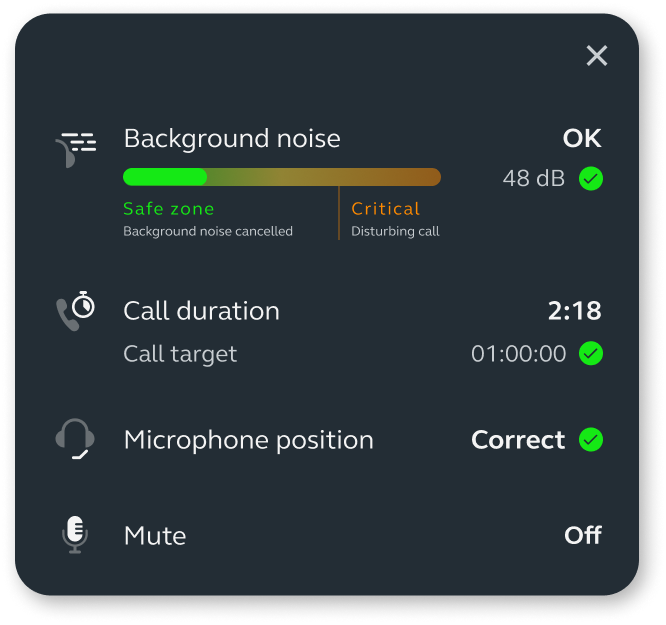
Engage+ notification when background noise is detected, but you can take comfort that the headset is taking care of it.
When background noise is very loud, it can impact the quality of your voice and even leak through to the far end of the call. We find that it is typically when background noise gets above 65dBs that audio quality issues start to occur.
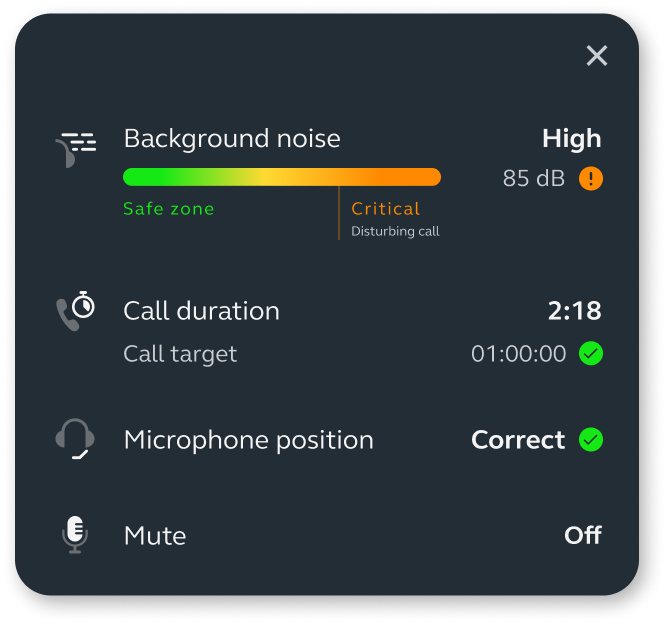
What you can do
If you find that background noise is a challenge, you have a few options to improve the situation. For a quick fix, ensure your microphone is positioned directly in front of your mouth – this will make your voice clearer and reduce the impact of background noise.
The ideal solution is to evaluate your workstation – are there opportunities to reduce the background noise in that situation? For instance, by asking people to lower their voices. If it is not possible to quiet your surroundings, consider working from another location if possible.
1 Poor Audio in the Contact Center: It Could be Costing More Than You Think - Telecom Reseller
2 Poor Audio in the Contact Center: It Could be Costing More Than You Think - Telecom Reseller
Nothing personal
Engage+ is an extension to the headset firmware of Engage 50 II and 40. It lives on the agent’s desktop and no personal data is collected or stored.
Just download and you're good to go.
ENJOY AN AMAZING VIEW
Designed to enhance your supervisor’s and agents’ day, you can also choose to integrate the experiences from Engage+ into your preferred customer care platform using our SDK (Software Development Kit). So you can feed all this rich data into the heart of your own system to make every customer call count and have a single pane of glass for your agents.

See the full picture
Leading monitoring providers have integrated advanced Jabra Engage call data into their solutions, enhancing their value with a clearer view of the customer experience. The Jabra data includes agents’ background noise, cross-talk and silence during calls, enabling you to pinpoint and address specific issues.
Together these solutions deliver visual dashboards with insights on audio performance and conversation patterns, to help you enhance agent and customer experience on every call.



Contact Sales
Get the best solution for your organization and specific use case. Our experts can advise on products, compatibility and UC deployments.
Try Jabra for free
We offer free trials for companies of 500+ employees, who are replacing their current devices or have a new project. T&Cs apply.
Need technical support?
For product support and warranty-related questions, visit our support pages where you can find user manuals, FAQs, videos, contact information and more.