JABRA VIDEO SOLUTIONS

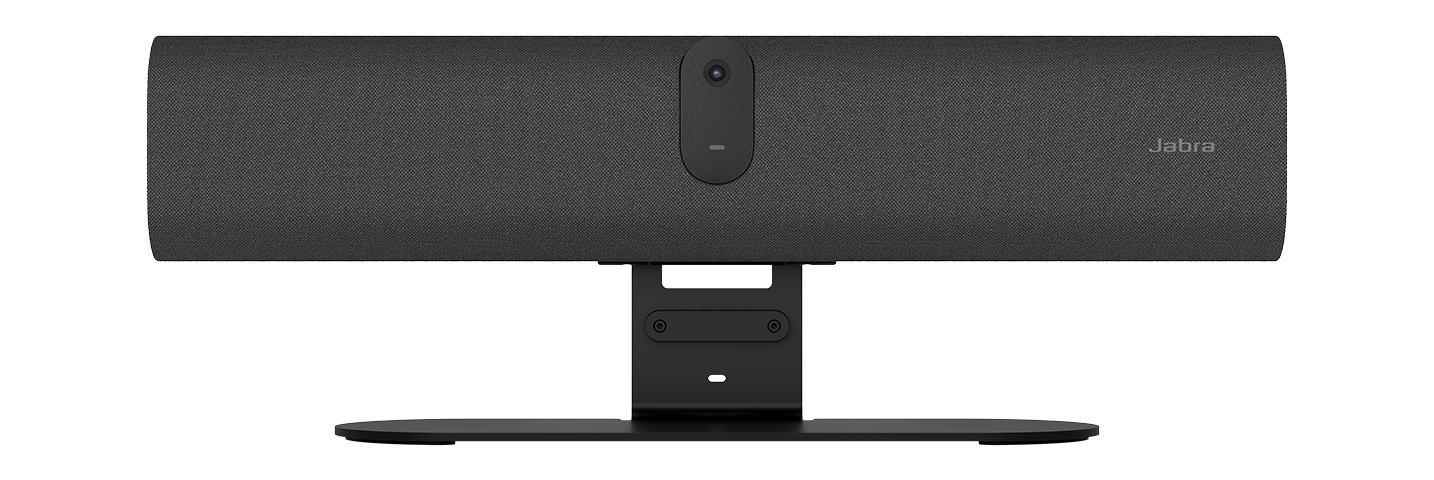
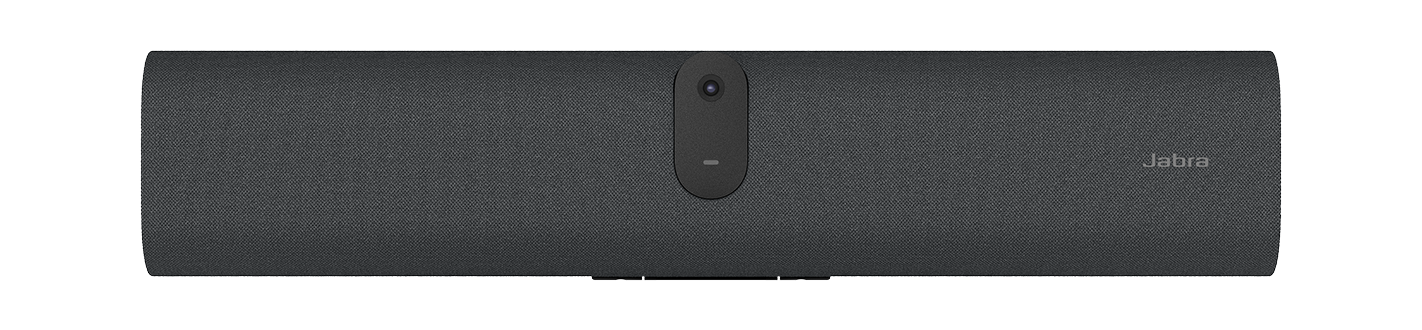
PanaCast U30

A big meeting experience for small rooms​

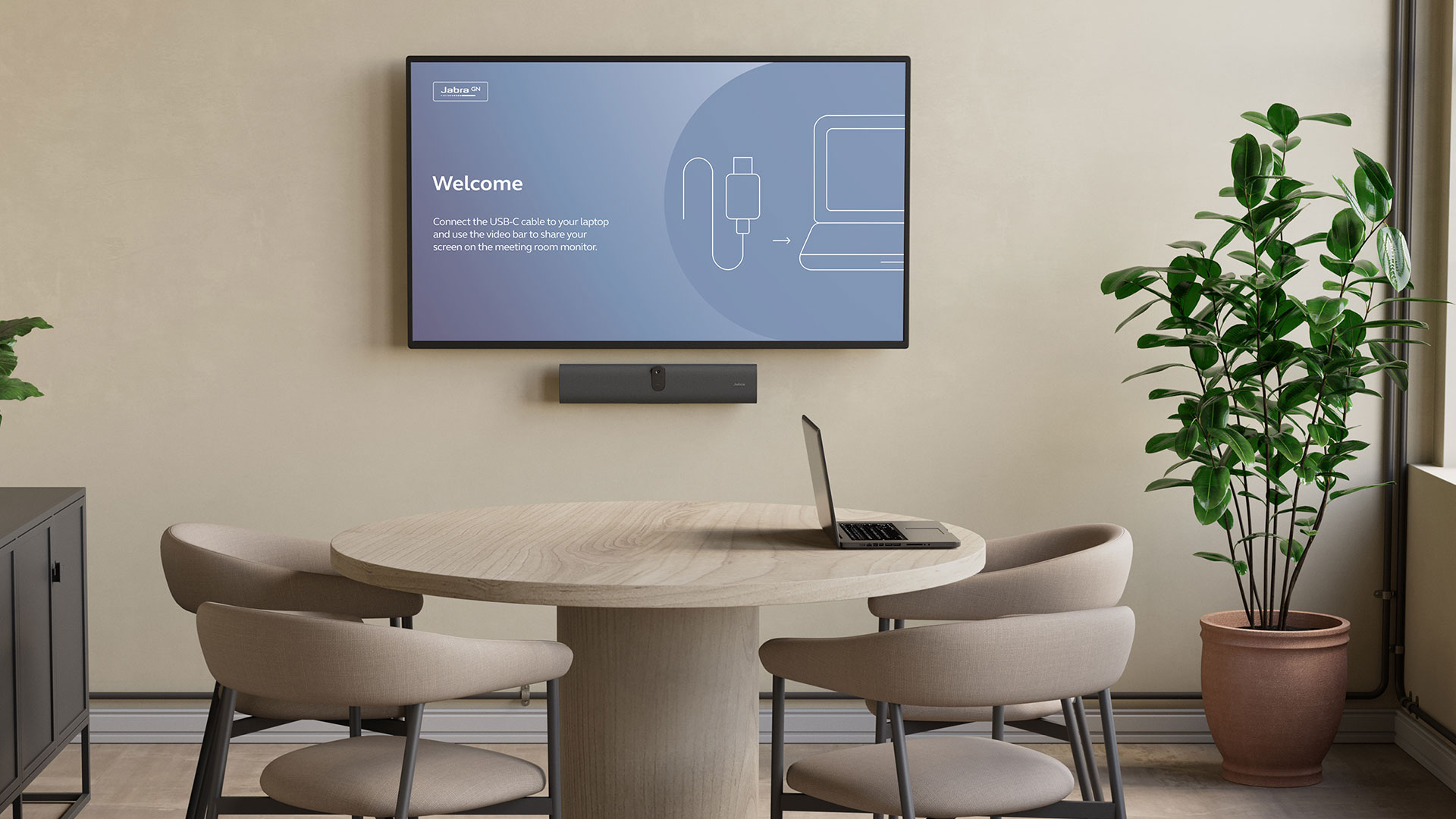
  • An onboarding wallpaper with simple how-to-use instructions to avoid guesswork

  • One single USB-C cable to connect to your device

  • Wide angle video and premium Jabra audio

  • Fast, flexible installation options for easy scalability

SAY HELLO

Introducing the PanaCast U30

Deliver a better BYOD experience with a compact video conferencing bar featuring onboarding wallpaper, single USB-C connection, and premium Jabra audio and video.

Why you'll love Jabra PanaCast U30

Better BYOD experience

No more black screens. Onboarding wallpaper guides users on how to get started. One USB-C cable connects your device to the bar – reducing confusion and wasted meeting time.

Plug-and-play simplicity

Once installed, users simply connect and launch meetings on the platform of their choice. No controller. No unnecessary complexity.

Wide-angle premium video

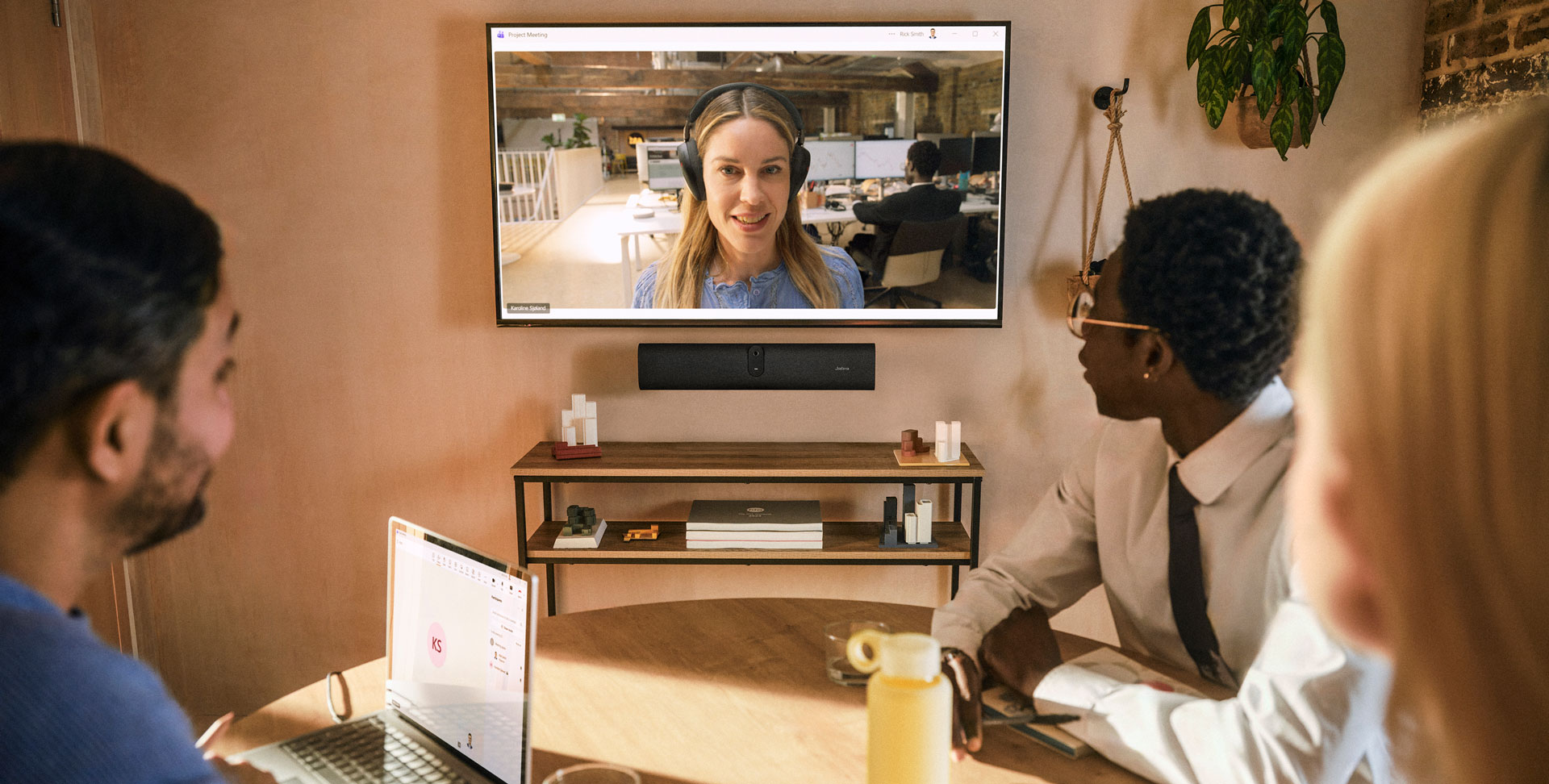
A single wide-angle camera ensures everyone in the room is clearly visible, even in compact spaces.

Outstanding audio

Six microphones and a powerful speaker deliver full-duplex, room-filling sound for natural conversations.

Easy to deploy

Wall mount included. VESA and table stand options available. Intuitive cable routing and integrated mount for easy, tidy installation.

Easy to manage

Remote management and updates via Jabra Plus. Local updates also available.

Recommended Accessory

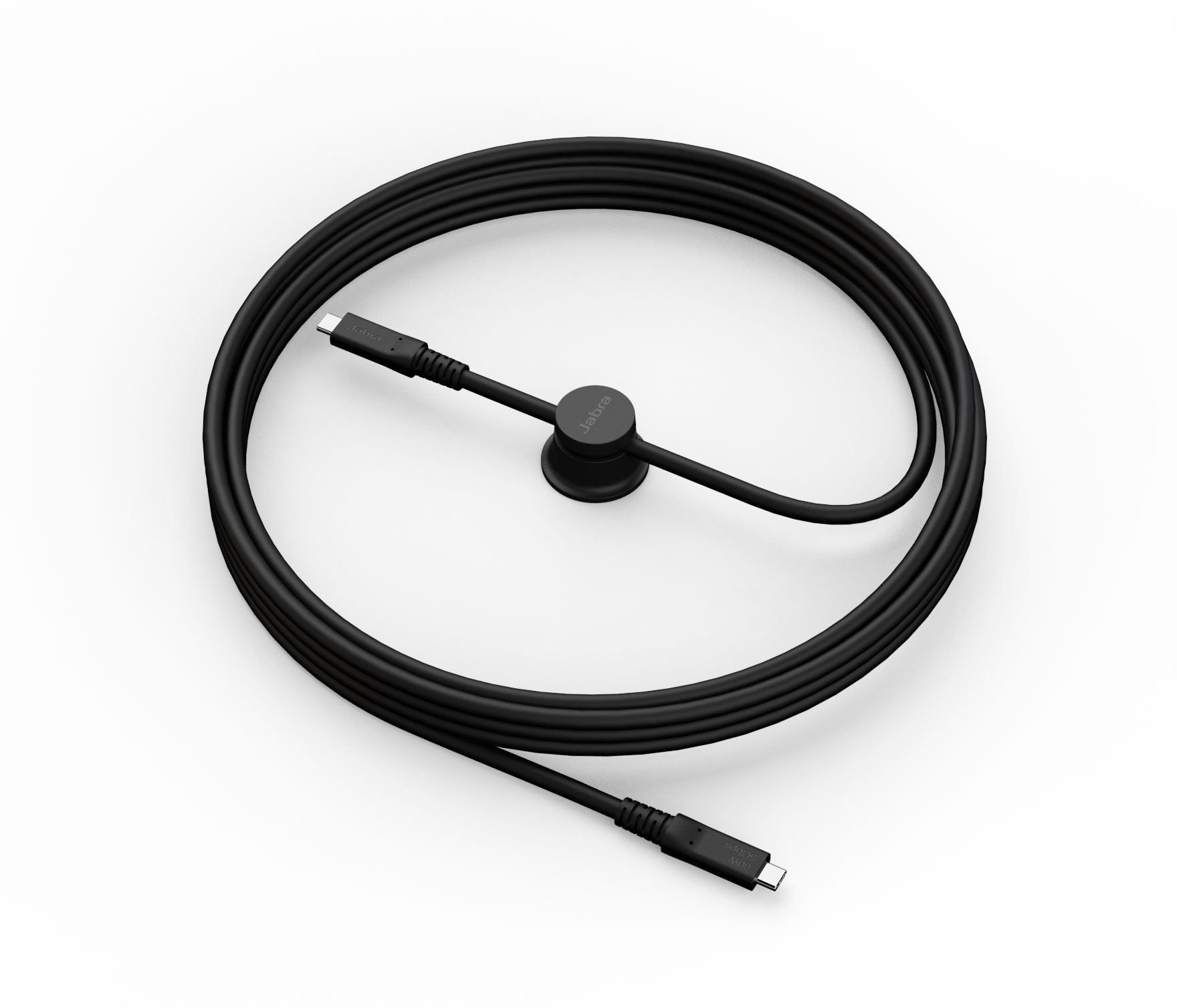
Ideal for meeting rooms where the laptop is placed further away from the video bar, this active 5M USB-C cable ensures a tidy setup without compromising the quality of the BYOD experience.

Works with your meeting platform

Start the meeting from your device as usual, with the convenience of using a familiar interface. Works with Microsoft Teams and Zoom.
Jabra Services

Tailored services for a seamless workday

Make hybrid working a success with Jabra’s complete range of services

Product overview

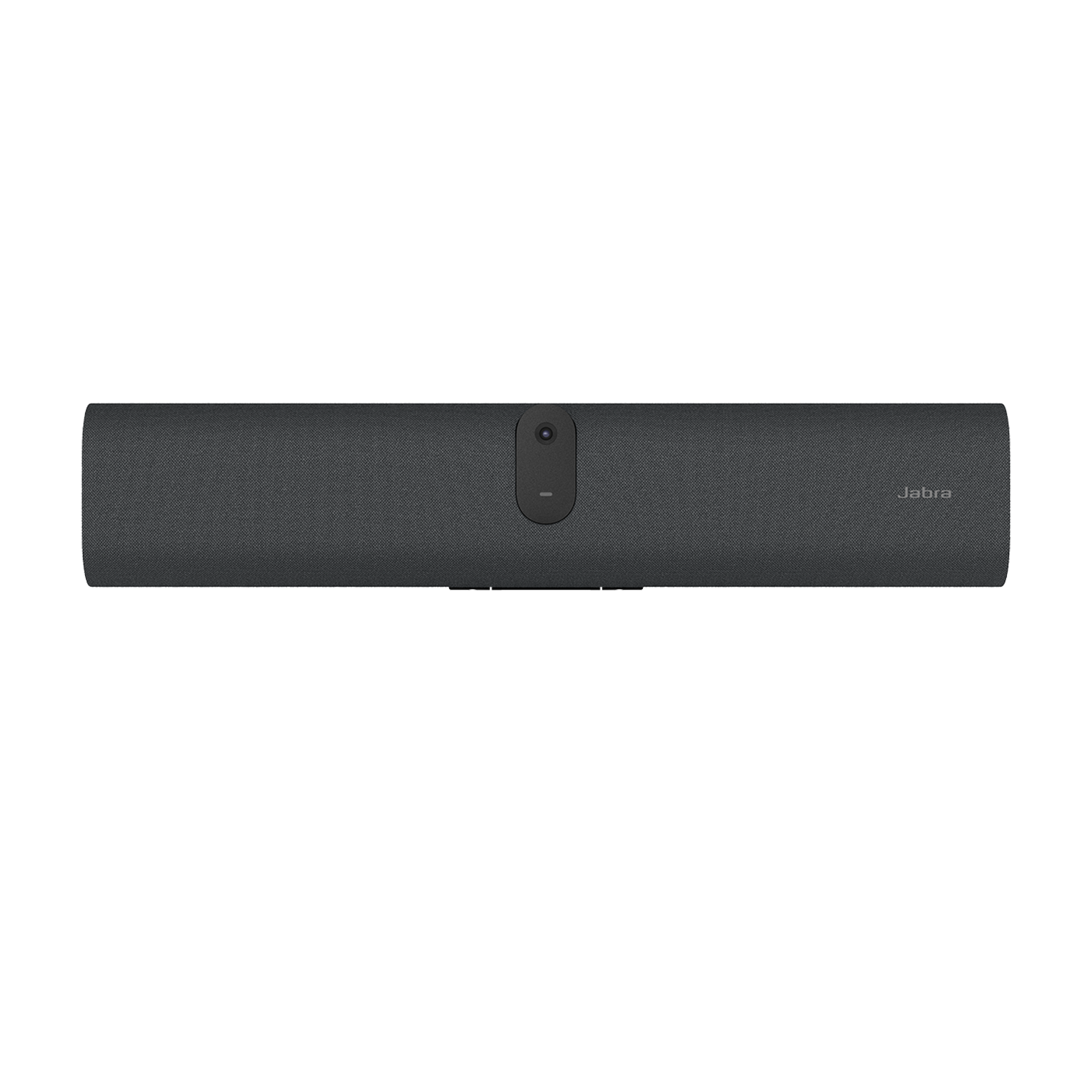
Premium wide-angle lens

Provides full-room visibility in compact spaces, ensuring everyone is clearly seen.

Six microphones

Deliver precise voice pickup, capturing voices clearly from across the table.

Powerful built‑in speaker

Offers room-filling, full-duplex sound for natural-sounding conversations.

AI-powered meeting experiences

Advanced video technologies deliver a natural meeting experience.

Get rooms ready fast

Simple in‑box set up, intuitive cabling, and flexible mounting options.

Integrated mount

Built-in mount on rear of bar makes installation easy.

Technical specifications

  • Box contents
    PanaCast U30 • USB C to USB C 3.2 gen 1 Cable (1.8m / 5.9 ft) • 1 x regional power cable • Privacy cover • power supply • wall mount
  • Operating system
    Android 13
  • Packaging dimensions (WxHxD)
    589 x 110 x 210 mm | 23.21 x 4.34 x 8.28 in
  • Main unit dimensions (WxHxD)
    529 x 108 x 65 mm | 20.83 x 4.25 x 2.56 in
  • Main unit weight (base unit)
    1.51 kg | 3.32 lbs
  • Package weight
    2.99 kg | 6.59 lbs
  • Warranty
    2 years ¹
  • Onboard AI
    Yes
  • Cable management
    Yes
  • Operating voltage
    100-240V
  • System requirements
    Windows (latest two versions), macOS (latest two versions)
  • LED features and functions
    Firmware update status, Mute/unmute, Power indicator, Streaming
  • Video input
    1 x HDMI
  • Video output
    1 x HDMI
  • Content sharing
    HDMI input, USB-C (DP-alt mode) ³
  • Number of cameras
    1
  • Camera resolution
    4K resolution
  • Zoom
    Up to 3x lossless digital zoom at 720p, Up to 6x digital zoom at 720p
  • Field of view
    Horizontal: 120°, Vertical: 61°, Diagonal: 132°
  • Intelligent Zoom
    Yes
  • Intelligent Meeting Space
    Yes
  • Multi-stream Dynamic Composition
    Yes ⁴
  • Dynamic Composition
    Yes
  • Virtual Director
    Yes
  • Speaker frequency range
    80Hz - 20000Hz
  • Number of speakers
    1
  • Automatic Speaker Detection
    Yes
  • Noise Reduction Echo Cancellation
    Yes
  • Non-Speech Noise Suppression
    Yes
  • Number of microphones
    6
  • Microphone sensitivity
    -37dBFS
  • Microphone frequency range
    100Hz - 16000Hz
  • Aux-Out for assistive listening devices
    3.5mm jack ⁵
  • Access management
    Jabra Plus for admins; Jabra Plus; Jabra Web Console; Local account; Jabra Plus On-Prem
  • Security management
    Remote log in via Jabra Plus, Jabra Web Console and VaaS Admin Portal
  • Authenticated access to Admin settings, Jabra Web Console, Jabra+
    Yes
  • Account password strength check and enforcement
    Yes
  • Device locked down for security
    Yes
  • Lockdown with secureboot, OS verified boot, Vendor lock
    Yes
  • Log retrieval via Jabra Web Console
    Yes
  • Interfaces
    Wi-Fi (802.11a/b/g/n/ac), USB-A, Ethernet (RJ45), HDMI, 3.5mm jack port, USB-C 3.2 gen 1
  • Bluetooth® version
    5.2
  • Supported USB versions
    USB 2.0, USB 3.0
  • UVC versions
    1.5
  • Recommended passive USB 3 cable length
    1.8m | 5.9ft
  • Internet Protocol (IP)
    IPv4, IPv6
  • Ethernet
    RJ45
  • Auto-MDIX
    Yes
  • Proxy support
    HTTP; HTTPS
  • Support DHCP
    Yes
  • Support Static IP Address
    Yes
  • Simple Certificate Enrollment Protocol
    Yes
  • Compatible software and/or apps
    Jabra Plus; Jabra Direct Online; Jabra SDK; Jabra Web Console for remote device management via HTTPS
  • Integrated People Count
    Yes
  • Software Development Kit (SDK)
    Yes
  • Digital pan/tilt/zoom
    Yes
  • Manual Pan-Tilt-Zoom (PTZ)
    Yes
  • Camera privacy cover
    Yes
  • Single Cable BYOD
    Yes ³
  • Digital Signage
    BYOD Cable Guides
  • Proximity sensor
    Yes
  • Operating temperature
    5°C to 35°C | 41°F to 95°F
  • Storage temperature
    -20°C to 60°C | -4°F to 140°F
1 Jabra Warranty+ is only available for business end-customers and must be purchased at the time of product purchase through eligible resellers. Reach out to your Jabra Account Manager or Jabra Support to find out which enterprise products and countries are covered by Jabra Warranty+. The following terms and conditions apply to Jabra Warranty+: www.jabra.com/business-services-terms
2 Teams certification is pending as of May 2026. Please refer to Jabra.com or your Jabra representative to confirm certification status.
3 PanaCast U30 supports DisplayPort Alt Mode. However USB 2.0 cables are not compatible with DisplayPort Alt Mode. To use DisplayPort Alt Mode with PanaCast U30 you can use the cable supplied in the box. Jabra also offers a 5m Active USB 3.2 Gen 1 Cable which supports DisplayPort Alt Mode. See accessory list.
4 Partner specific.
5 Please note that audio from within the room is not streamed, and people outside the room may be able to connect and listen in.

Accessories

  • Jabra Ethernet Cable (Ethernet, RJ45, Cat5e, 4.57m/15ft) - Black

    Jabra Ethernet Cable (Ethernet, RJ45, Cat5e, 4.57m/15ft) - Black

  • Jabra Table Stand

    Jabra Table Stand

  • Jabra PanaCast 40 VBS ADA Mount

    Jabra PanaCast 40 VBS ADA Mount

  • Jabra PanaCast 50 Video Bar System Power Cable

    Jabra PanaCast 50 Video Bar System Power Cable

  • Jabra USB-C Active Cable (USB-C to USB-C) - 3.2 Gen 1 (5m)

    Jabra USB-C Active Cable (USB-C to USB-C) - 3.2 Gen 1 (5m)

  • Jabra USB-C Active Cable (USB-C to USB-C) - 3.2 Gen 1 (1.8m)

    Jabra USB-C Active Cable (USB-C to USB-C) - 3.2 Gen 1 (1.8m)

  • Jabra PanaCast 48W AC Power Adapter

    Jabra PanaCast 48W AC Power Adapter

Contact Sales

Get the best solution for your organization and specific use case. Our experts can advise on products, compatibility and UC deployments.

Try Jabra for free

We offer free trials for companies of 500+ employees, who are replacing their current devices or have a new project. T&Cs apply.

Need technical support?

For product support and warranty-related questions, visit our support pages where you can find user manuals, FAQs, videos, contact information and more.

Get help now

Product support

Support content including user manuals, FAQs, video tutorials, and more.

Find support