Zoom Rooms Multi-Stream Smart Gallery
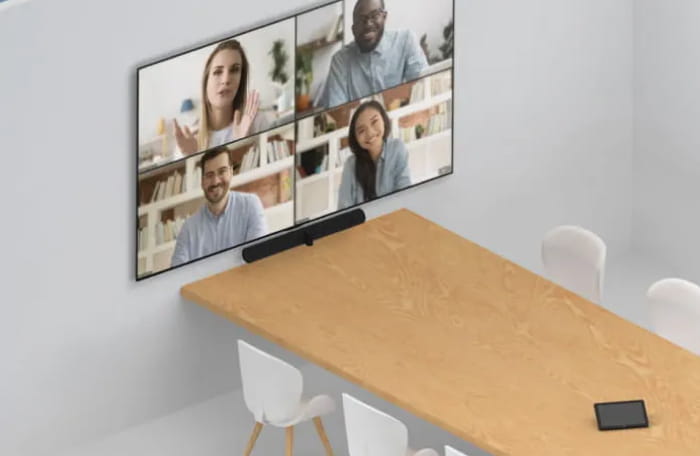
This experience provides a full room view and 5 additional video streams with close-ups of the people in the room for a more inclusive meeting experience.
What’s more, each of the 5 people streams can also support up to 4 people tiles, enabling everyone in the room to appear on-screen.Intelligent Zoom
Intelligent Zoom utilizes the video streams from our three PanaCast 50 cameras to analyze where everyone is sitting in the room and automatically adjust the frame so remote participants get the best possible view of the meeting. That means expanding the frame to ensure everyone fits in when the room is at full capacity or concentrating the view when the room is less full to create a more immersive, inclusive meeting experience for everyone - no matter where they’re joining from.
Virtual Director
Powered by an intelligent Edge-AI chipset, Virtual Director uses AI-based video and audio streams, as well as our proprietary intelligent algorithms to automatically detect who’s speaking and intelligently adjust the picture to focus on them, recreating the natural adjustment your eyes would make if you were speaking face-to-face. This helps remote participants follow all of the action as it happens, so no one misses a single detail.

The video bar
that slots into your setup
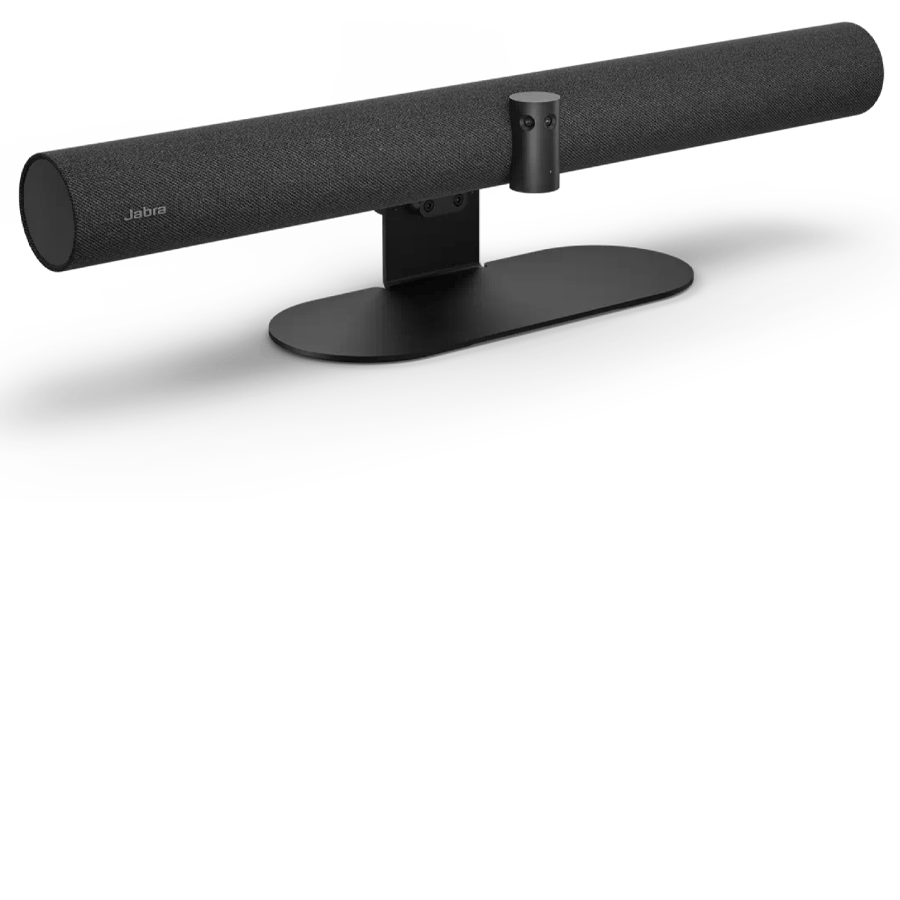
This outstanding video bar enables you to create a bespoke videoconferencing set up with touchscreens and mobile carts, without the need for a touch controller.
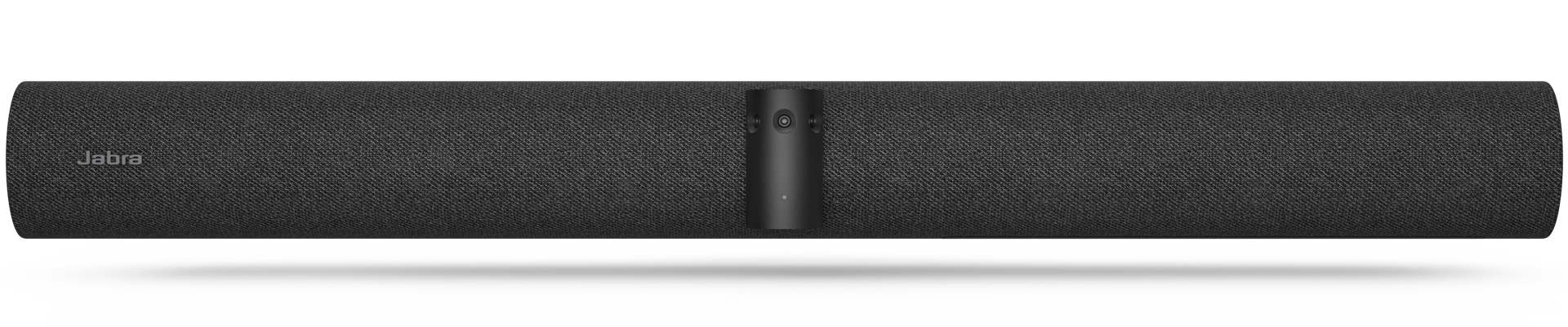
The intelligent video bar. For meetings your way.
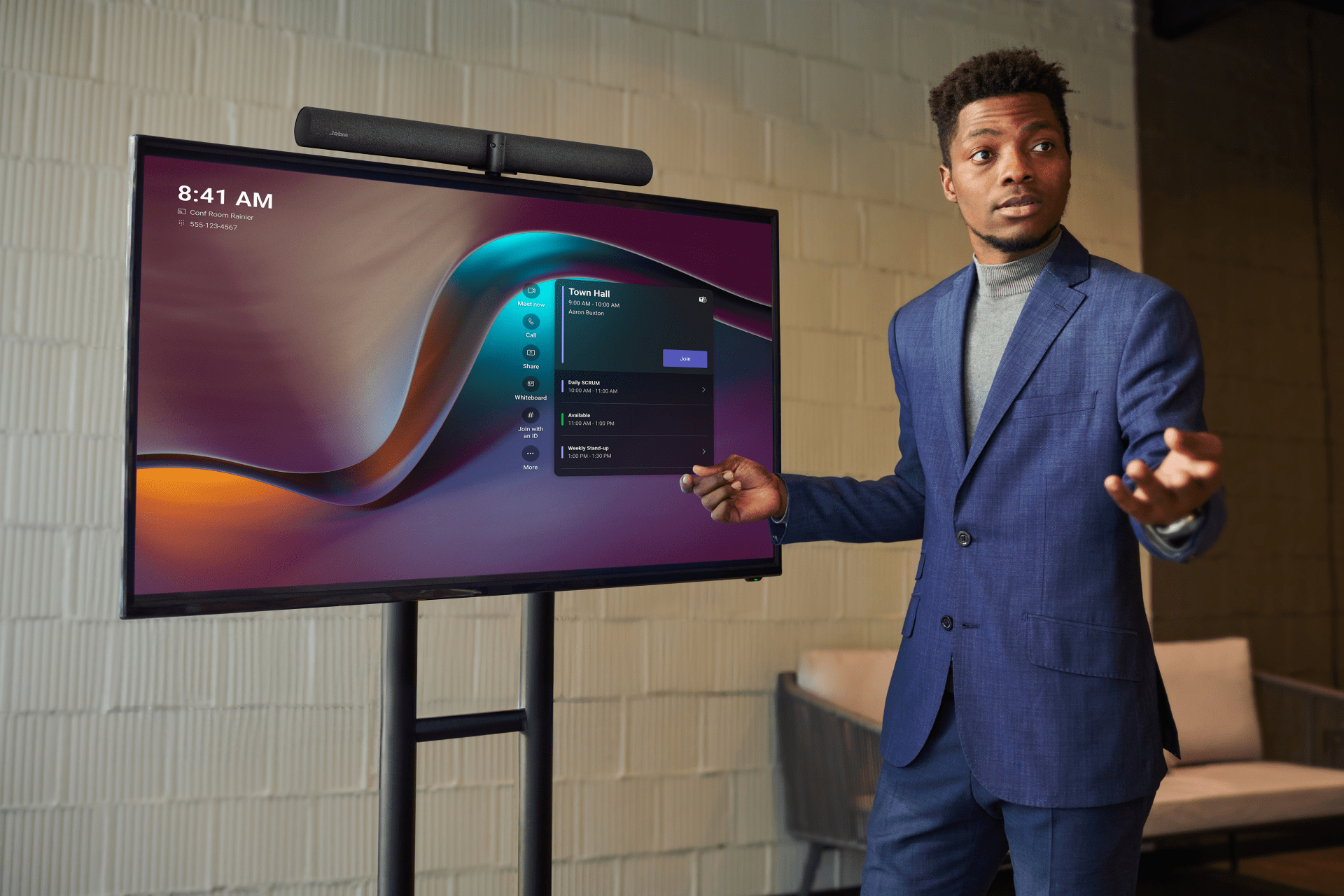
One bar, flexible setup options
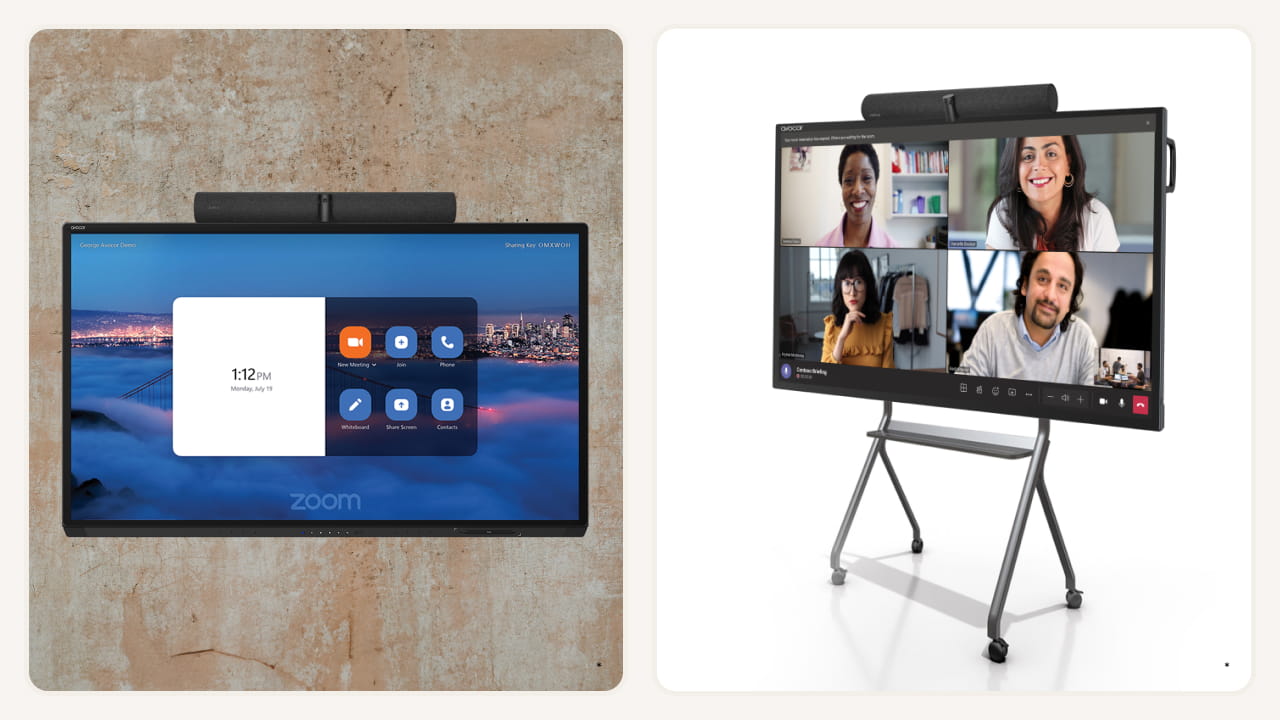
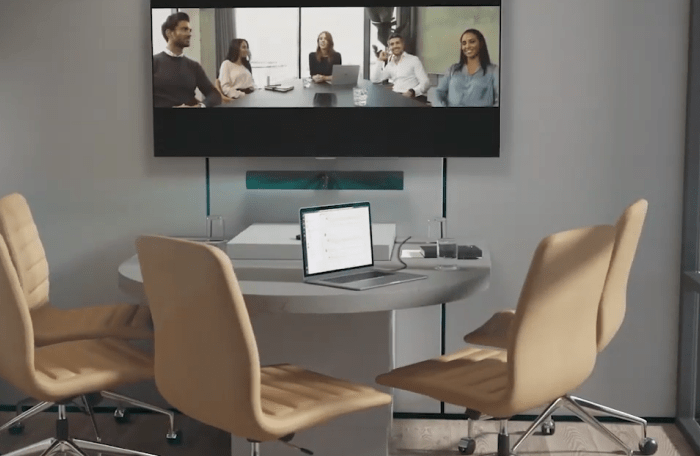
Are you looking for a portable video conferencing solution with a mobile cart and touchscreen? Do you need a simplified installation for an open workspace with a touch screen?
Whatever your setup, the PanaCast 50 VBS bar only offers a flexible cost-effective solution to elevate your video conferencing experience.
* Images courtesy of Avocor
ALLLLLLLL in

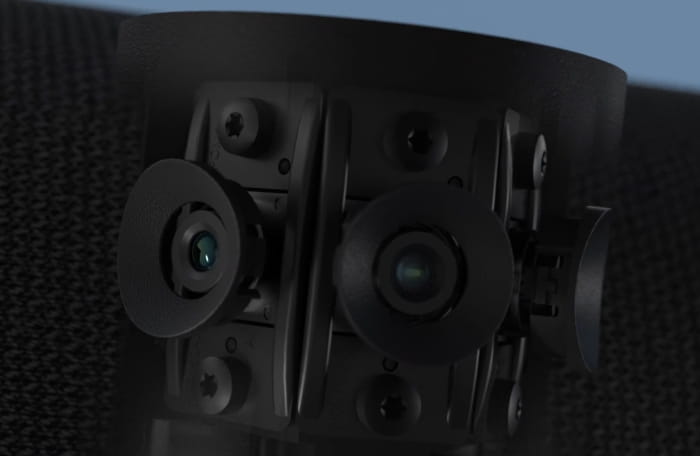
Our crisp, high-definition, patented real-time video stitching technology uses advanced algorithms to pinpoint the best way to live-stitch the three streams together as the meeting’s happening, creating a smooth, zero-latency 180° field of view in distortion-free Panoramic-4K.
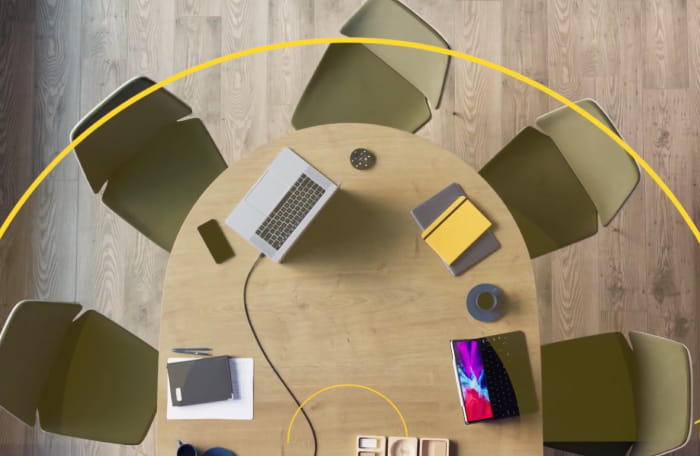

Be seen and heard
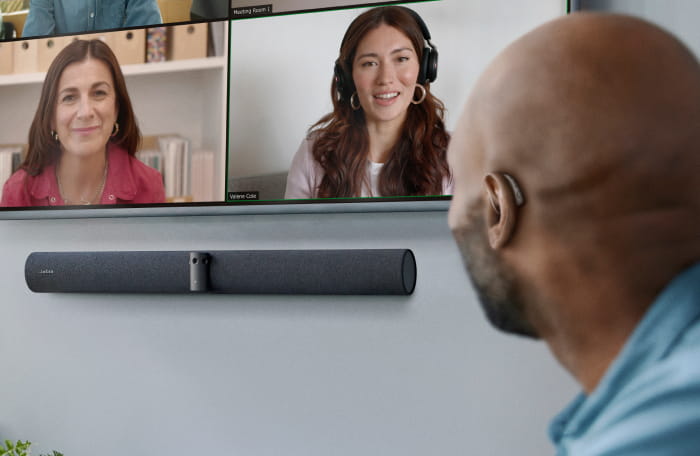
As you’d expect from the world leaders in professional audio, our PanaCast 50 VBS bar only makes sure your teams’ meetings sound as incredible as they look.
It adapts to whatever space they’re in, using four powerful speakers in a zero-vibration stereo setup to flood the room with premium high-definition sound, so even those all the way in the back can hear clearly.
And remote participants will hear things perfectly too, with enhanced noise suppression that cancels more background noise than ever before.


Tailored services for a seamless workday
Make hybrid working a success with Jabra’s complete range of services

Jabra PanaCast Tested Peripheral Devices
There are several options for cabling and extending the connection between Jabra PanaCast and the host or dock. Please see below for our current list of approved cables, extenders and USB hubs for use with Jabra PanaCast.
Don’t just take our word for it

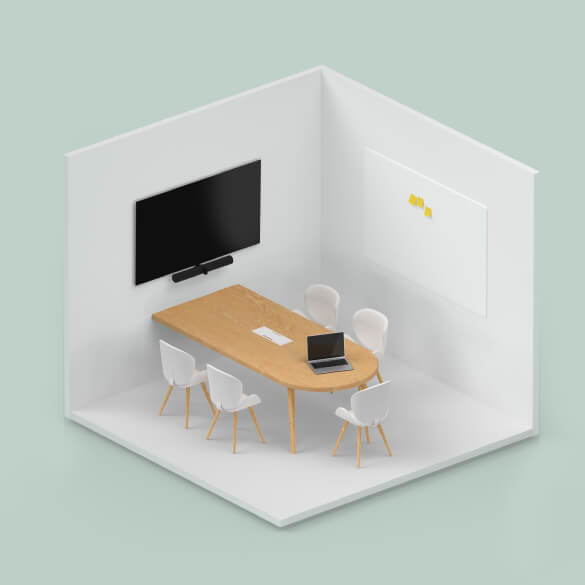
In a limited space, the 180-degree camera captures everyone’s image beautifully.
Make device management simple
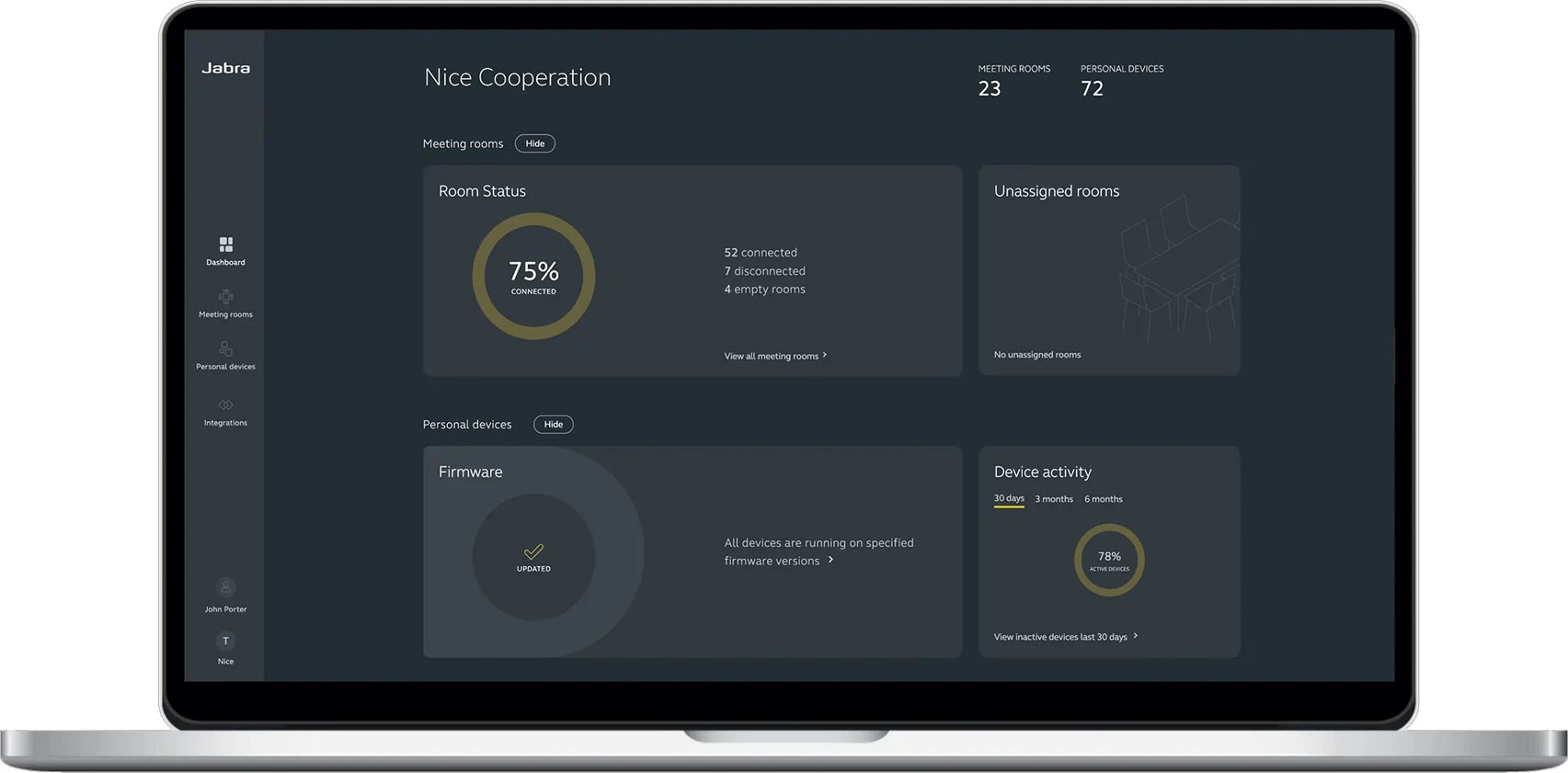
View, manage, control and update all your devices in one place, with Jabra Plus. Our comprehensive device management platform makes it easy for you to ensure your teams can get down to business with minimal device downtime or disruption, wherever they are.
Technical specifications
- Video input1 x HDMI
- Supported display resolutionSupports up to 4K, Touch Display Compatible
- Camera resolutionUp to 3x 13 megapixels
- Content sharingApple Airplay (only supported by Zoom), HDMI input, Microsoft Teams- Cast (only supported by Teams)
- Number of cameras3
- Type of cameraPanoramic multi-camera array
- ZoomUp to 3x lossless digital zoom at 720p
- Field of viewHorizontal: 180°, Vertical: 54°
- Intelligent ZoomYes
- Dynamic CompositionYes
- Virtual DirectorYes
- Vivid HDRYes
- Support secondary external USB cameraYes
- Speakers2 x 2" (50mm) woofers, 2 x 3/4" (20mm) tweeters
- Speaker frequency range80Hz - 20000Hz
- Number of speakers4
- Automatic Speaker DetectionYes
- Full DuplexYes
- Noise Reduction Echo CancellationYes
- Non-Speech Noise SuppressionYes
- Woofer driver2 inches, outer diametre 61mm, Sensitivity: 79dB +-2db @ 1 Watt, 1 meter, Rated Power: 5 Watts, Impedance: 4 Ohms
- Mid-Range driver0,6 inches, outer diametre 33,2mm, Sensitivity:80,5db +/- 2bd @ 1 Watt, 1 metre, Rated Power: 5 Watts, Impedance: 4 Ohms
- Microphone type8 microphone beamforming array - certified for rooms up to 4.5m x 6m
- Number of microphones8
- Microphone sensitivity-37dBFS
- Microphone frequency range100Hz - 16000Hz
- Microphone pick up range6m | 20ft
- Compatible software and/or appsSupport for native 3rd party applications, including Microsoft Teams Room for Android and Zoom Rooms, cloud service providers including Microsoft Teams Admin Center and Zoom Device Management, Jabra Plus for admins, Jabra WebConsole for remote device management via HTTPs
- Integrated People CountYes
- Appliance modeYes
- BYOD modeYes
- Digital pan/tilt/zoomYes
- Manual Pan-Tilt-Zoom (PTZ)Yes
- One touch meeting joinYes
- Camera privacy coverYes
- InterfacesUSB-A, USB-C, Ethernet (RJ45), HDMI, Wi-Fi
- Bluetooth® version5.1
- Supported USB versionsUSB 2.0, USB 3.0
- Internet Protocol (IP)IPv4
- Ethernet10/100/1000 Mbps
- Auto-MDIXYes
- Proxy supportHTTPS
- Support DHCPYes
- Support Static IP AddressYes
- Media encryptionProvided by VaaS Partner
- Access managementJabra Plus for admins, Admin menus, Jabra WebConsole, Local account, VaaS Admin Portals including MS Teams Admin Center and Zoom Device Management
- Security managementRemote log in via Jabra WebConsole, Jabra Plus for admins, and VaaS Admin Portal
- Authenticated access to Admin settings, Jabra WebConsole, Jabra Plus for adminsYes
- Lockdown with secureboot, OS verified boot, Vendor lockYes
- Log retrieval via Web ConsoleYes
- Microsoft and Zoom based Vaas account authenticationYes
- Operating temperature5°C to 35°C | 41°F to 95°F
- Operating humidity15% to 80%
- Storage temperature-20°C to 60°C | -4°F to 140°F
- Maximum altitude4876.8m | 16000ft
- Temperature sensorYes
- Humidity sensorYes
- CO2 sensorYes
- TVOCs sensorYes
- Box contentsVideo bar, power supply, wall mount, Privacy cover with sensor, Cable compartment cover and tool, 1 x Ethernet cable 1.83m/6ft, 1 x HDMI cable 1.83m/6ft, 1 x regional power cable
- Packaging dimensions785mm x 189mm x 183mm | 30.9in x 7.4in x 7.2in
- Main unit dimensions (WxHxD)730mm x 77mm x 146mm | 28.8in x 3.1in x 5.8in
- Main unit weight (base unit)2259g | 79.7oz
- Package weight4850.7g | 171.1oz
- Warranty2 years
- Onboard AIYes
- Cable managementYes
- Kensington lock compatibleYes
- Operating voltage100-240V, 12V, 5A
- LED features and functionsAnswer/end call, Firmware update status, Mute/unmute, Power indicator
- Certifications and complianceMicrosoft Teams Rooms, Zoom Rooms
Contact Sales
Get the best solution for your organization and specific use case. Our experts can advise on products, compatibility and UC deployments.
Try Jabra for free
We offer free trials for companies of 500+ employees, who are replacing their current devices or have a new project. T&Cs apply.
Need technical support?
For product support and warranty-related questions, visit our support pages where you can find user manuals, FAQs, videos, contact information and more.