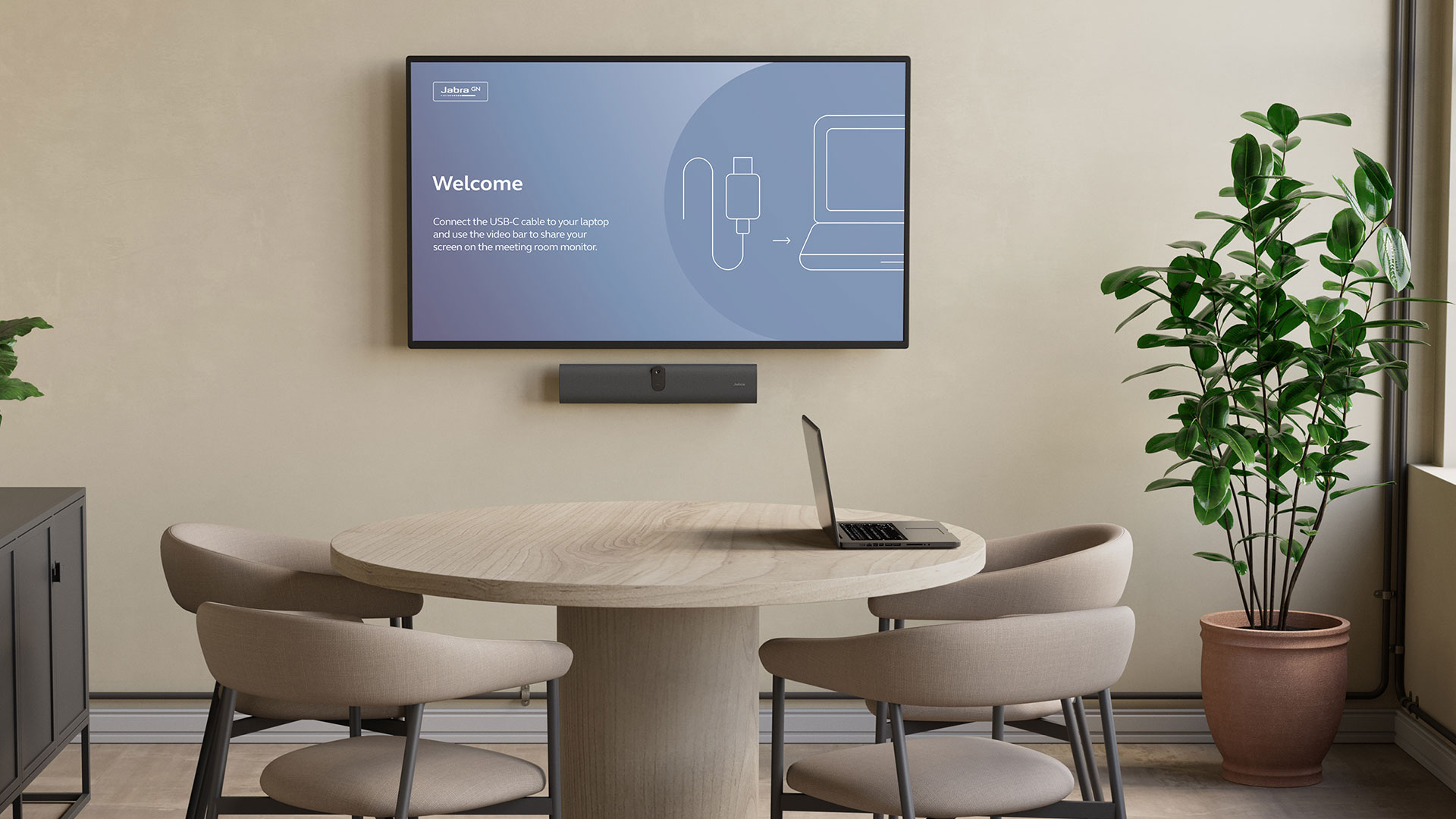
An onboarding wallpaper with simple how-to-use instructions to avoid guesswork
One single USB-C cable to connect to your device
Wide angle video and premium Jabra audio
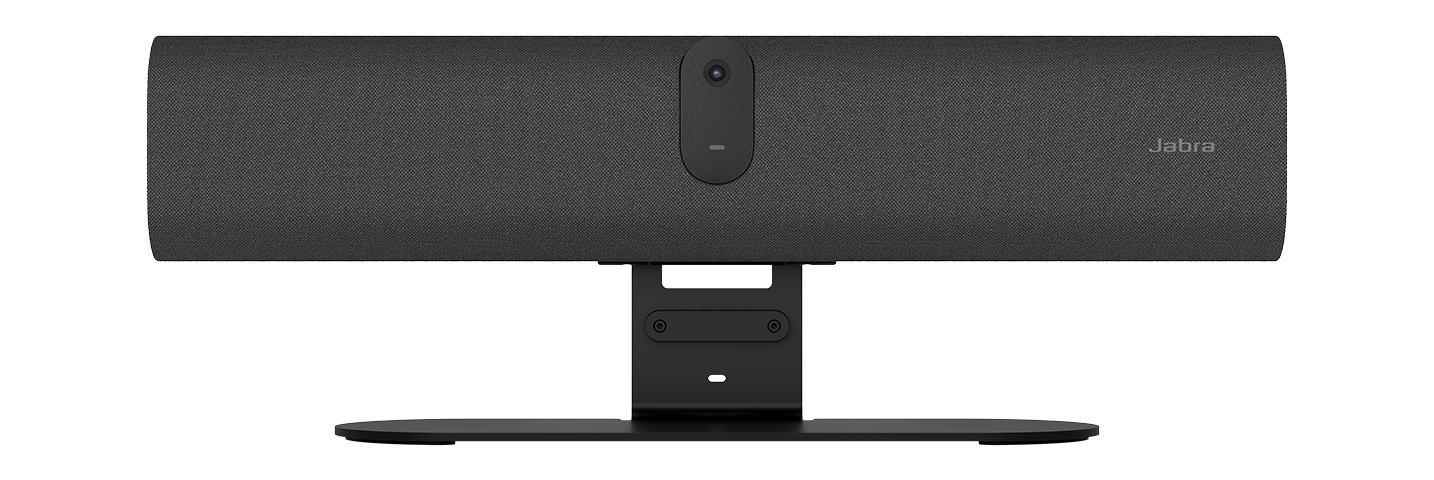
Fast, flexible installation options for easy scalability
Loading component...
JABRA VIDEO SOLUTIONS
PanaCast U30
A big meeting experience for small rooms
Loading component...
SAY HELLO
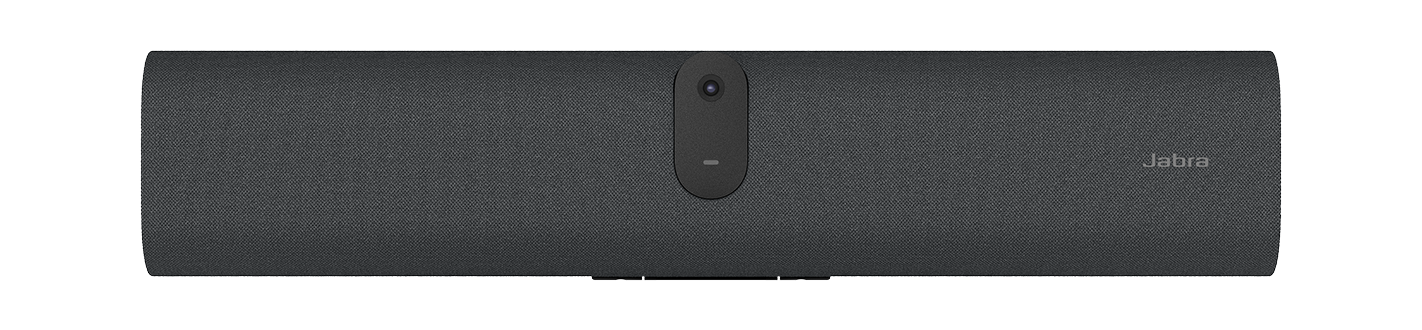
Introducing the PanaCast U30
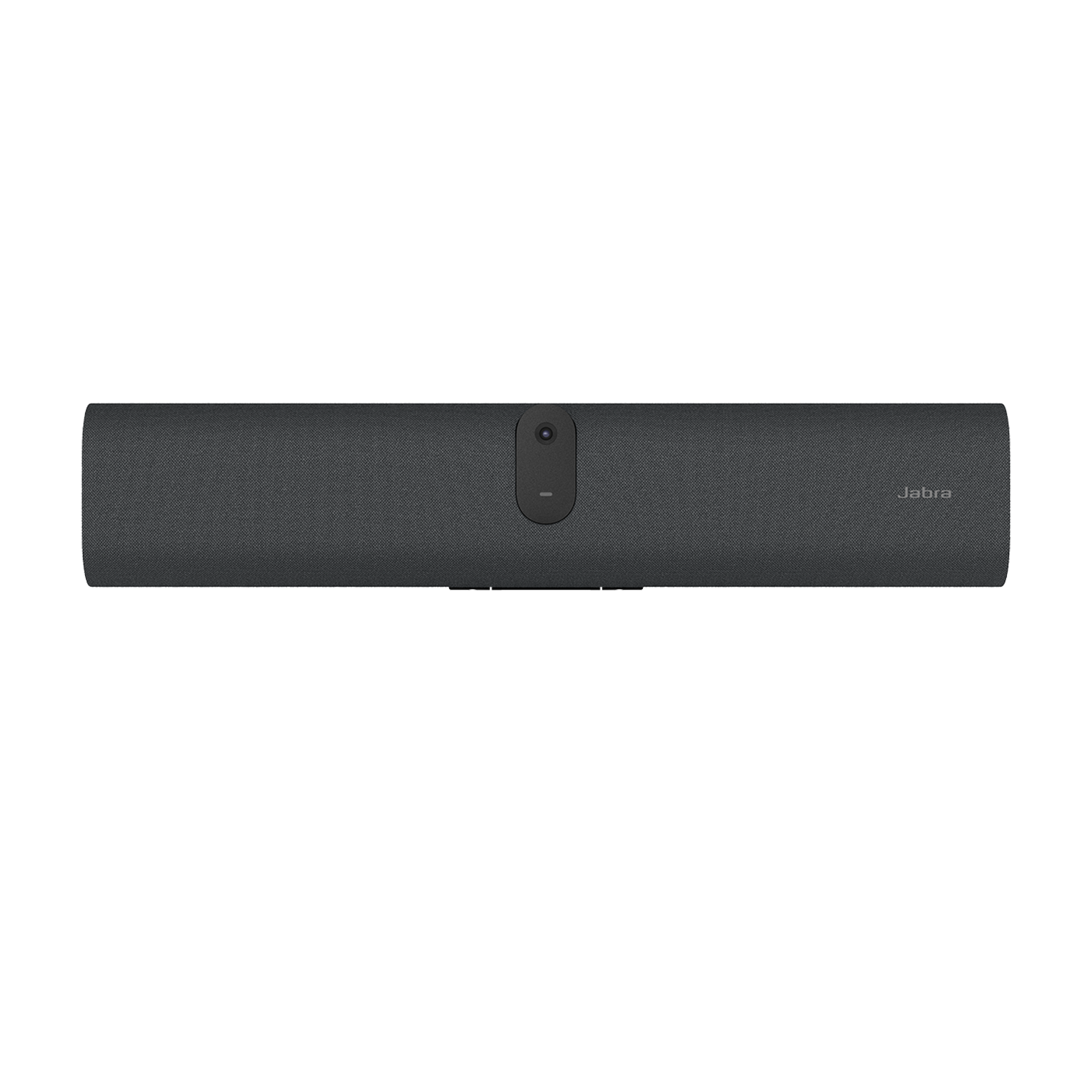
Deliver a better BYOD experience with a compact video conferencing bar featuring onboarding wallpaper, single USB-C connection, and premium Jabra audio and video.
Loading component...
Recommended Accessory
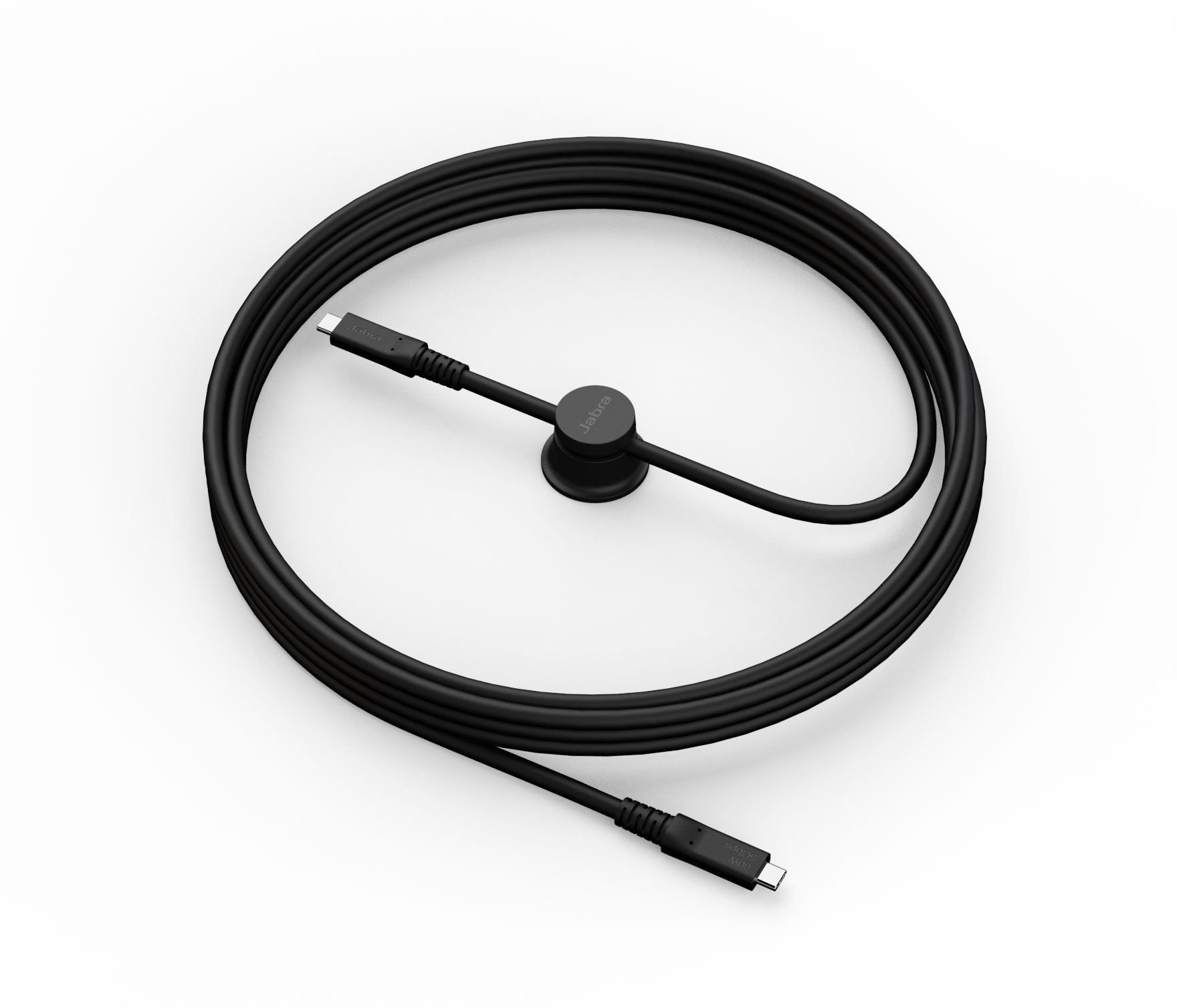
Ideal for meeting rooms where the laptop is placed further away from the video bar, this active 5M USB-C cable ensures a tidy setup without compromising the quality of the BYOD experience.
Works with your meeting platform
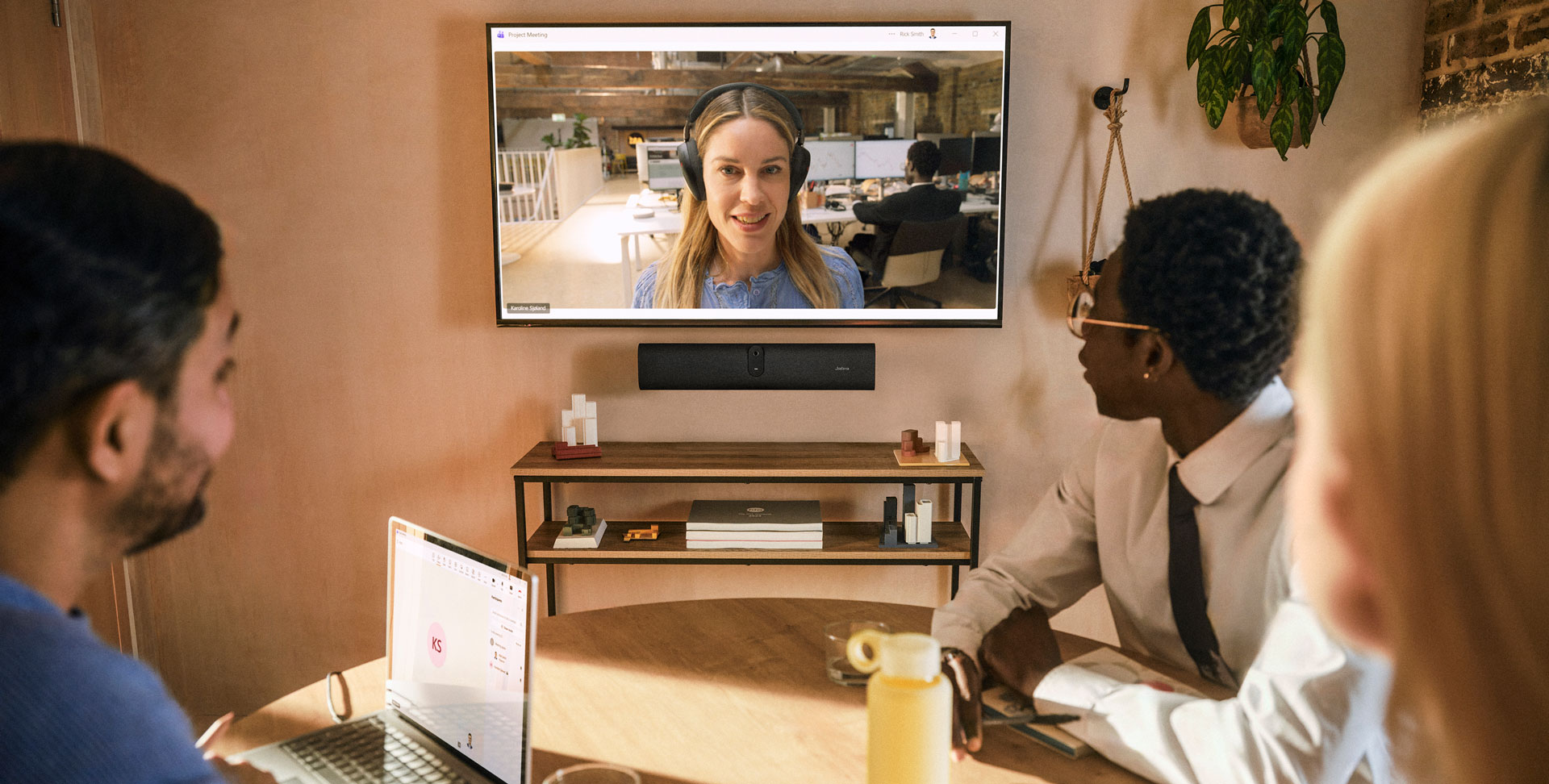
Start the meeting from your device as usual, with the convenience of using a familiar interface. Works with Microsoft Teams and Zoom.
Loading component...
Loading component...
1 Jabra Warranty+ is only available for business end-customers and must be purchased at the time of product purchase through eligible resellers. Reach out to your Jabra Account Manager or Jabra Support to find out which enterprise products and countries are covered by Jabra Warranty+. The following terms and conditions apply to Jabra Warranty+: www.jabra.com/business-services-terms
2 Teams certification is pending as of May 2026. Please refer to Jabra.com or your Jabra representative to confirm certification status.
3 PanaCast U30 supports DisplayPort Alt Mode. However USB 2.0 cables are not compatible with DisplayPort Alt Mode. To use DisplayPort Alt Mode with PanaCast U30 you can use the cable supplied in the box. Jabra also offers a 5m Active USB 3.2 Gen 1 Cable which supports DisplayPort Alt Mode. See accessory list.
4 Partner specific.
5 Please note that audio from within the room is not streamed, and people outside the room may be able to connect and listen in.
2 Teams certification is pending as of May 2026. Please refer to Jabra.com or your Jabra representative to confirm certification status.
3 PanaCast U30 supports DisplayPort Alt Mode. However USB 2.0 cables are not compatible with DisplayPort Alt Mode. To use DisplayPort Alt Mode with PanaCast U30 you can use the cable supplied in the box. Jabra also offers a 5m Active USB 3.2 Gen 1 Cable which supports DisplayPort Alt Mode. See accessory list.
4 Partner specific.
5 Please note that audio from within the room is not streamed, and people outside the room may be able to connect and listen in.